Customer01 / 05
My usual
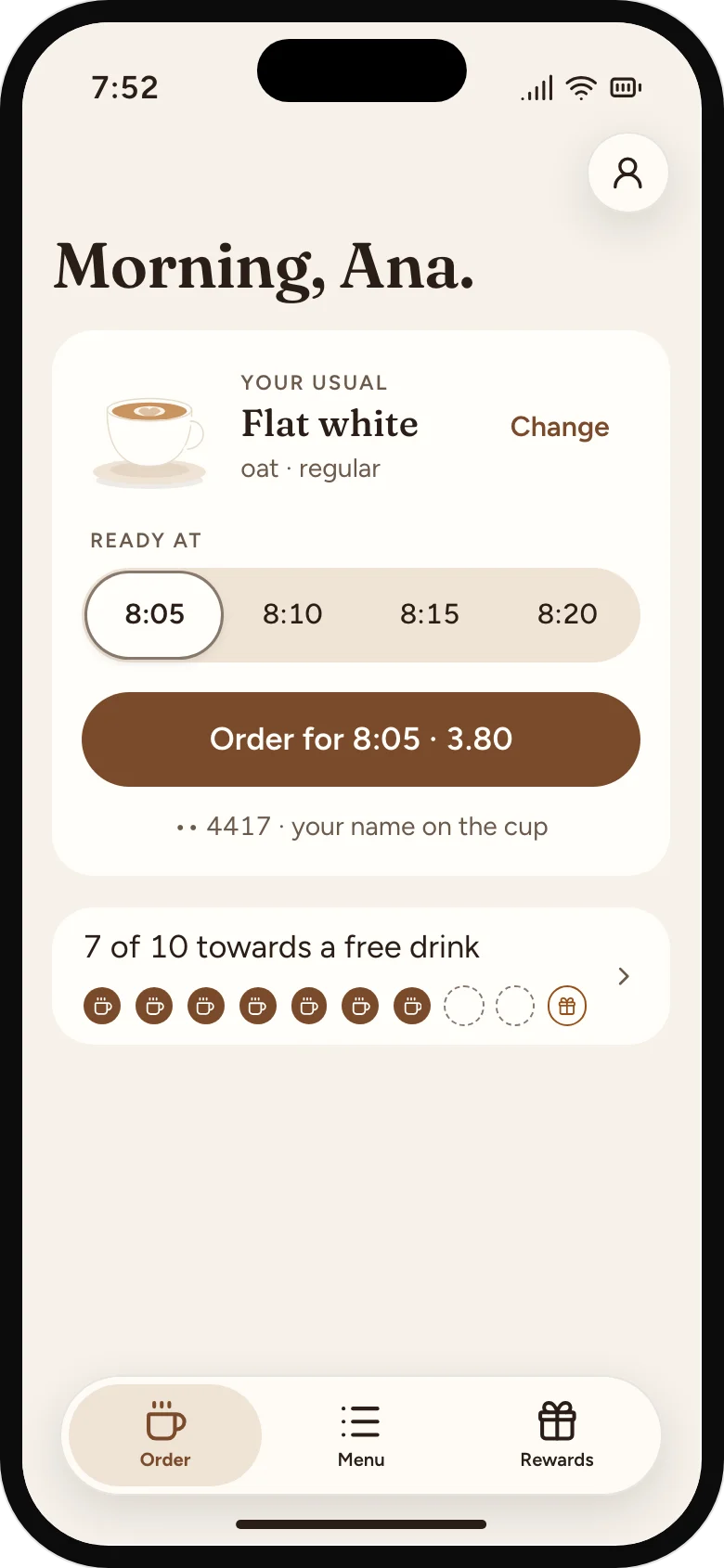
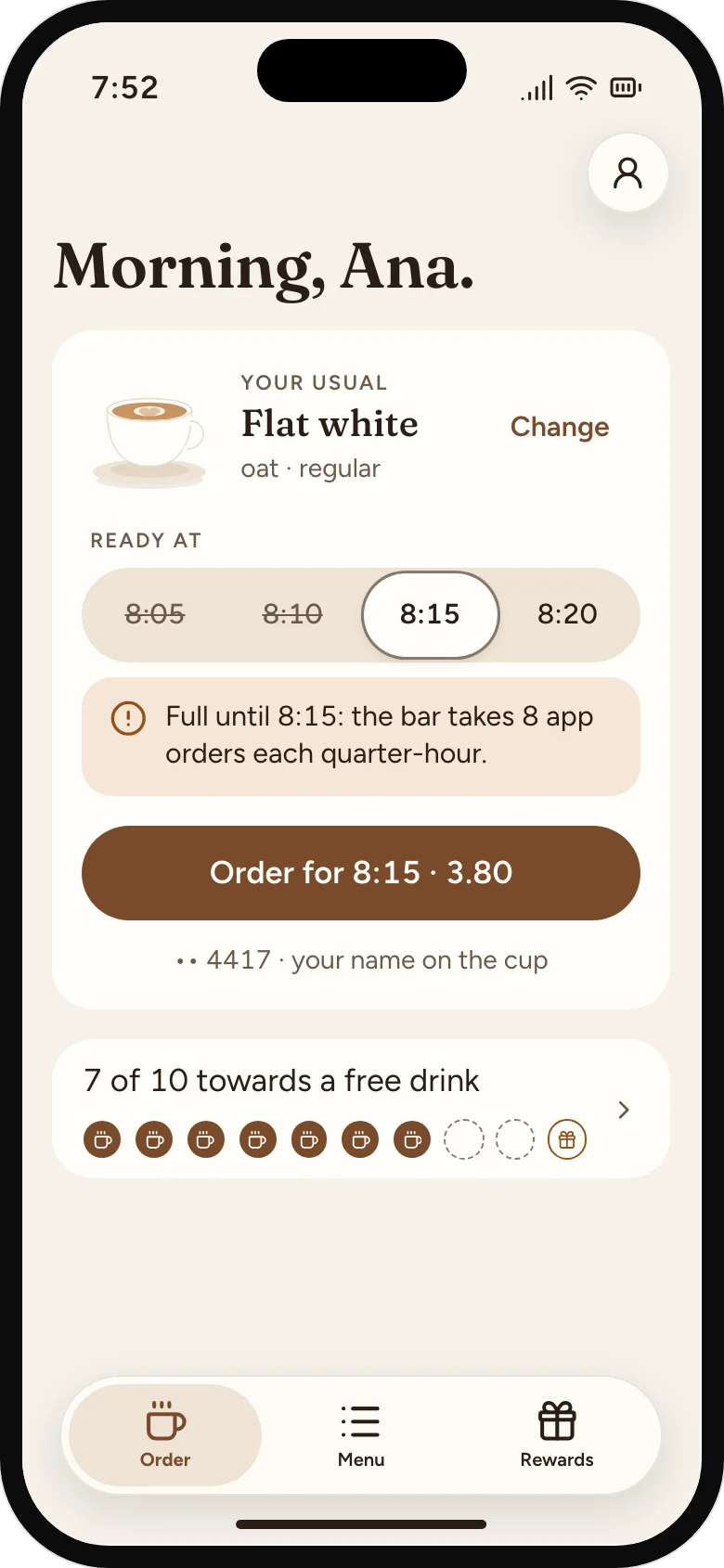
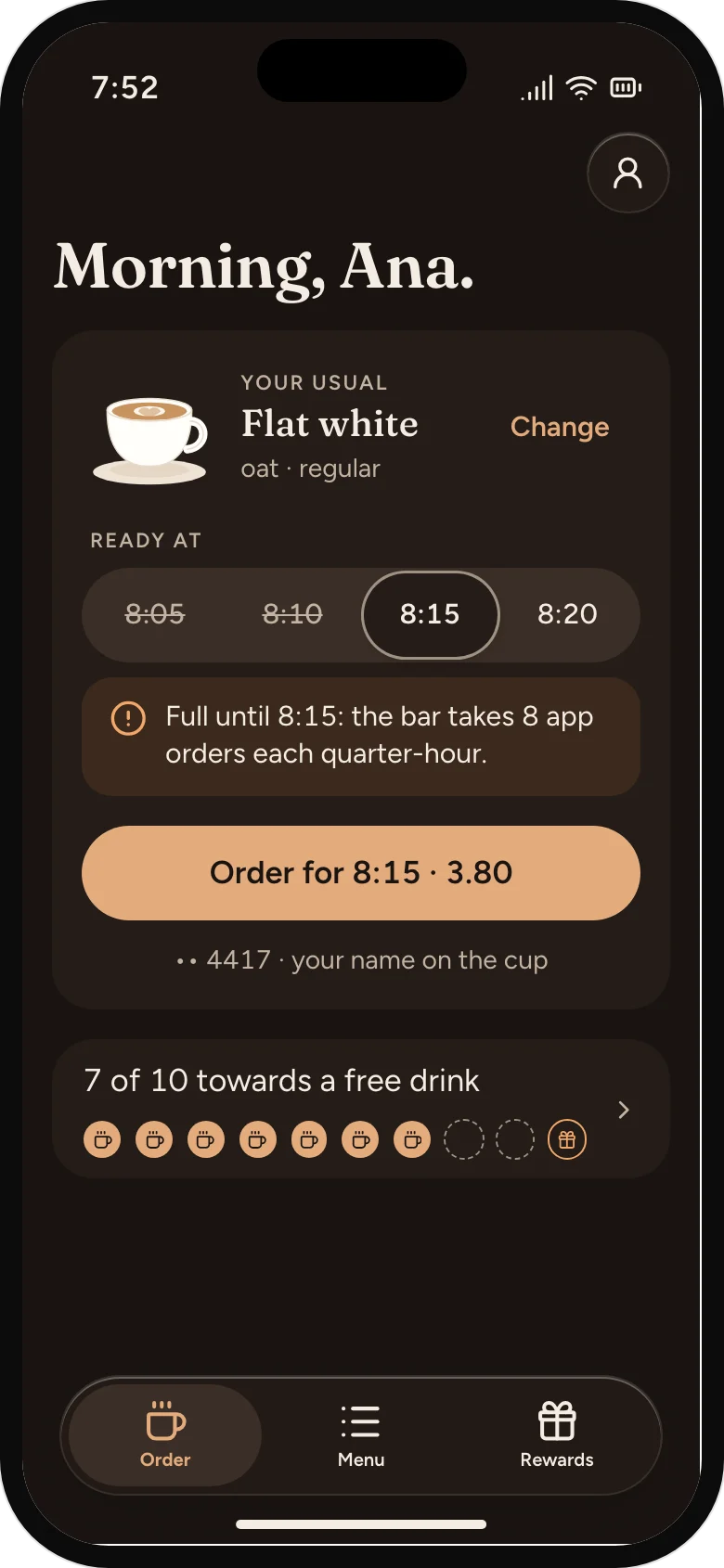
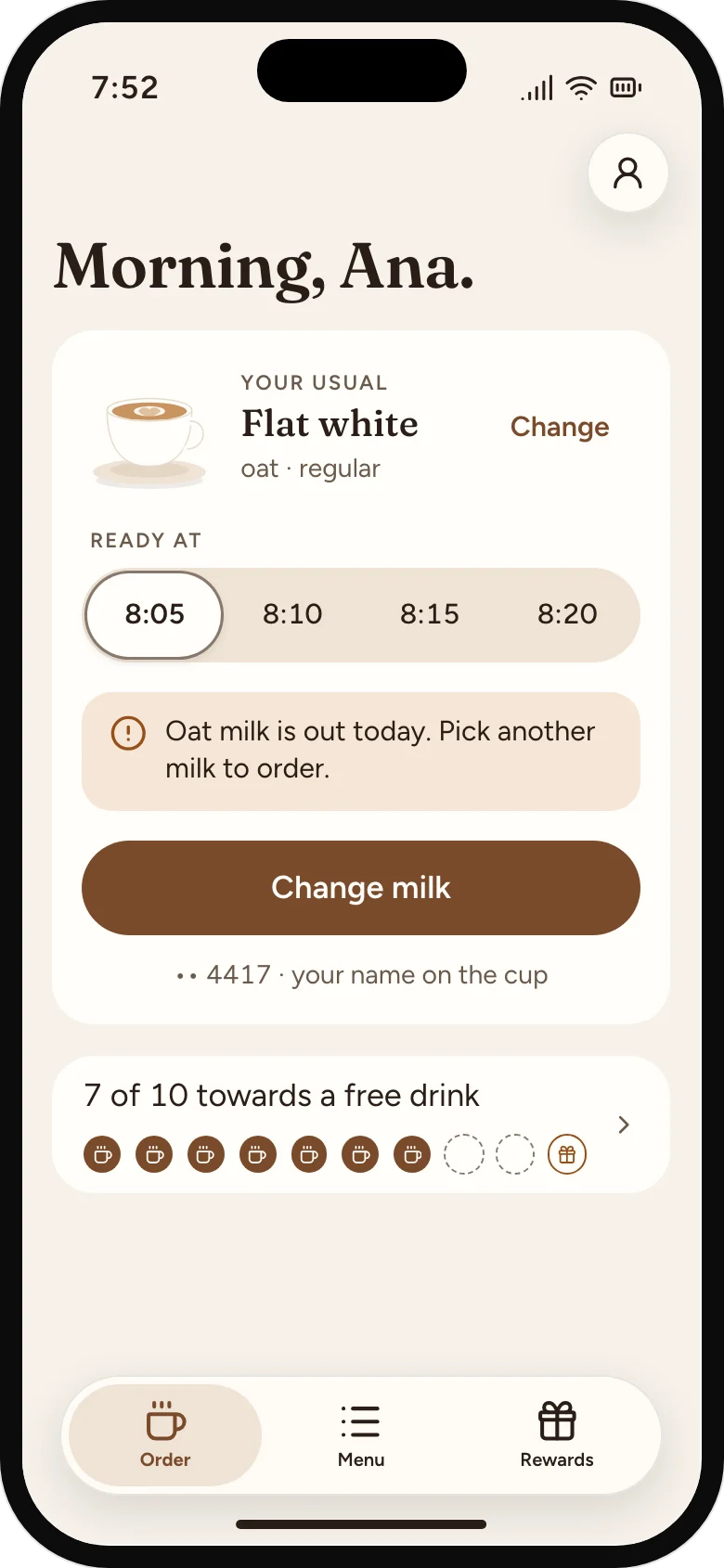
On the tram, a regular opens the app. It's already on their usual, an oat flat white, so they choose "ready at 8:10" and tap once.
Mori Coffee · Order-ahead app with loyalty
At Mori, the baristas know half the morning crowd's orders by heart. Between 7:30 and 9, that knowledge stops helping: the queue reaches the door, and the regulars who know exactly what they want stand behind the ones still reading the menu. Some look at the line and keep walking.
Two baristas run the bar at peak; the owner takes orders and money. Loyalty is a paper card, ten stamps for a free drink, and most cards end up in a coat pocket. The till records what sold, but not who bought it, so the owner can't tell a regular who's drifted away from one who moved house.
The queue is two kinds of customer in one line. Regulars want speed; newcomers want time to choose. Order-ahead only works if a regular's usual is one tap, and the bar never feels like a vending machine for everyone else.
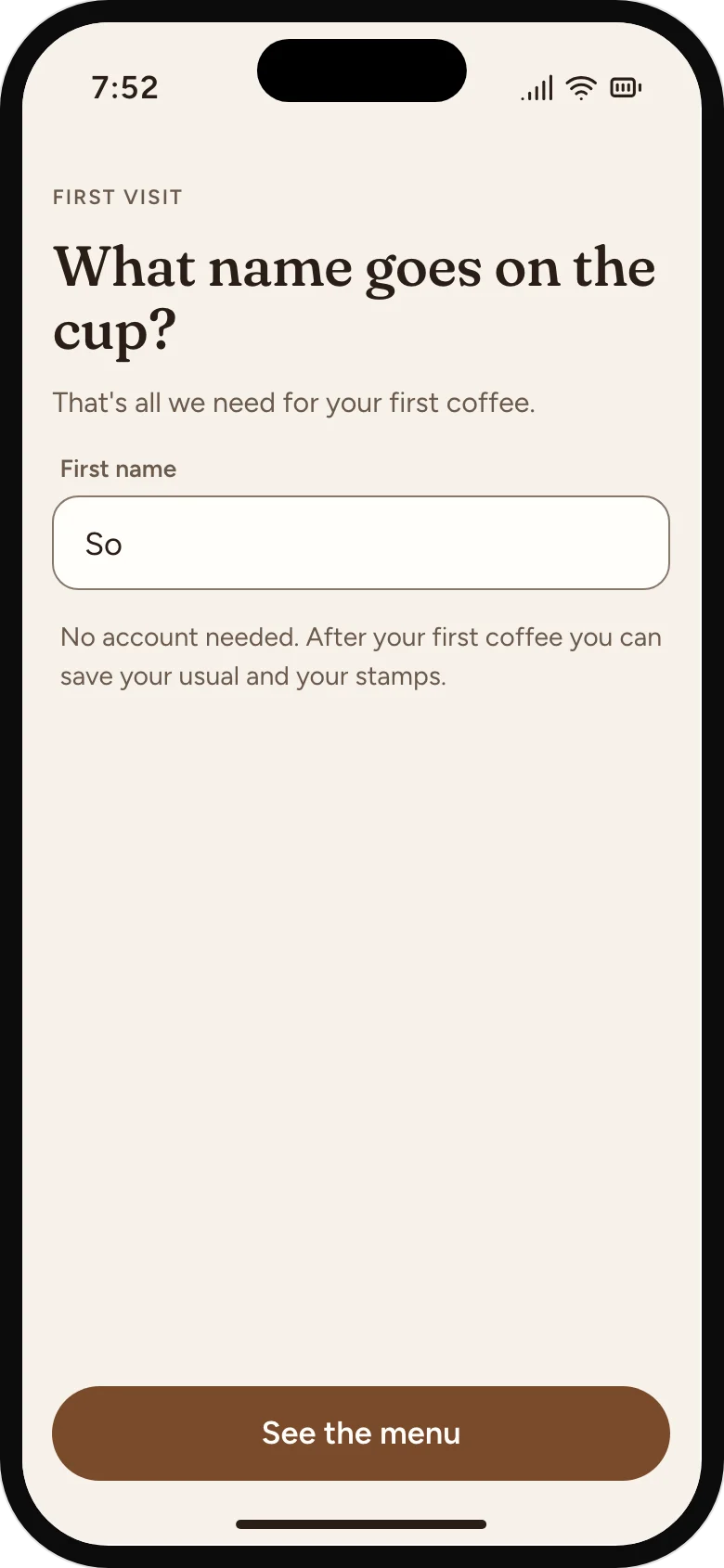
The app opens on your last order. Tap once, pick a pickup time, pay. Change milk or size in one step if today's different. A first order needs only a first name for the cup; saving the usual is offered after it.
You choose "ready at 8:10", not "as soon as possible". Each 15-minute slot holds as many app orders as the bar sets; a full slot offers the next one. The bar sees orders in pickup order, so app drinks are made to the minute and walk-ins keep their place.
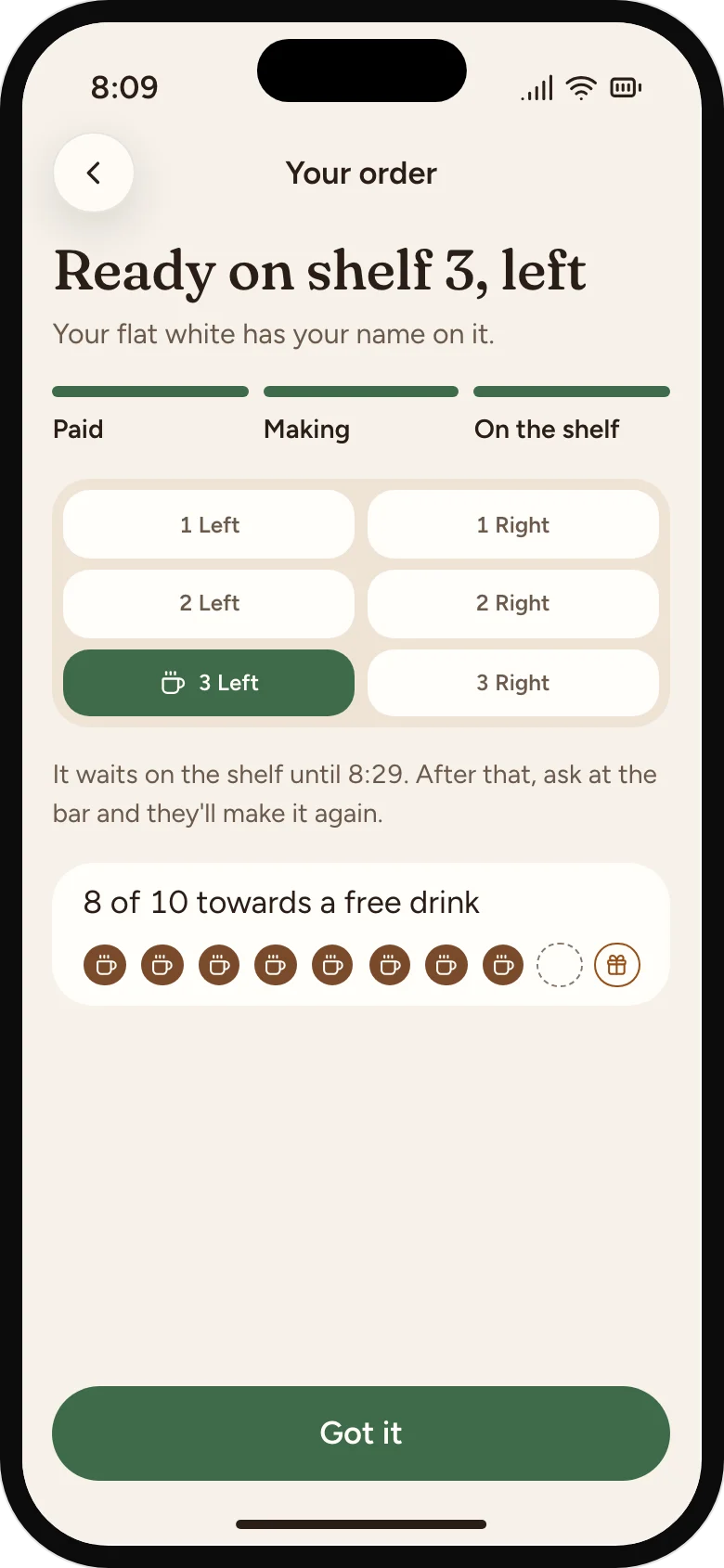
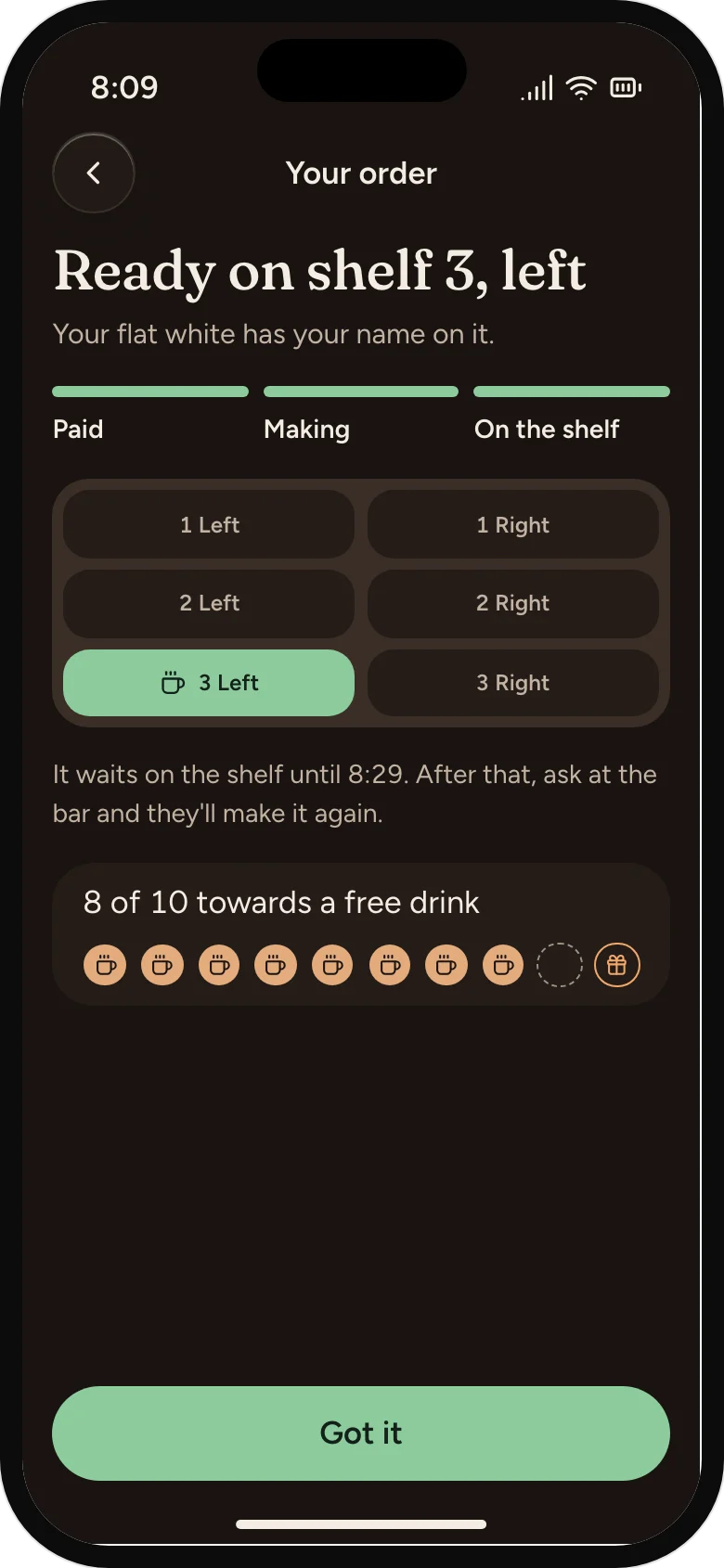
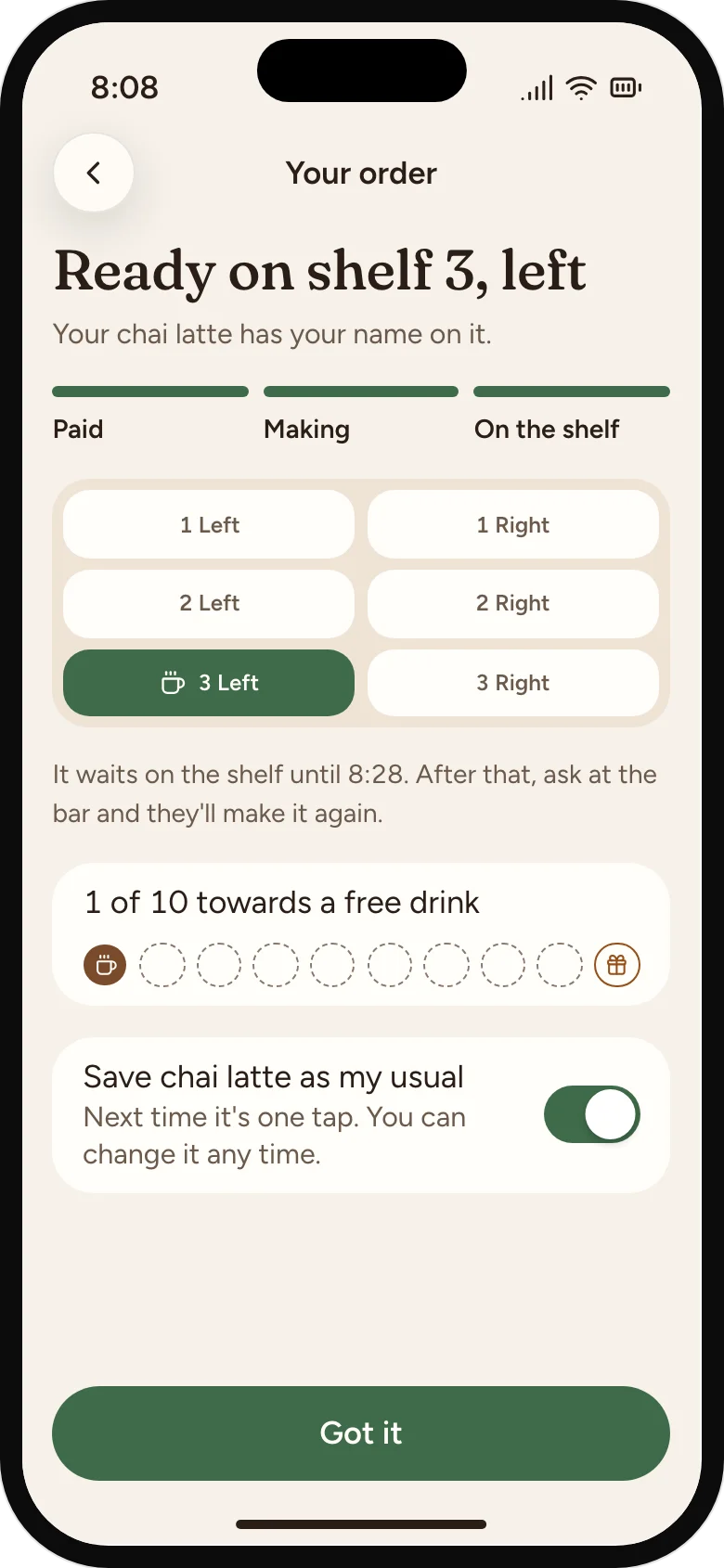
Each cup gets the customer's first name and a shelf position. The app says "Shelf 3, left" when it's ready.
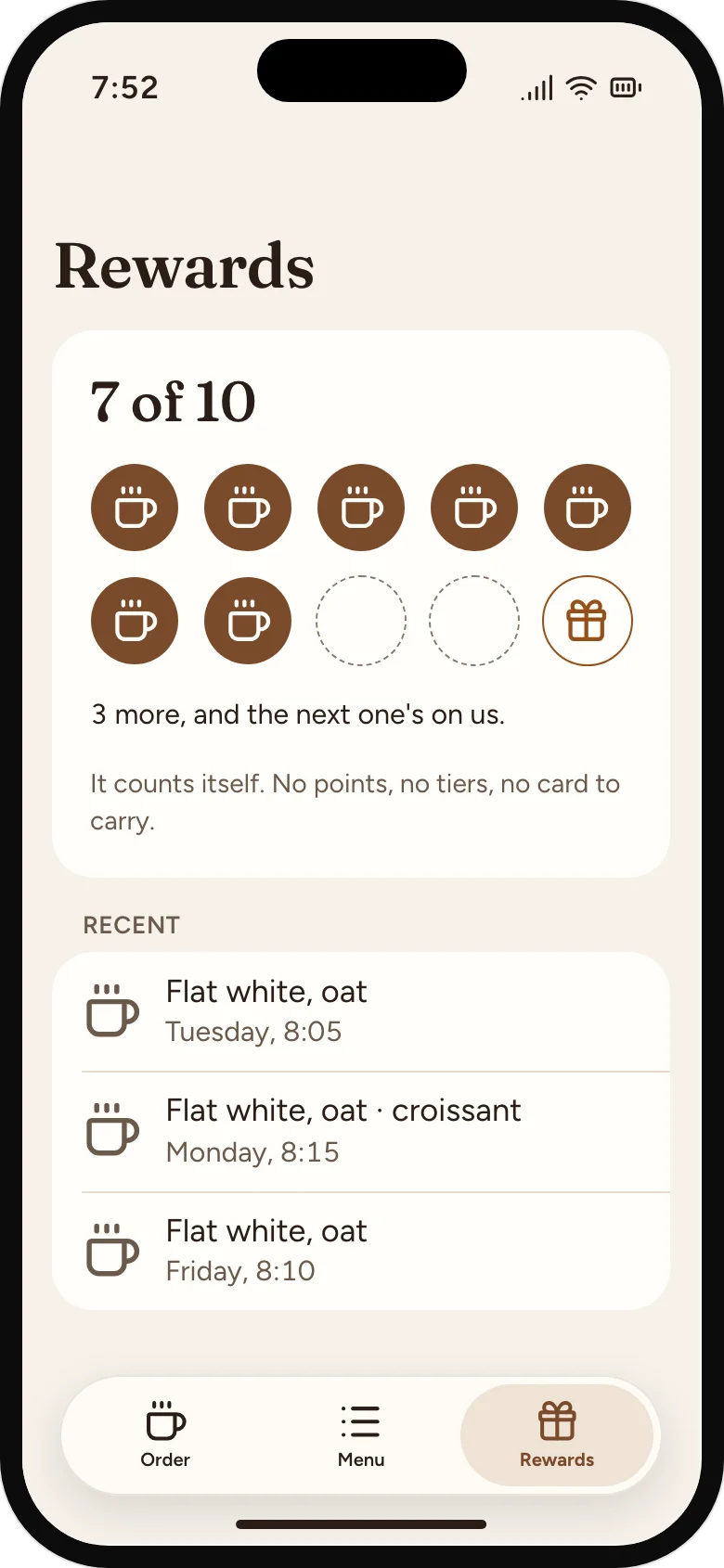
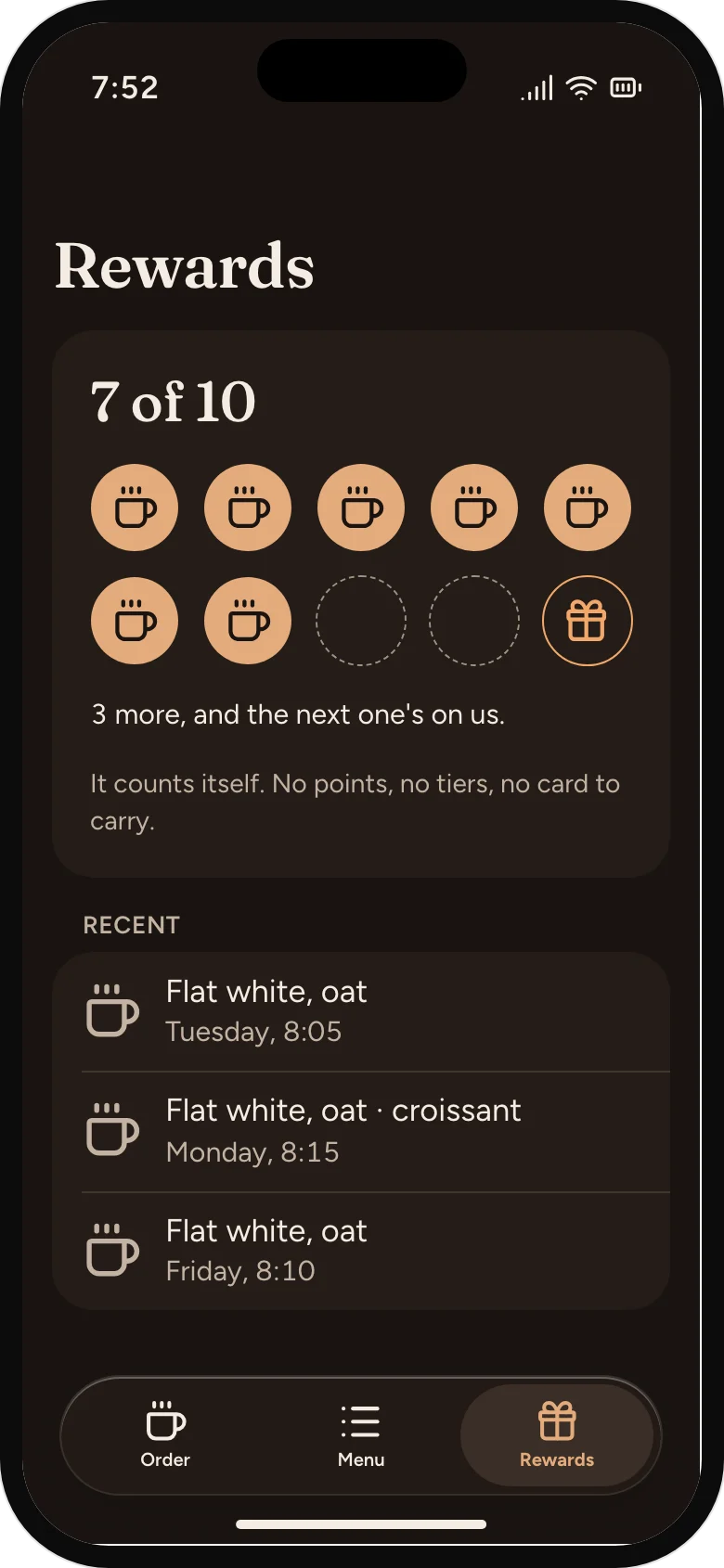
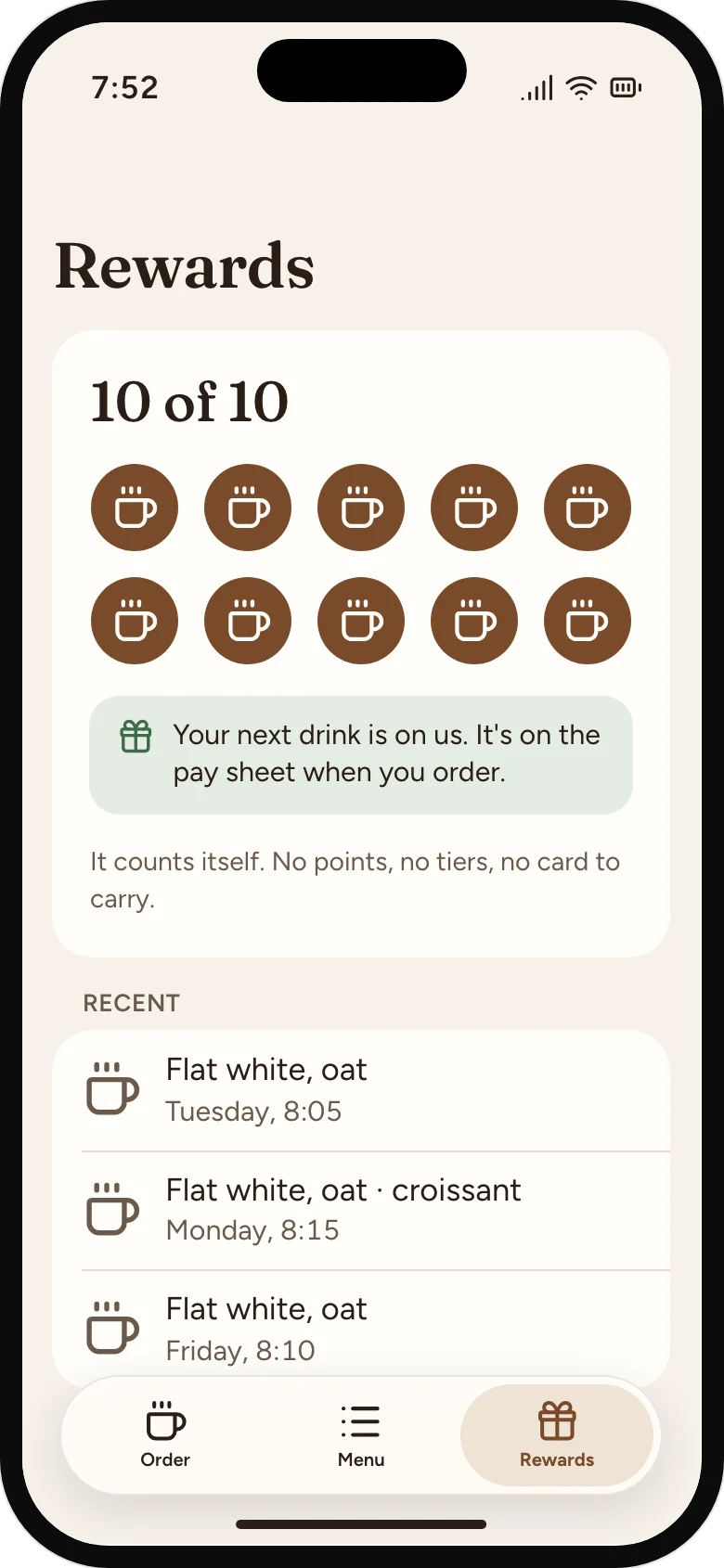
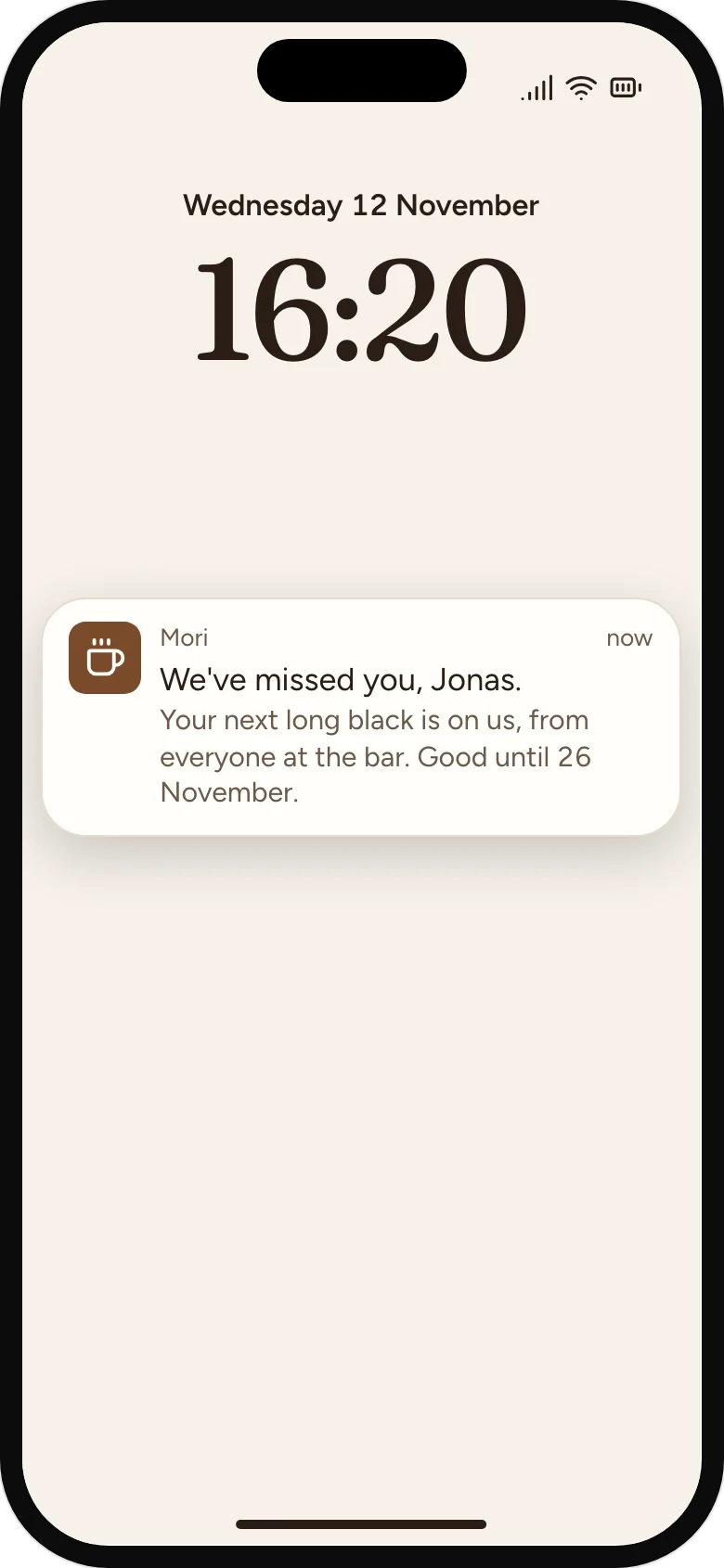
Every order fills a row of ten cups, and the first order already fills one. The owner can send a "we've missed you" drink to a regular who hasn't been in for three weeks.
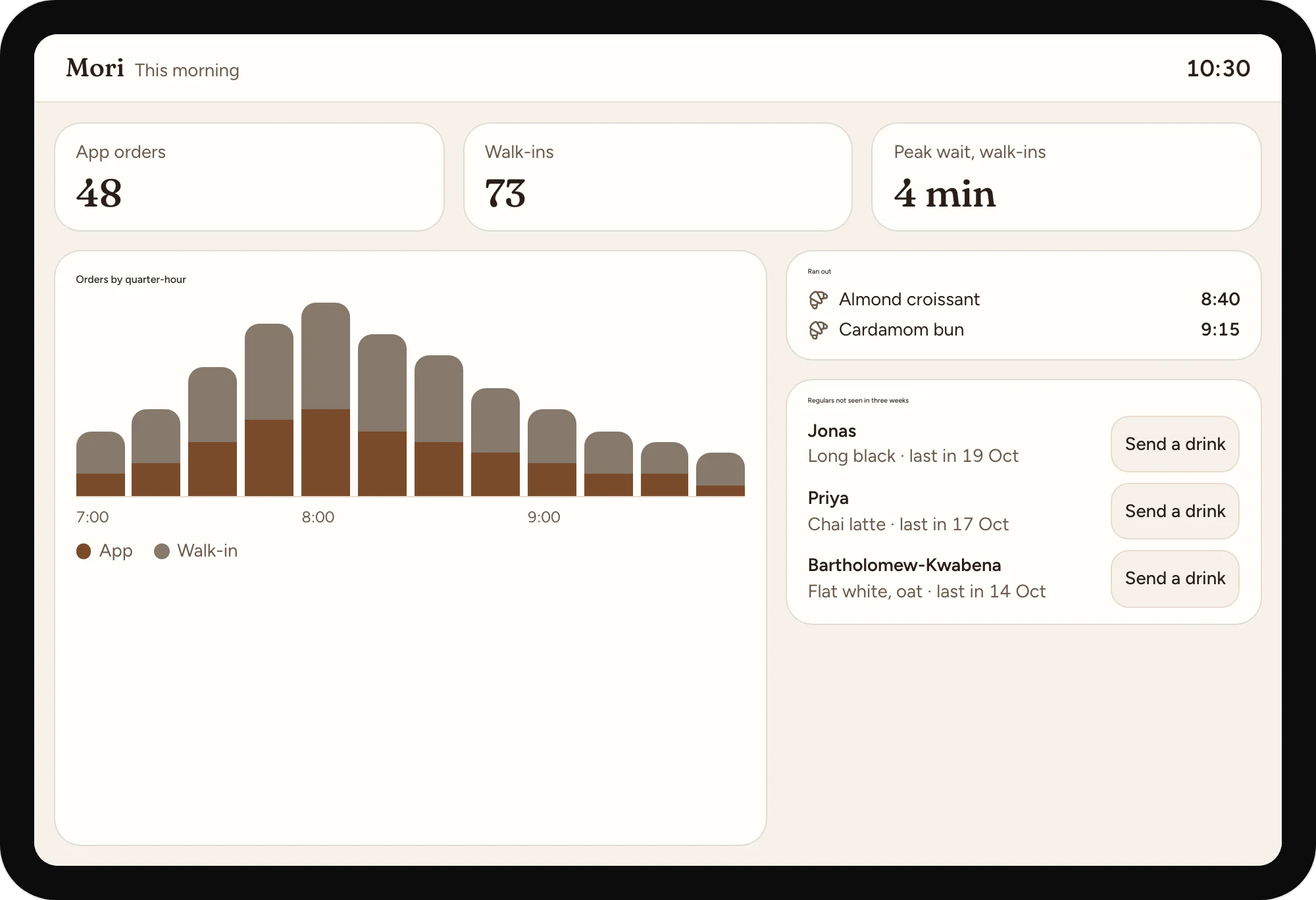
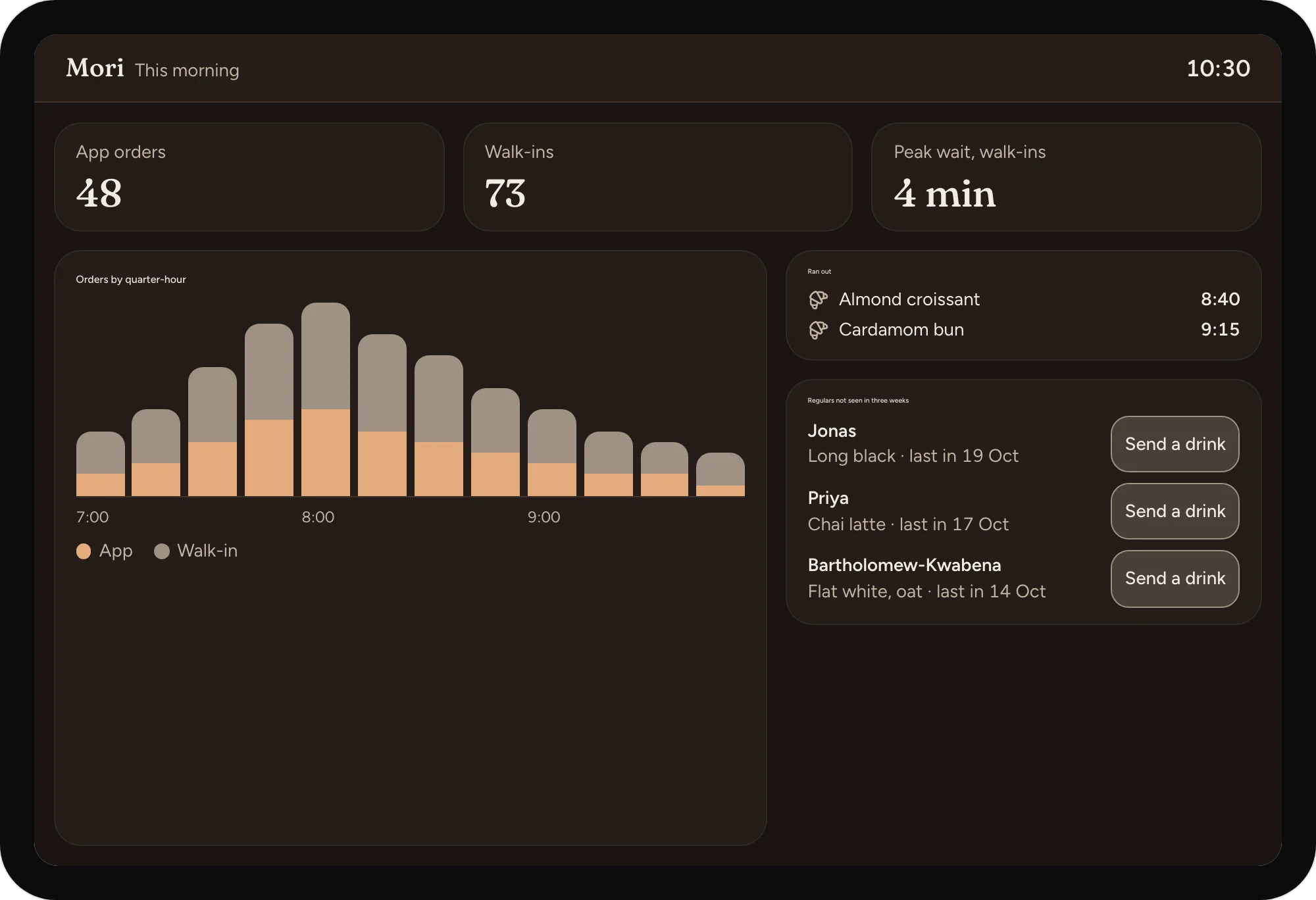
What sold by quarter-hour, which pastries ran out before 9, and app orders per slot, so tomorrow's prep and the second barista's start time follow real demand.
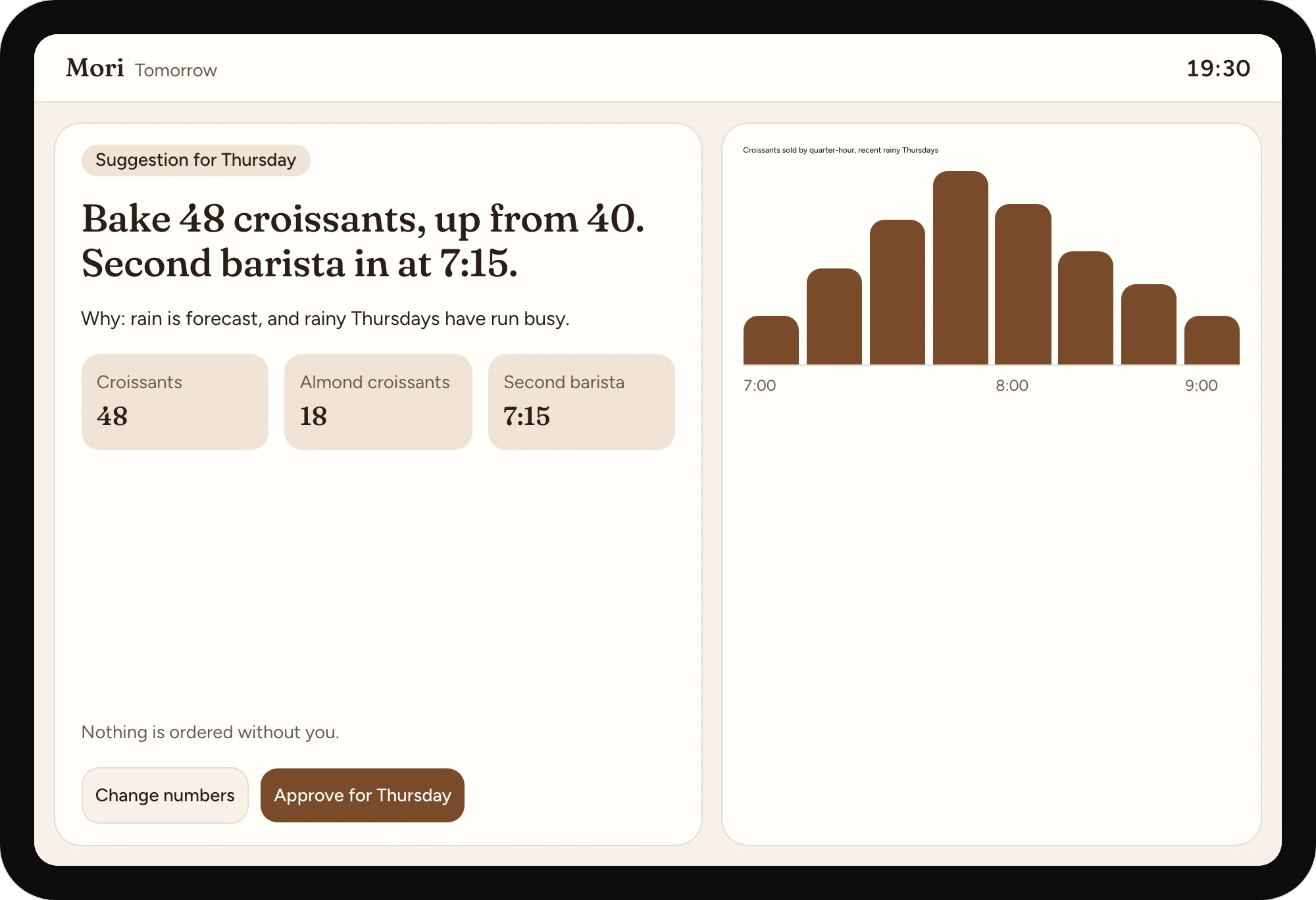
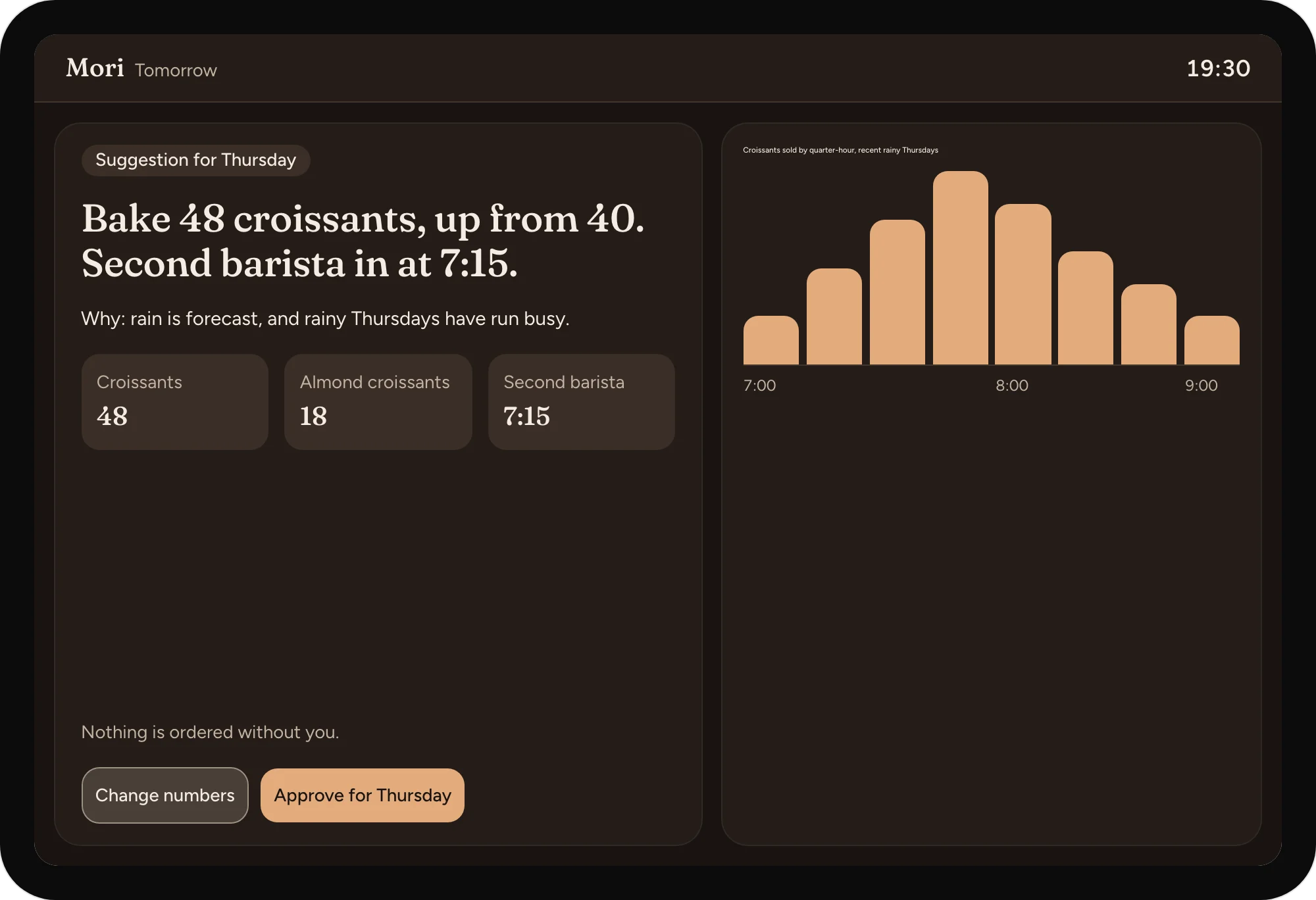
Each evening a forecast suggests tomorrow's pastry order and peak staffing from recent mornings, the weather and local events. The owner sees the suggestion and the reason ("rain forecast; rainy Thursdays have run busy") and can change it. Nothing is ordered without them.
We chose not to build a points-and-tiers loyalty scheme. Regulars want a free drink that counts itself, not a programme to manage, and tiers would have the bar explaining rules at 8am.
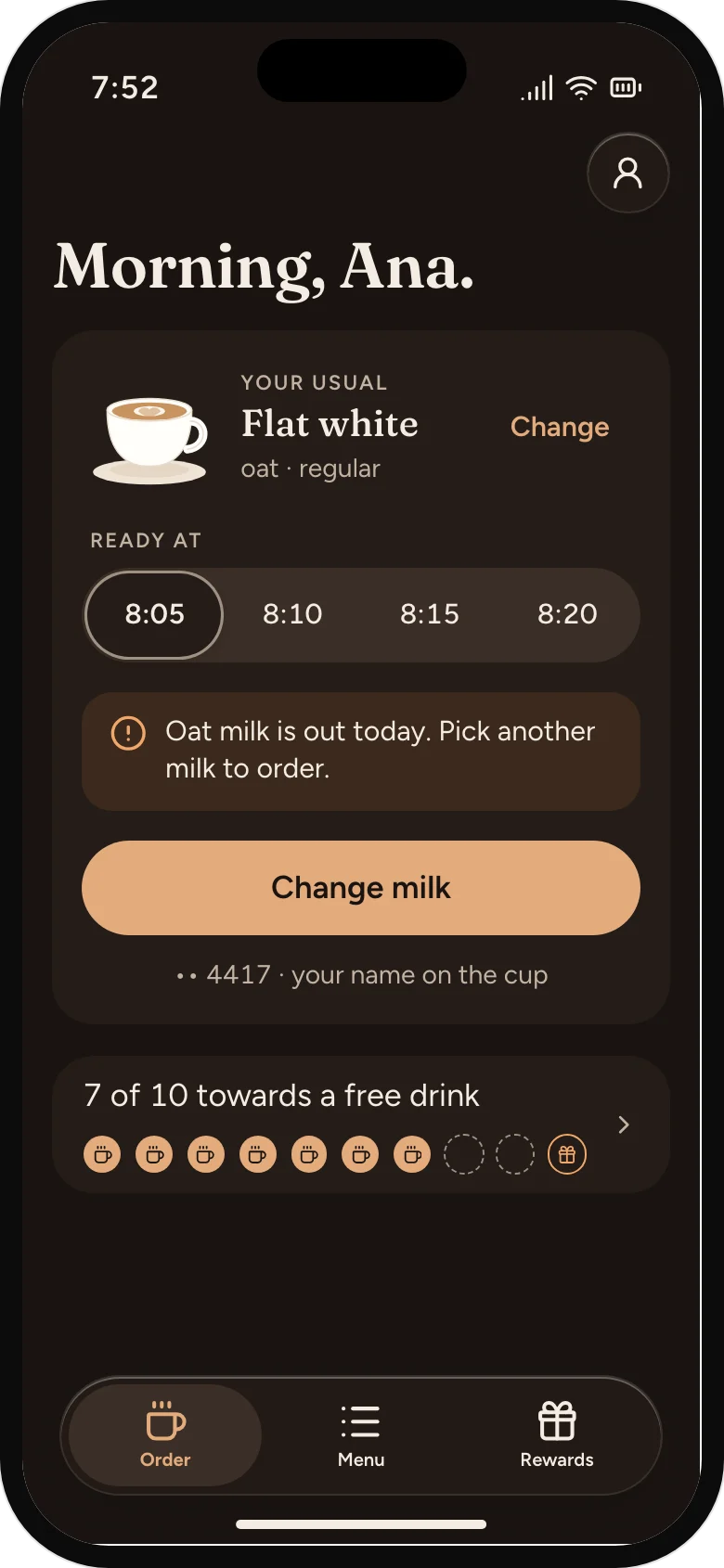
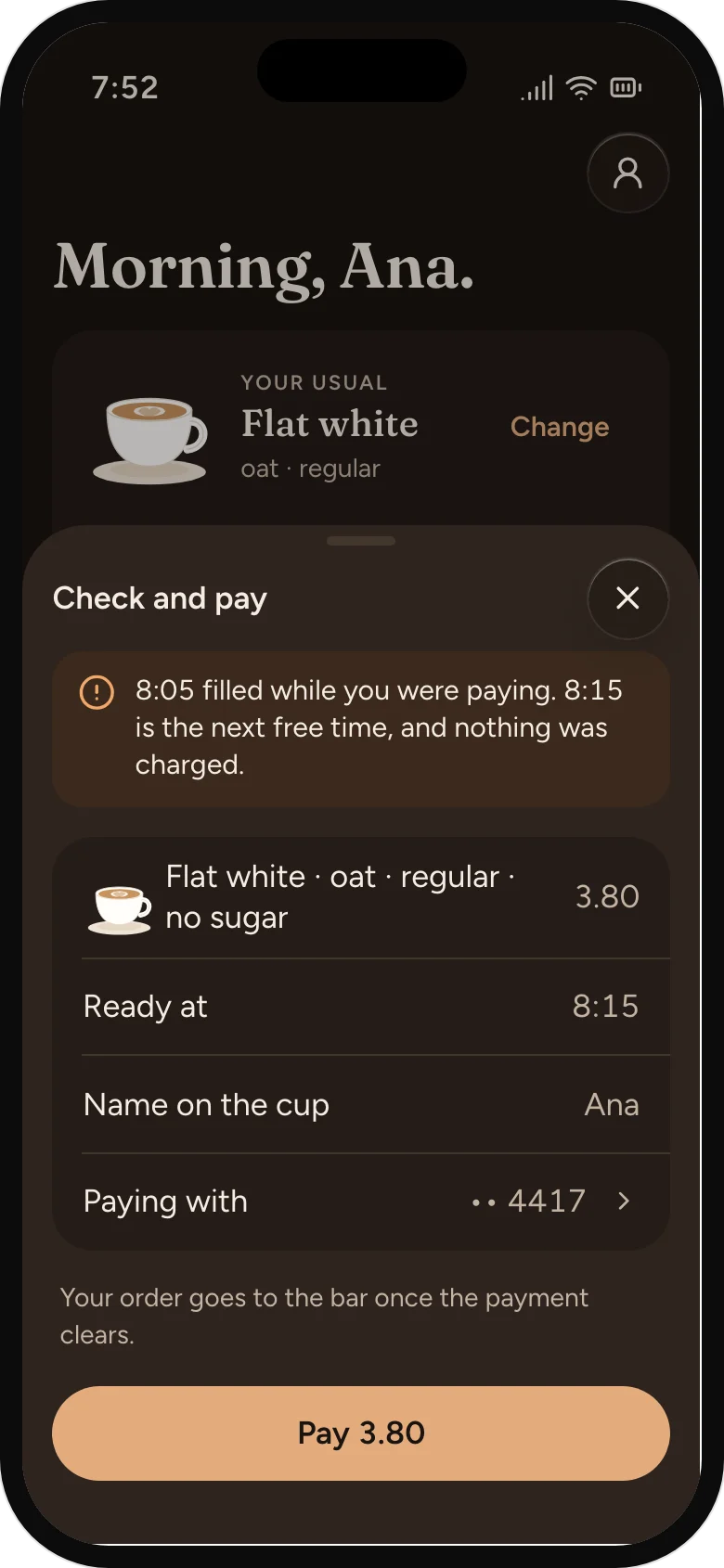
The customer app, the bar screen and the owner's board share one set of colours, type and parts, so a change in one reads the same in the others.
01
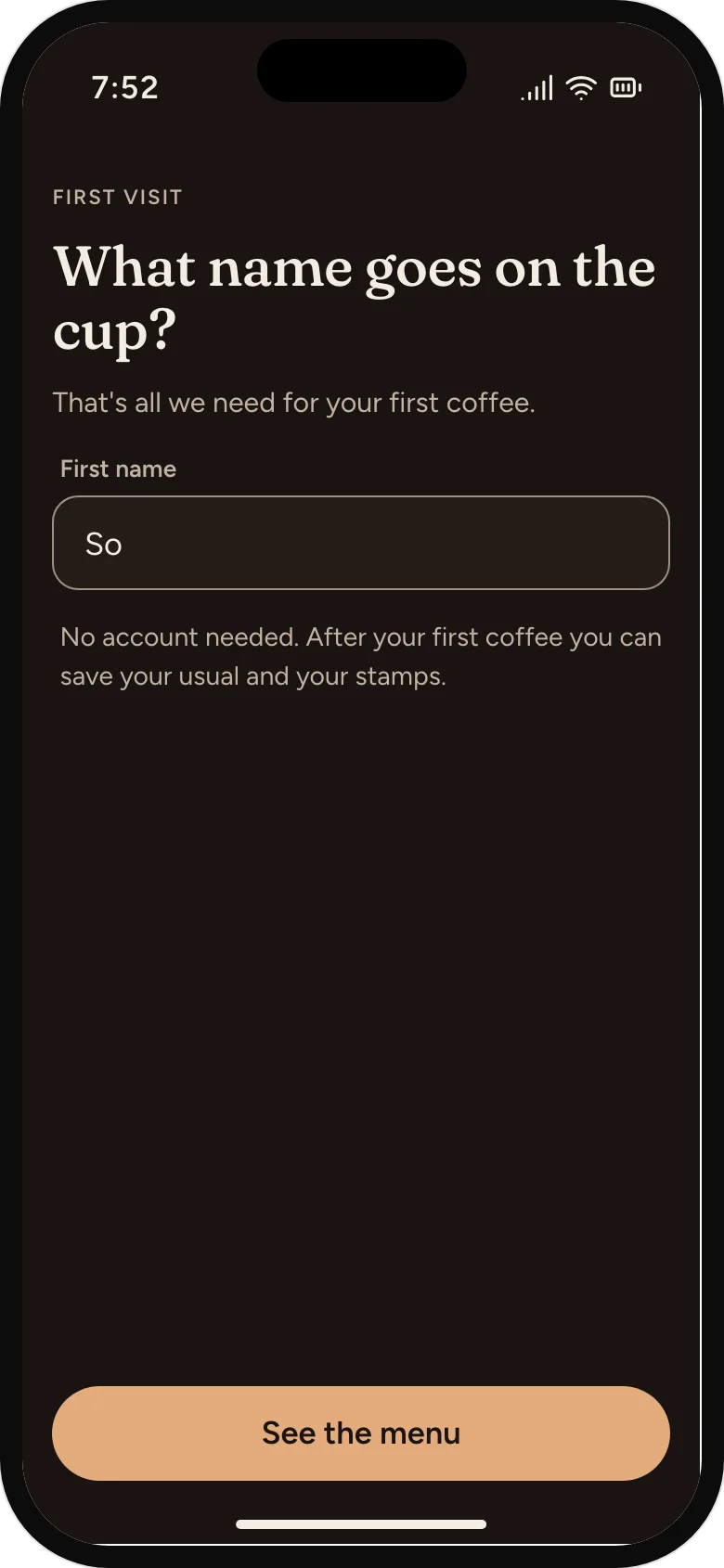
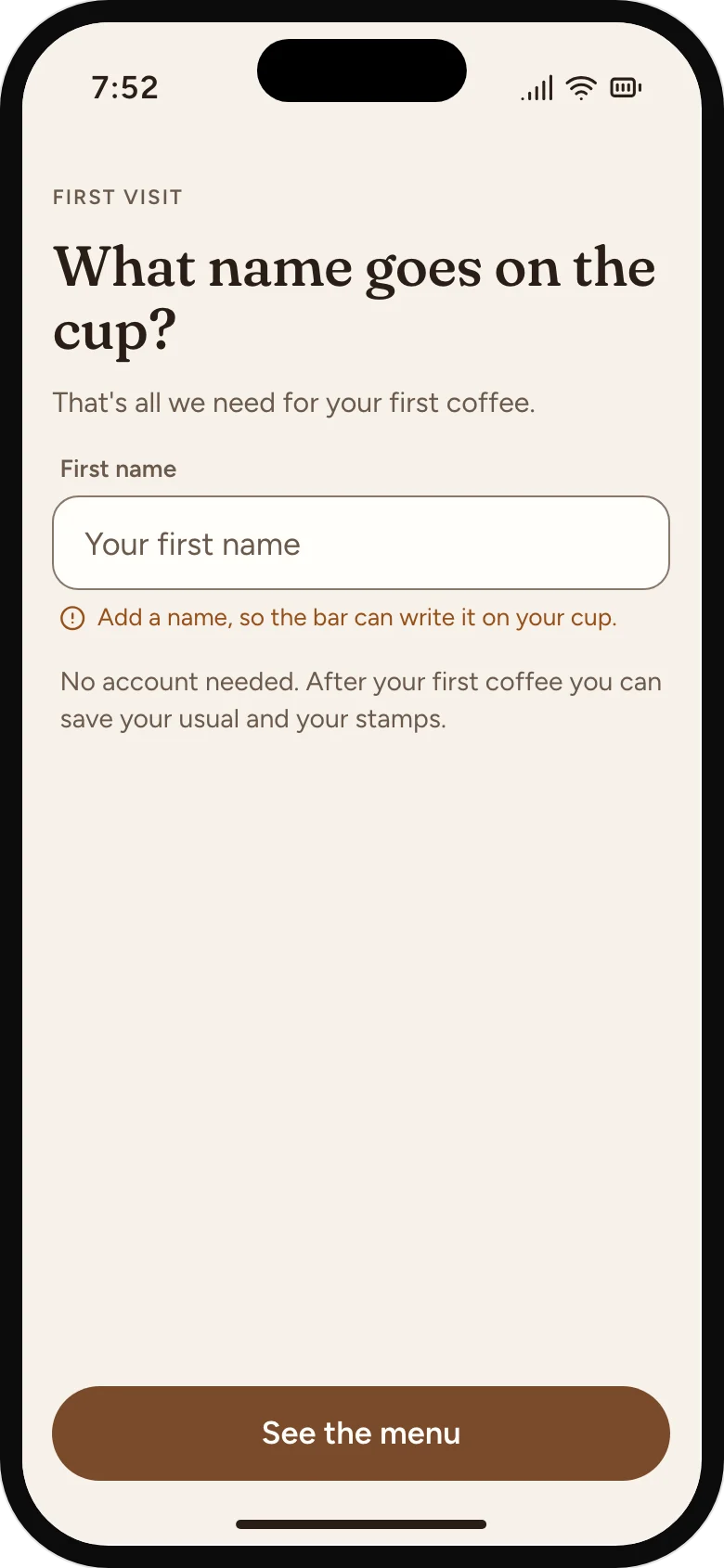
No account, no form. A name for the cup, then the menu.
A name, not an account
A first name for the cup is all a first order needs. Saving comes after the coffee.
Room for newcomers
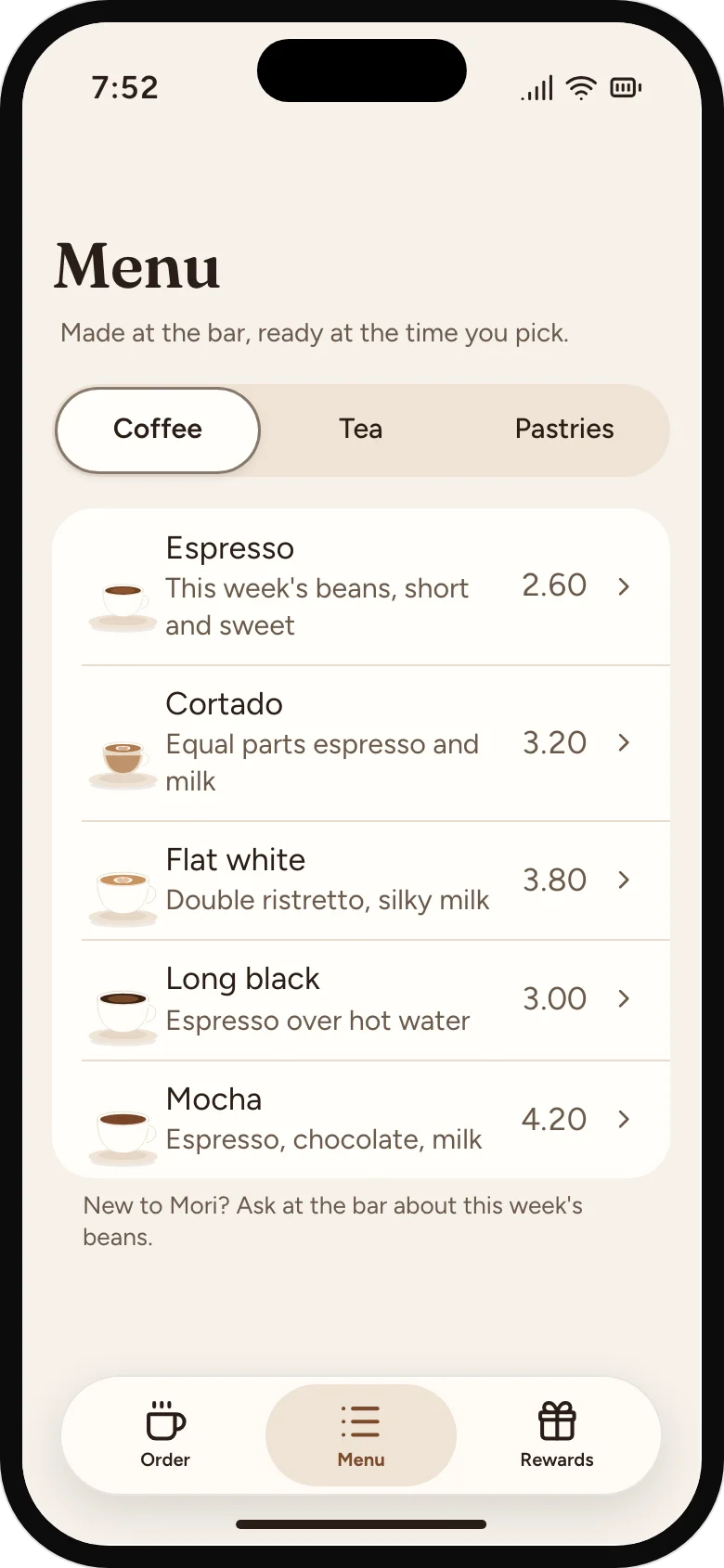
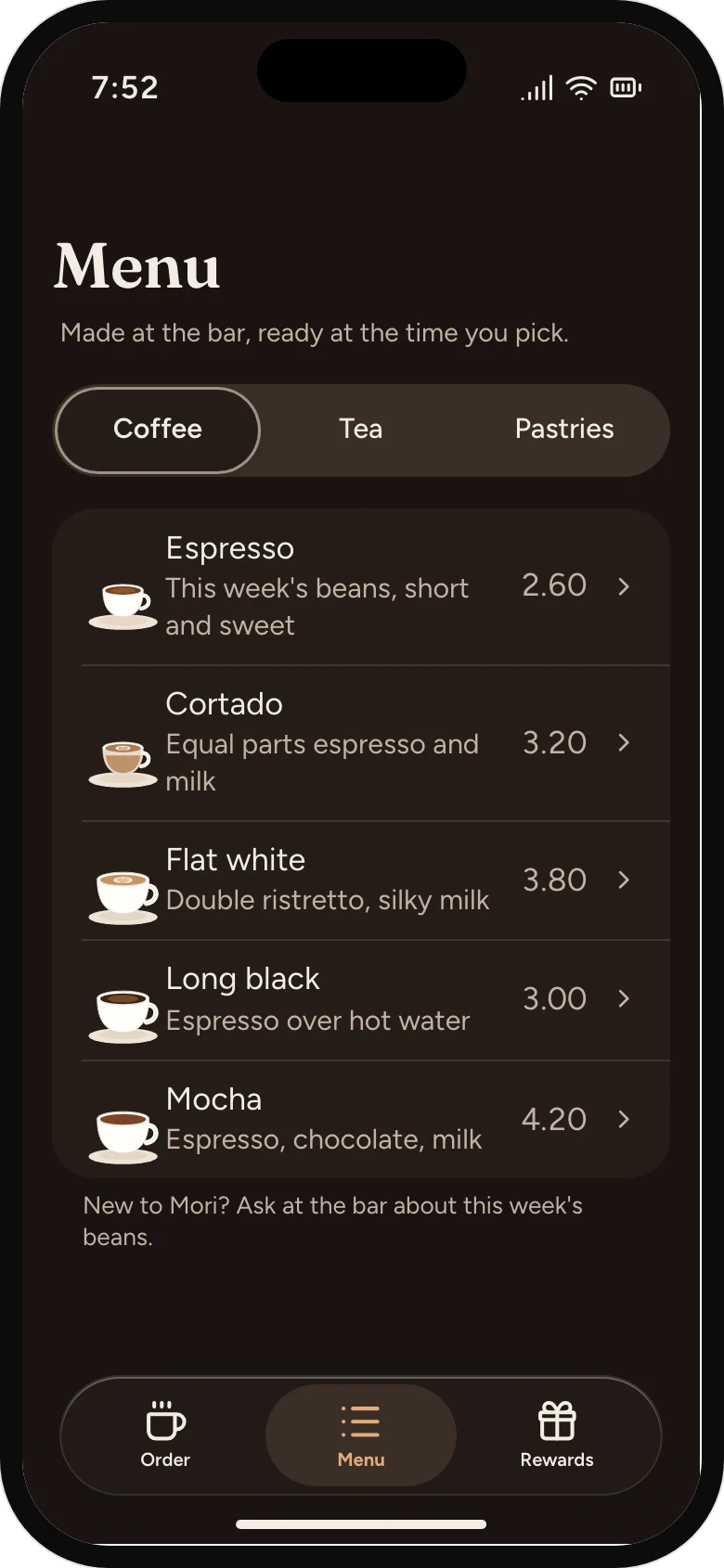
Plain descriptions and prices, and what's running low. The bean conversation stays at the bar.
Save it after, not before
The first stamp is already on the card, and saving the usual is one switch once there's something to keep.
02
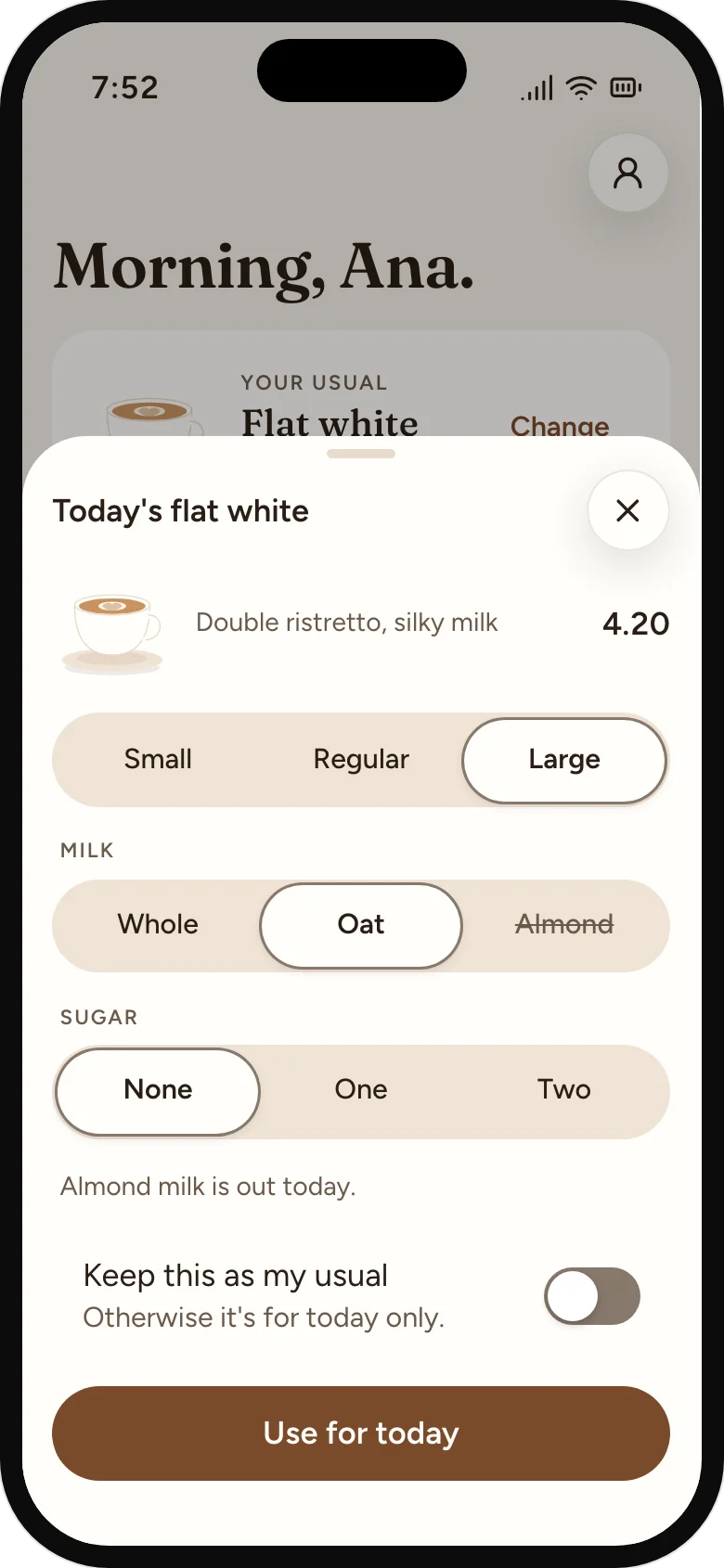
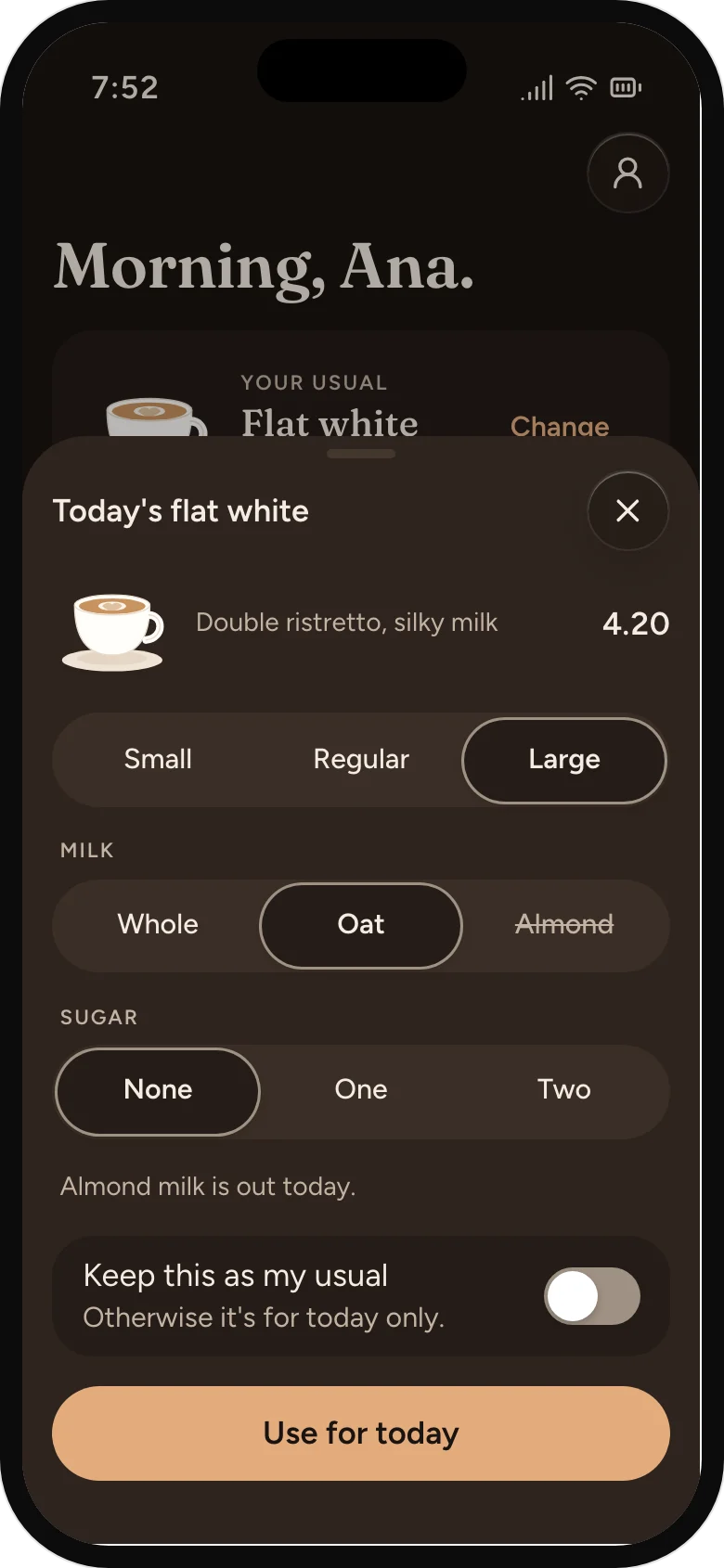
The app opens on the usual. Today's change is one sheet away.
The usual, one tap
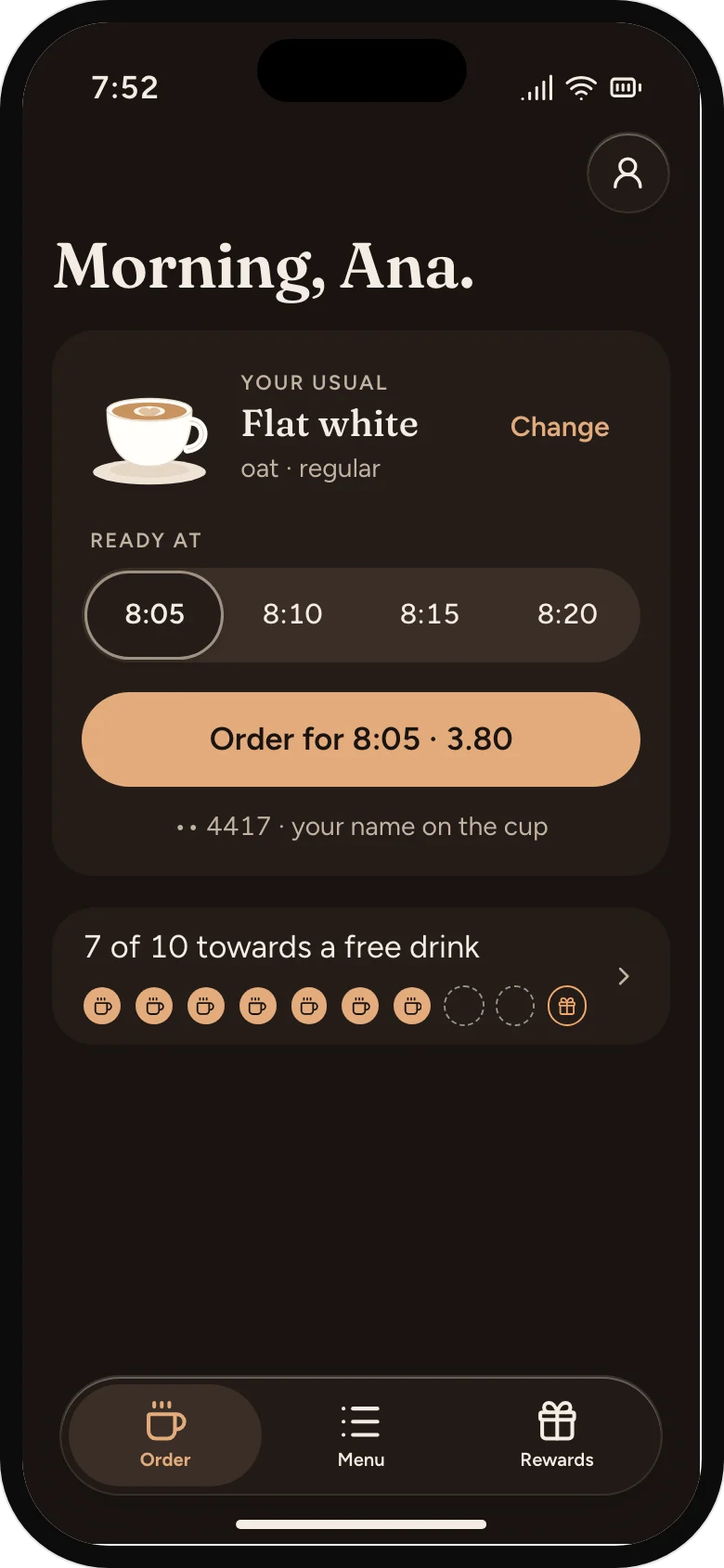
The app opens on the last order, with the next free time picked.
Today's different, in one step
Size, milk and sugar on one sheet. Almond milk has run out, so it says so before anyone pays.
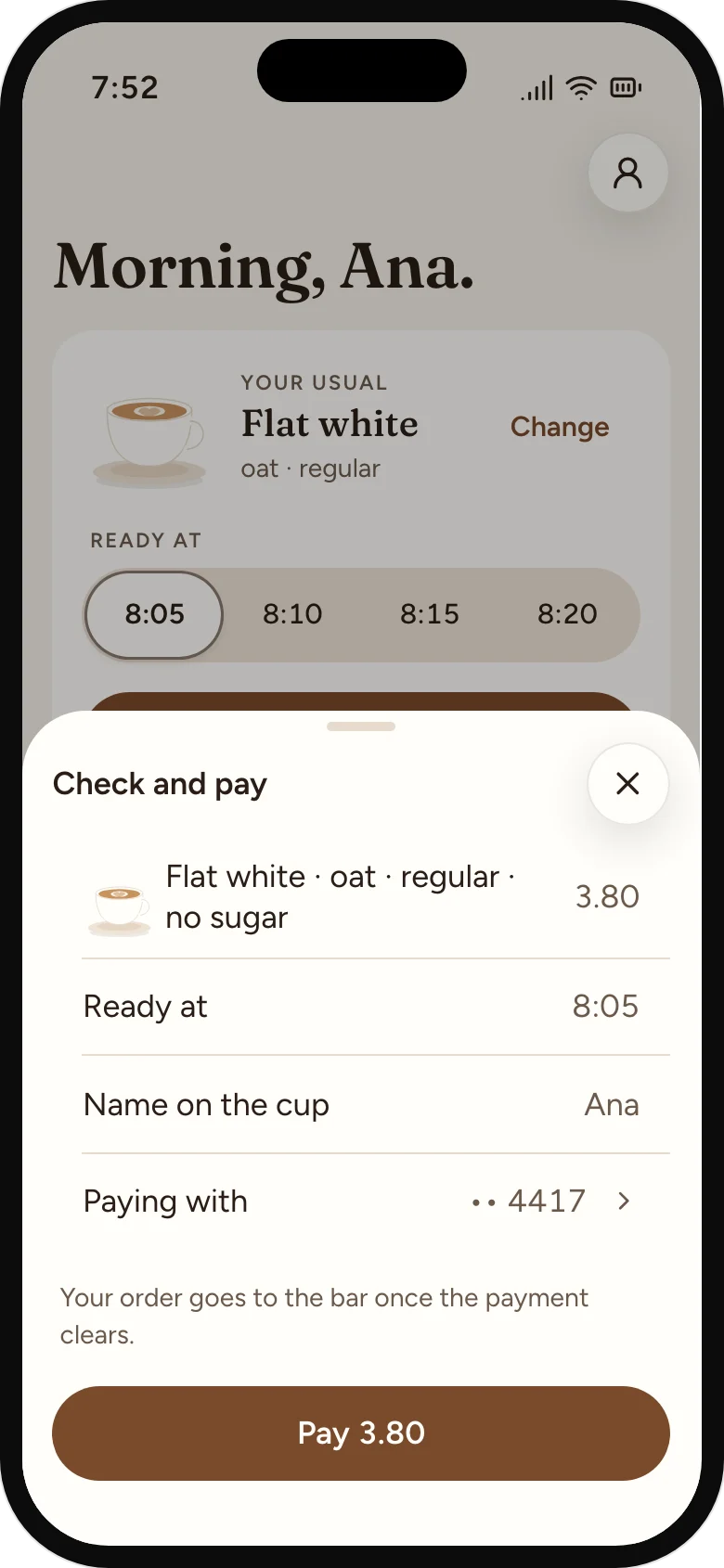
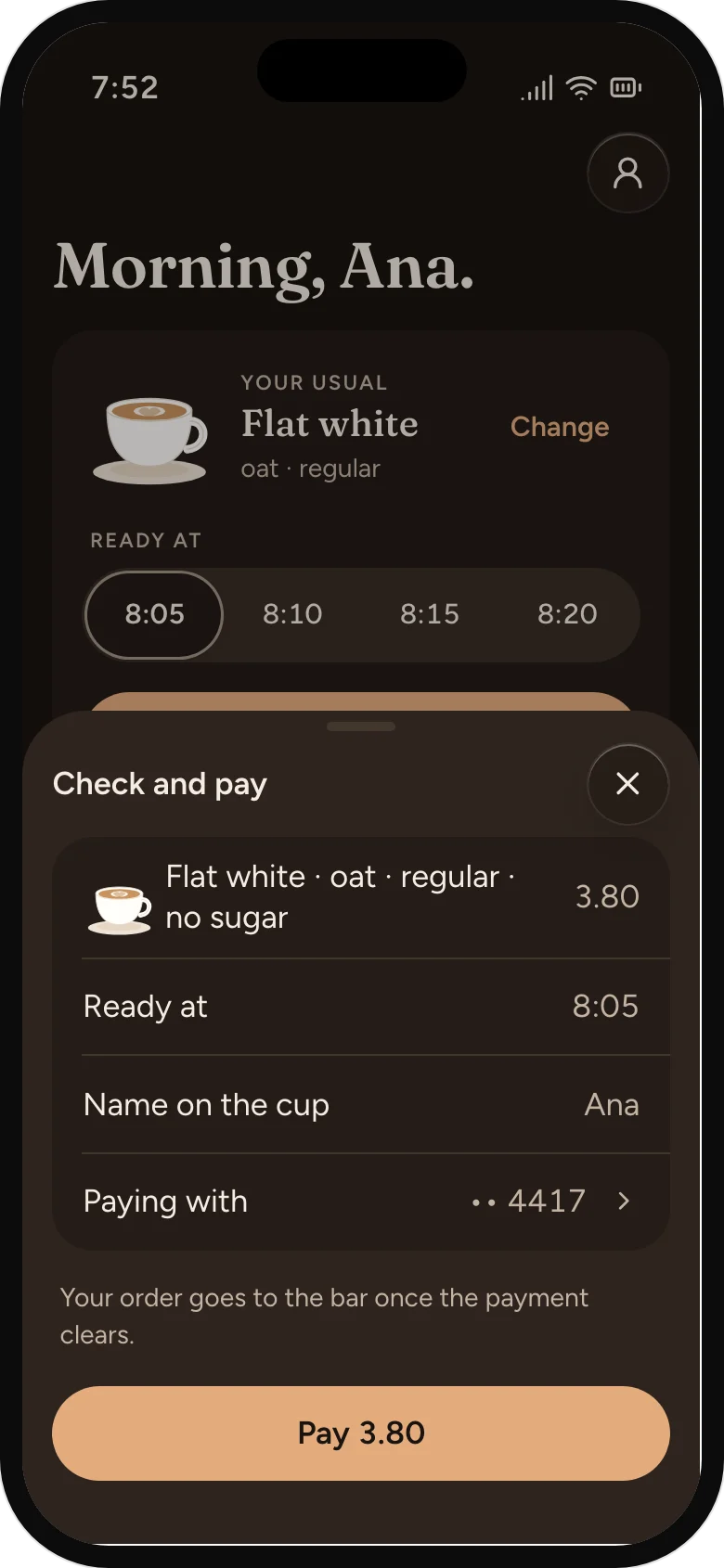
Nothing reaches the bar unpaid
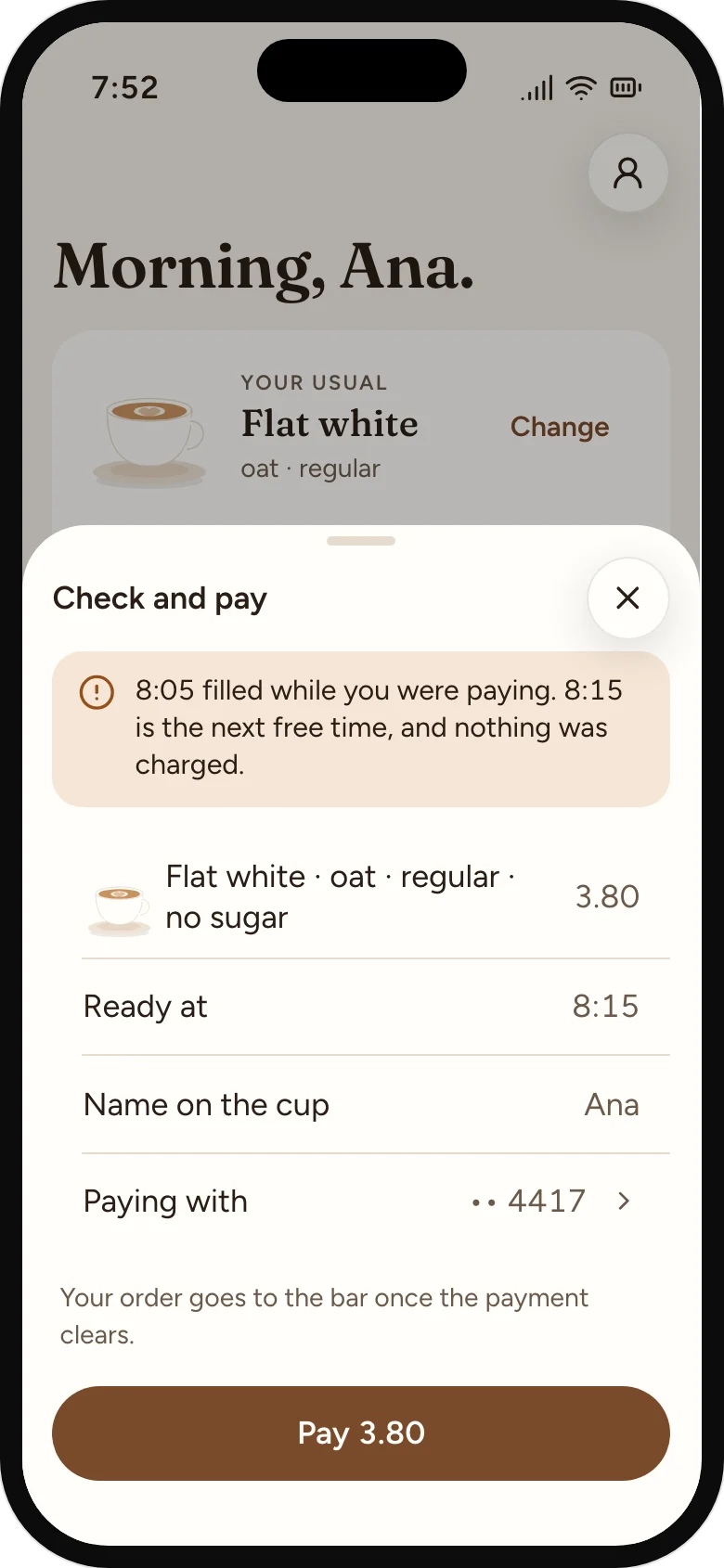
One check before paying. The bar sees the order once the payment clears.
03
A time to trust, a change window that says when it closes, and a place to find the cup.
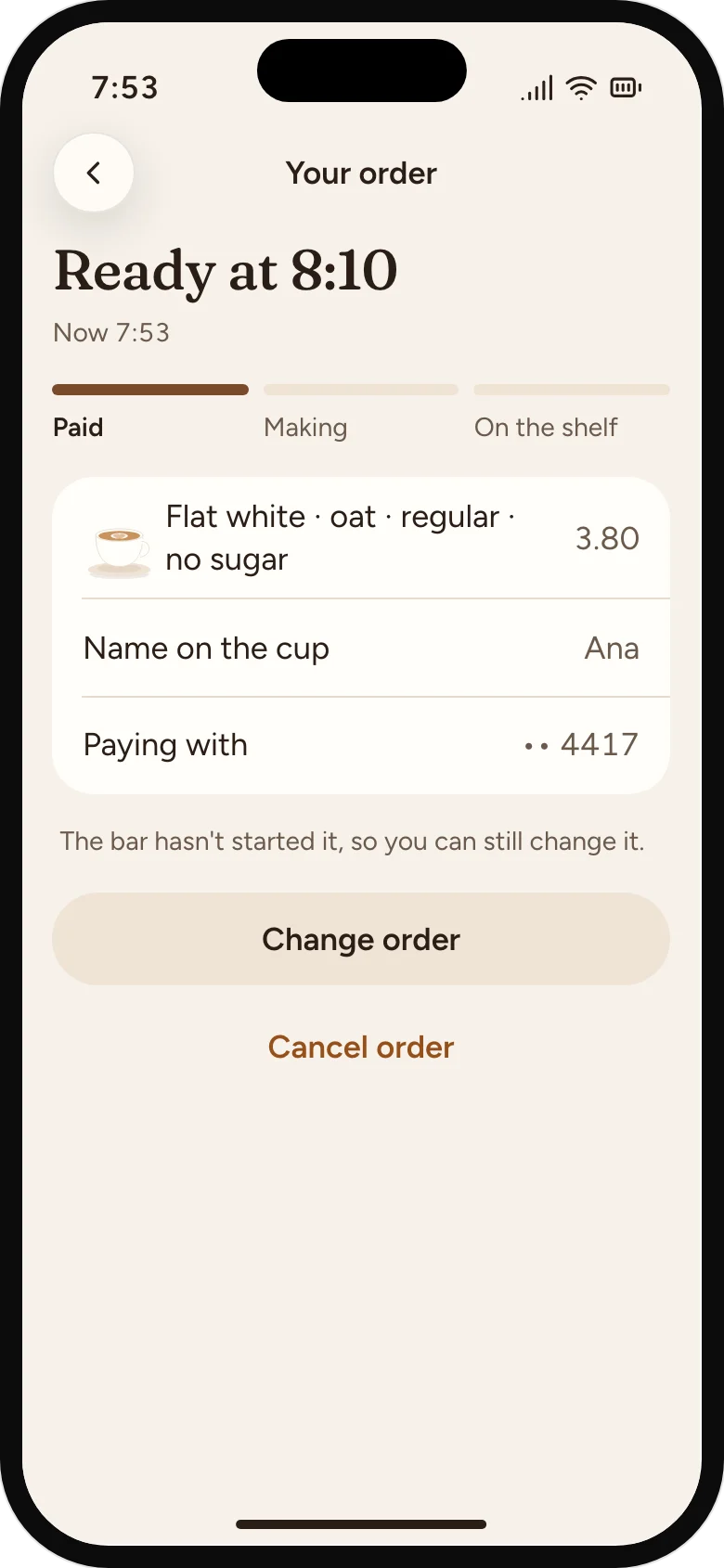
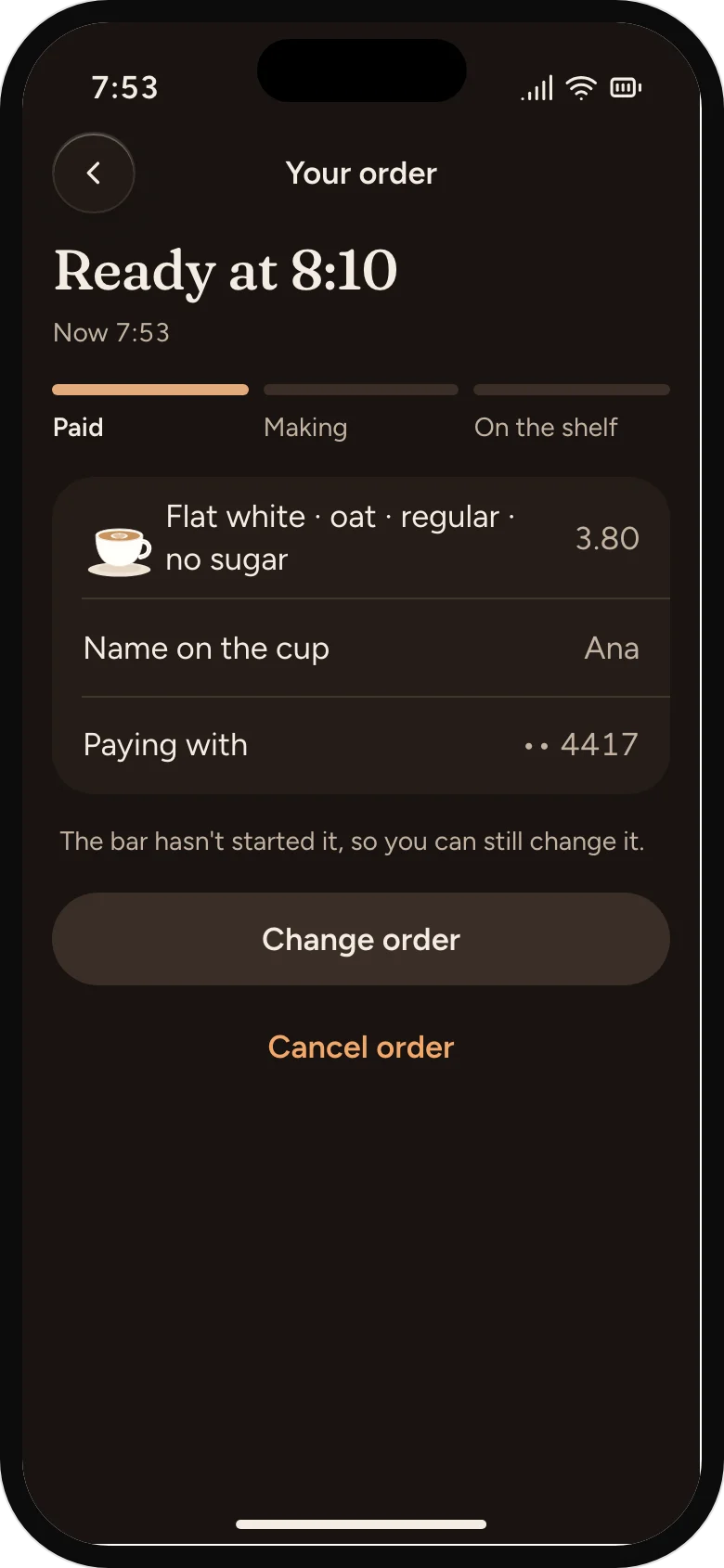
A time, and a change window
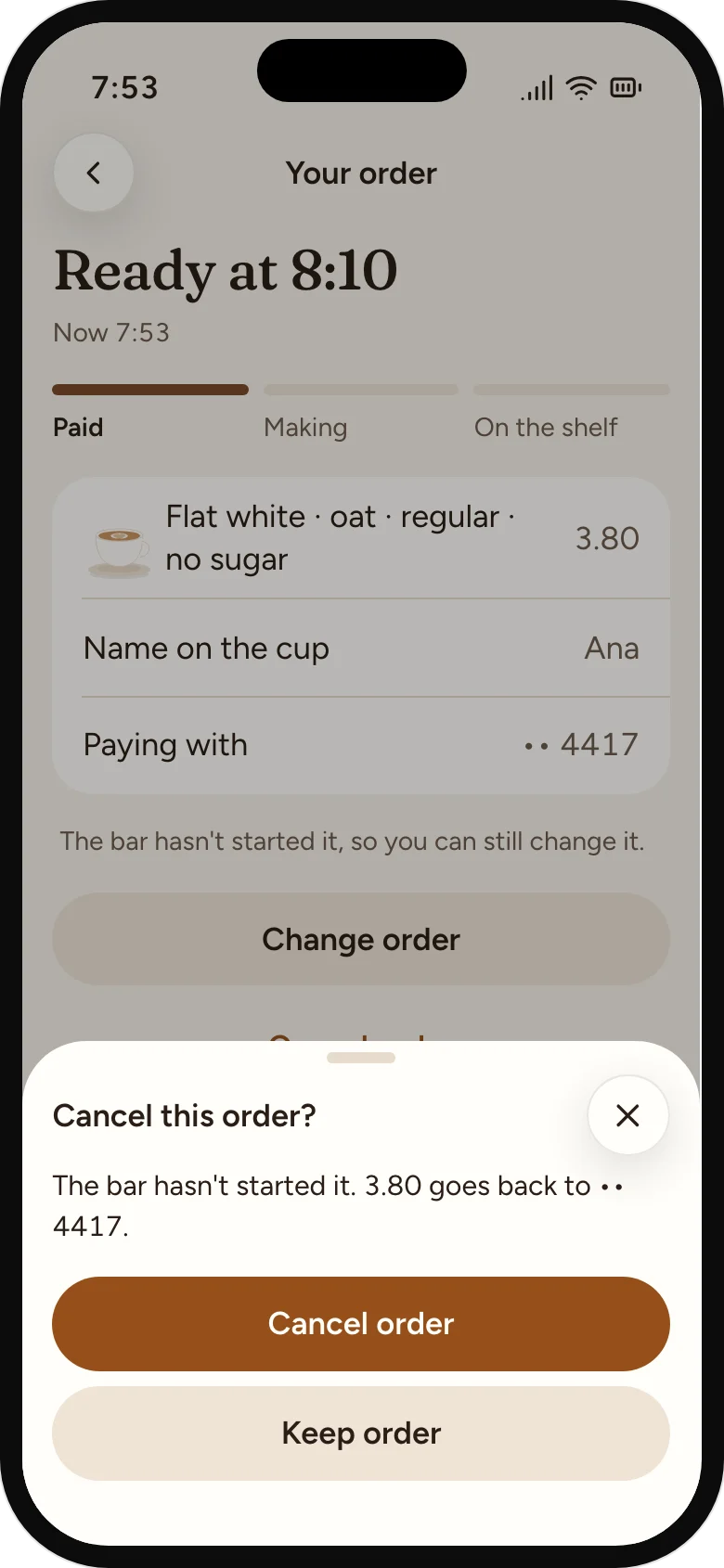
Until the bar starts it, the order can be changed or cancelled. The screen says so.
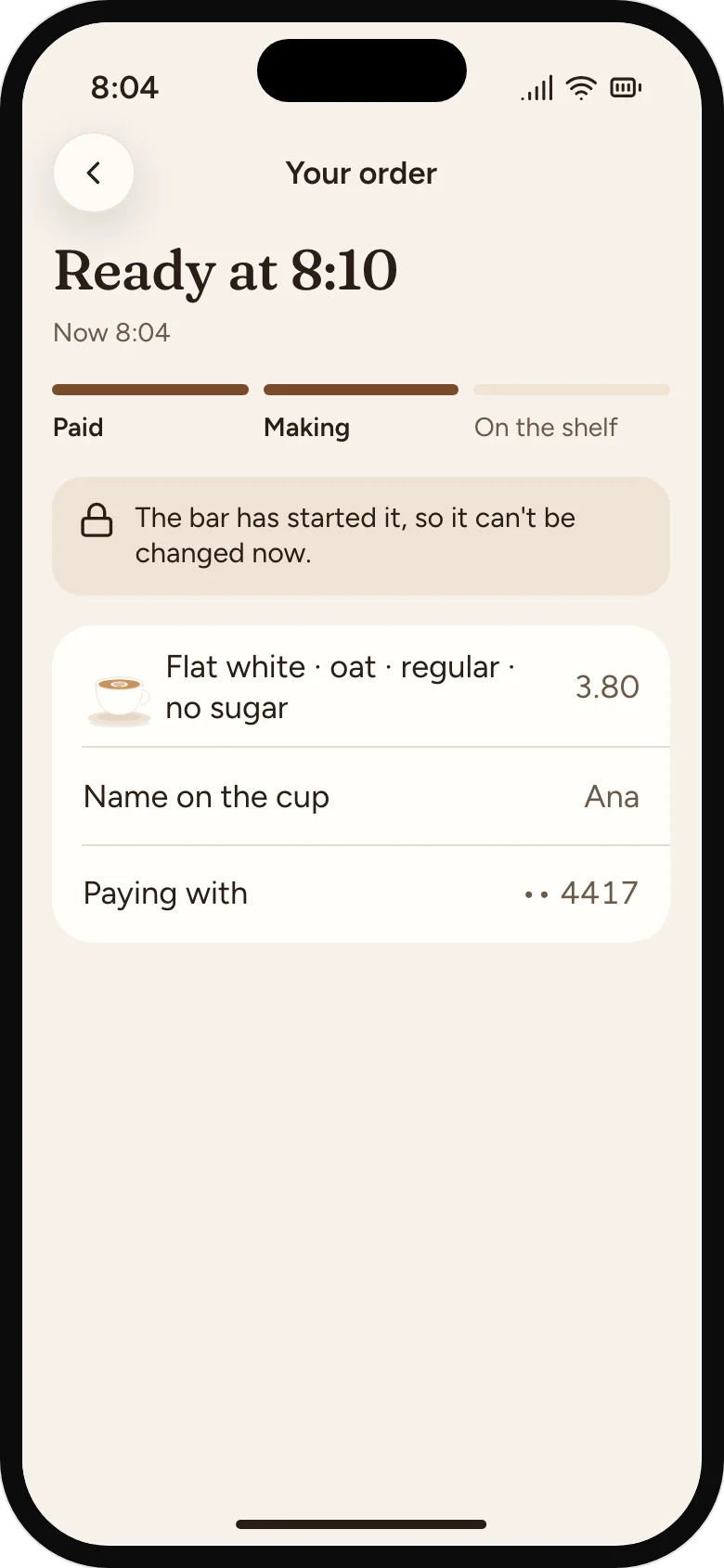
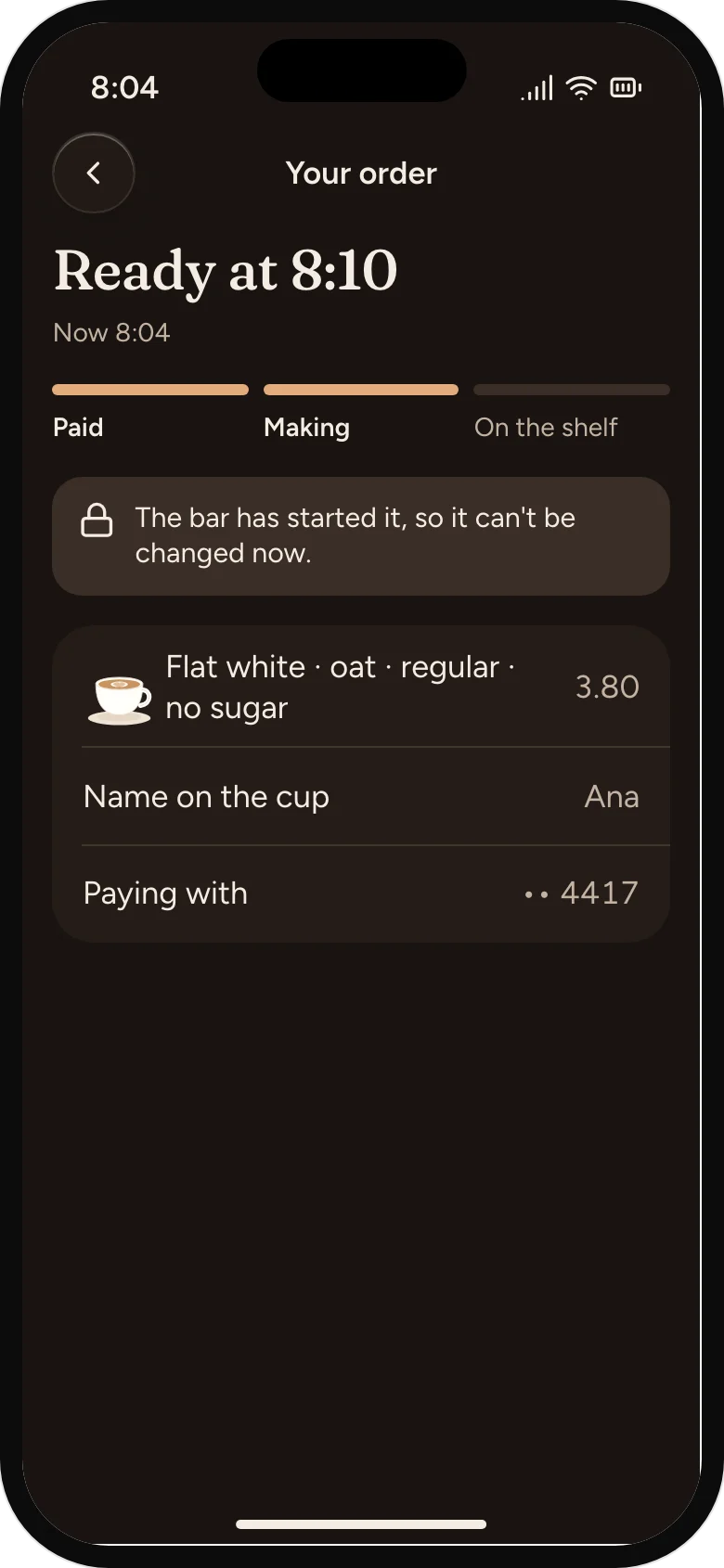
Locked once it's started
The bar's Start tap closes the change window, and the screen says why.
A name and a place
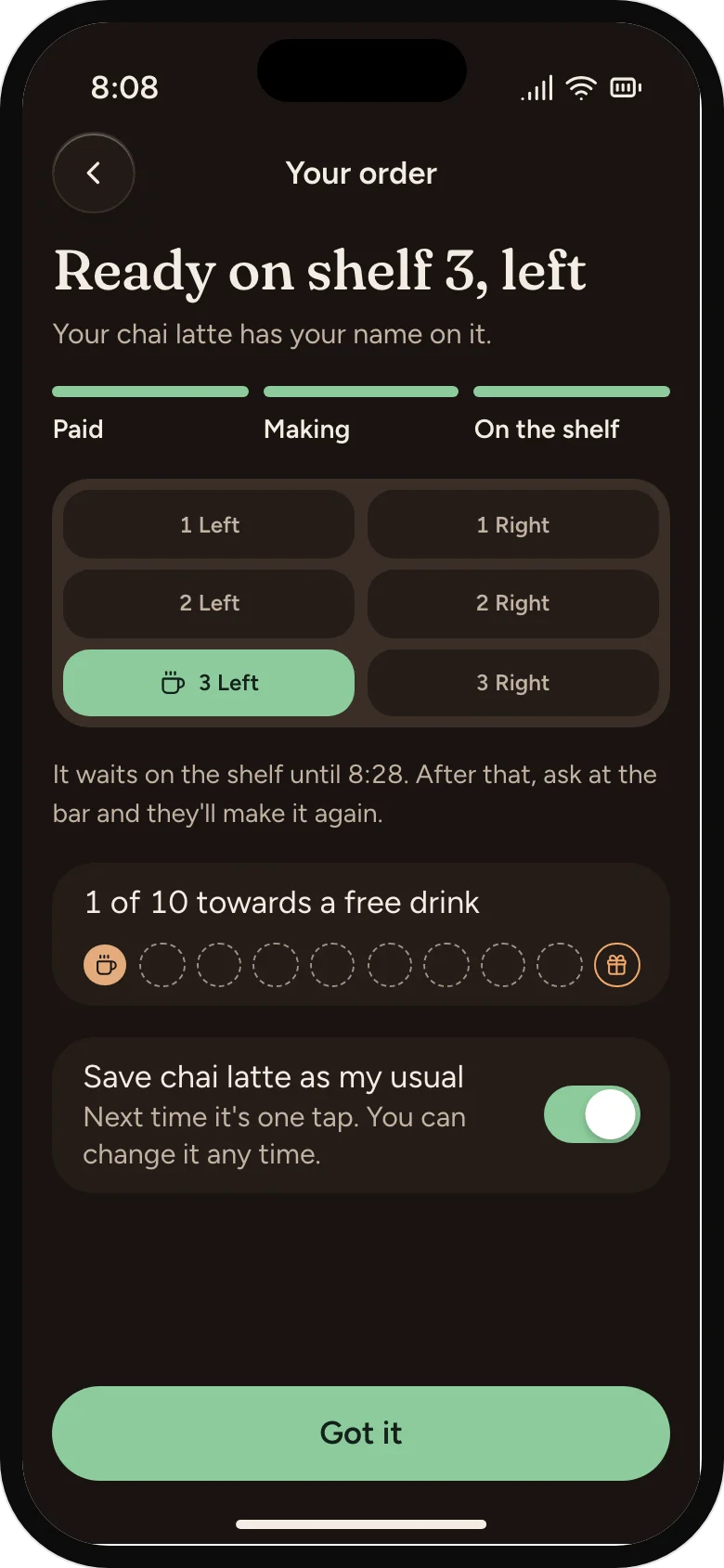
Ready comes from the barista's tap, never a timer, so the shelf is always right.
04
A card that fills itself, and a drink when a regular drifts.
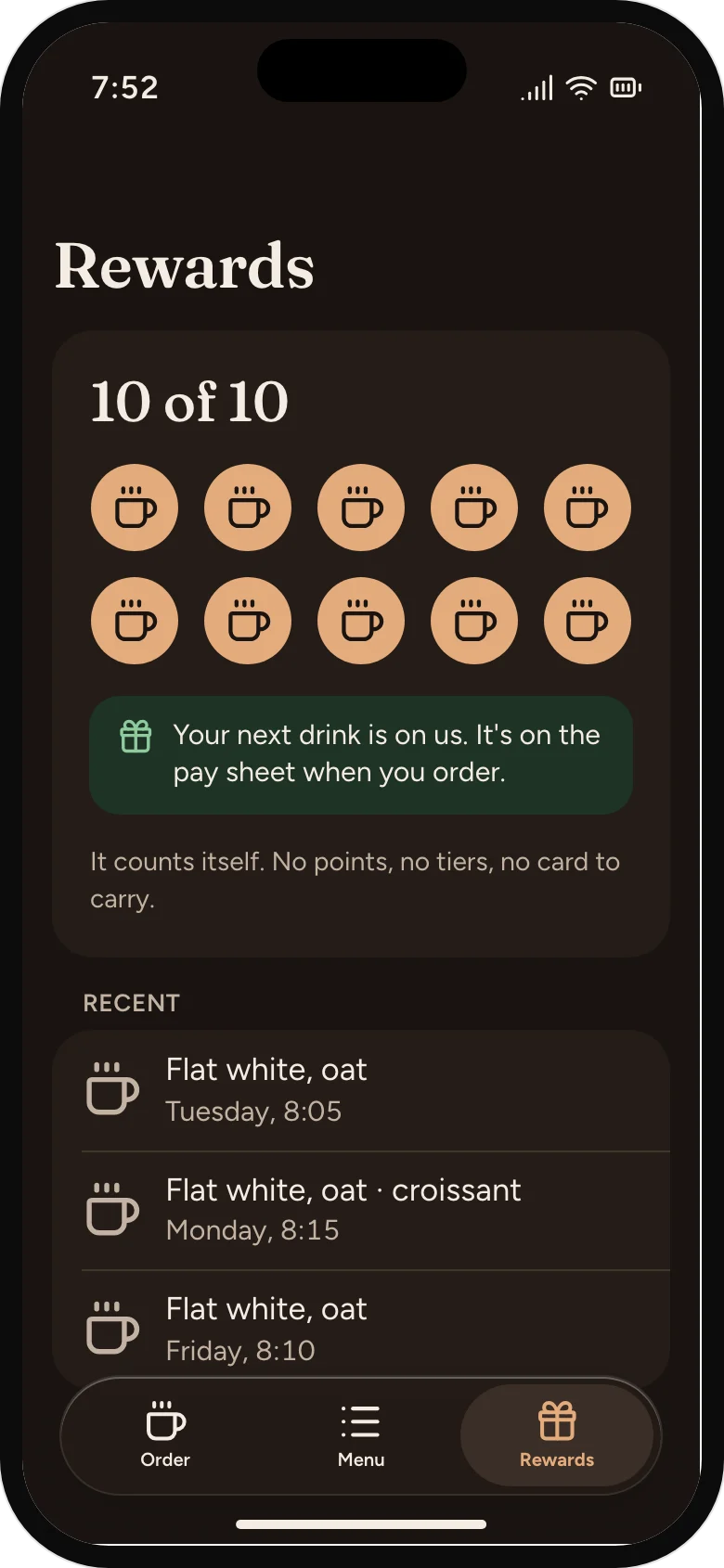
A card that fills itself
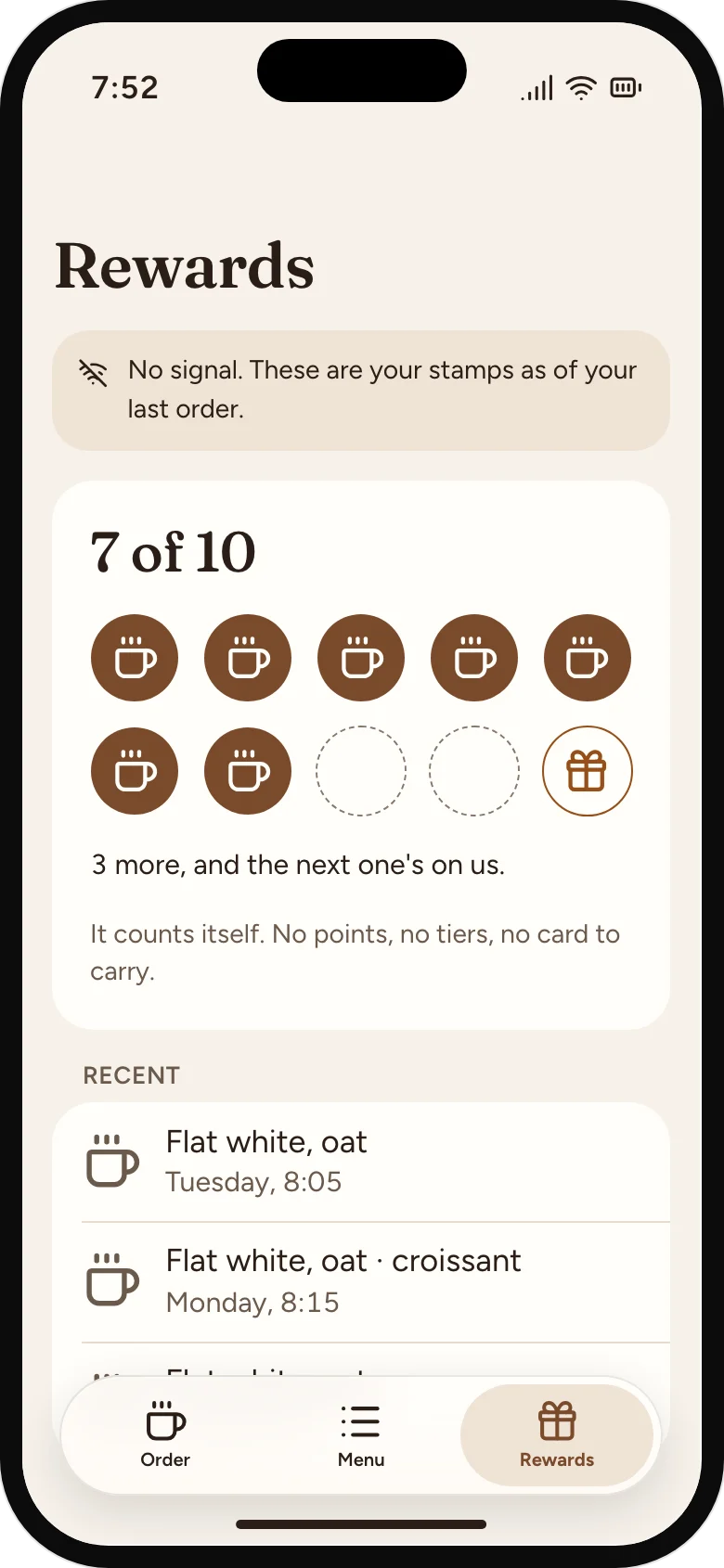
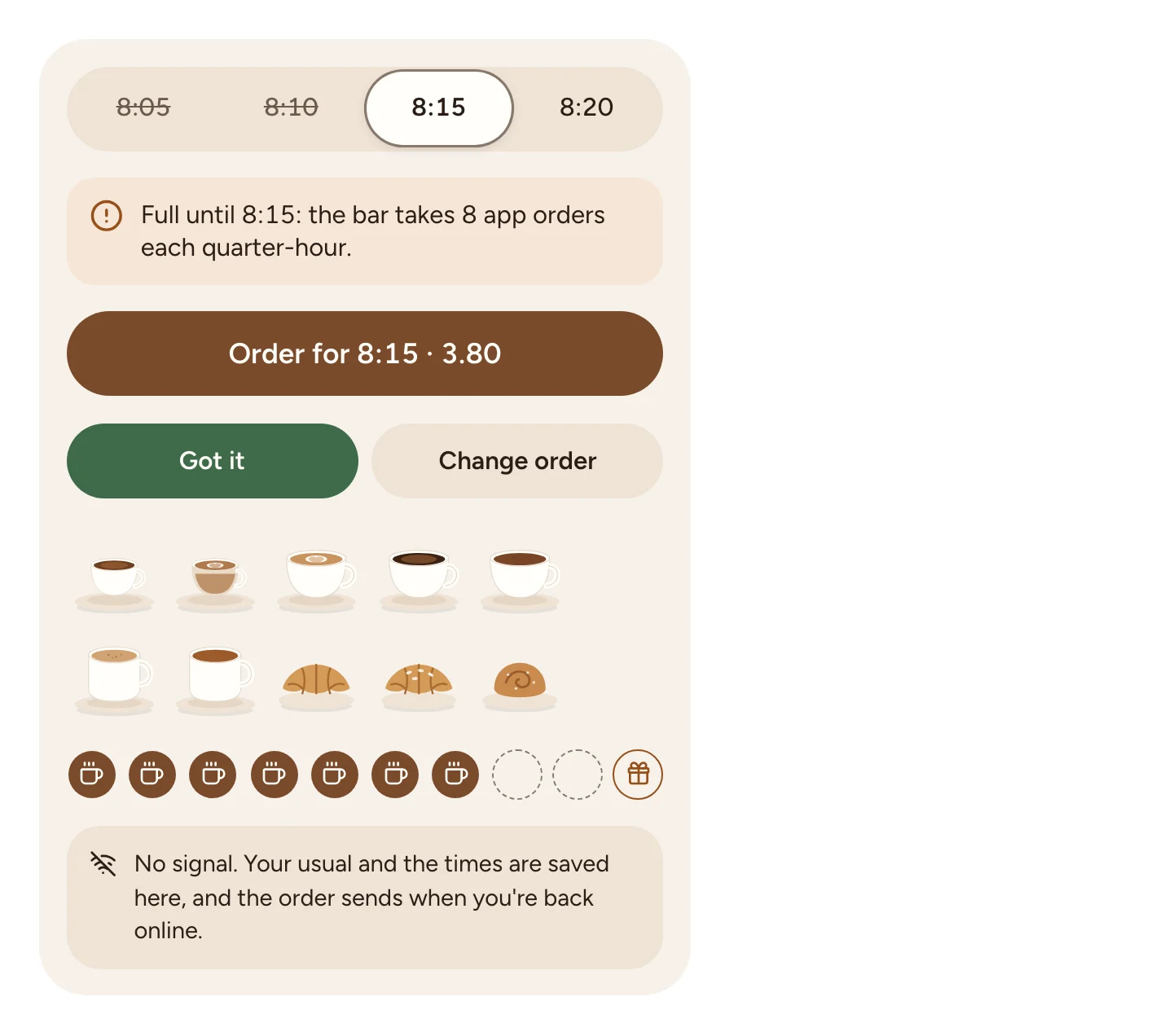
Ten cups, the first filled on the first order. No points, no tiers, no stored balance.
The tenth cup
The free drink waits on the pay sheet. Nothing to find or redeem.
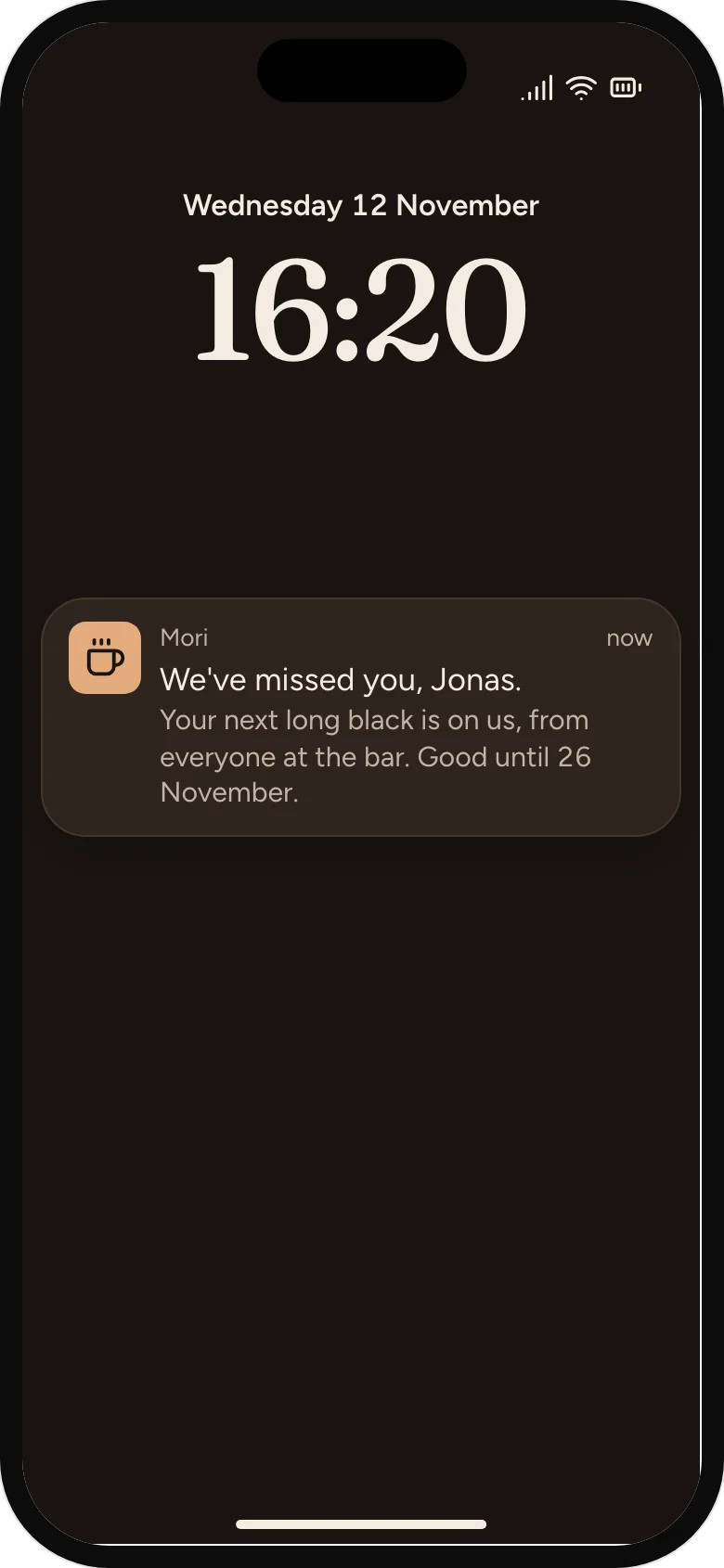
We've missed you
Sent by the owner to a regular not seen in three weeks: a drink, not a discount code.
05
Every failure says what happened, what it cost, and what to do.
A full time, with its reason
Full times stay on screen and can't be picked; the next free one is picked for you.
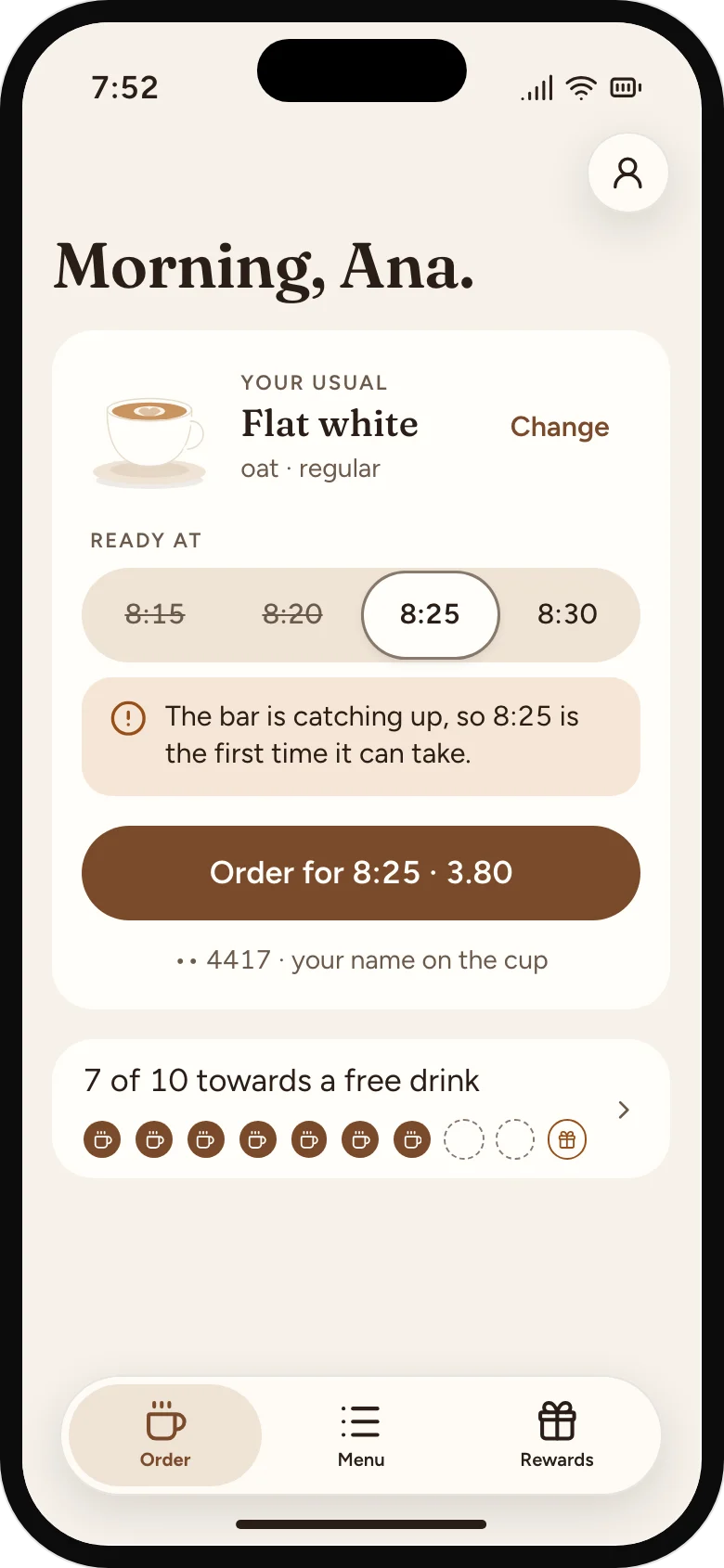
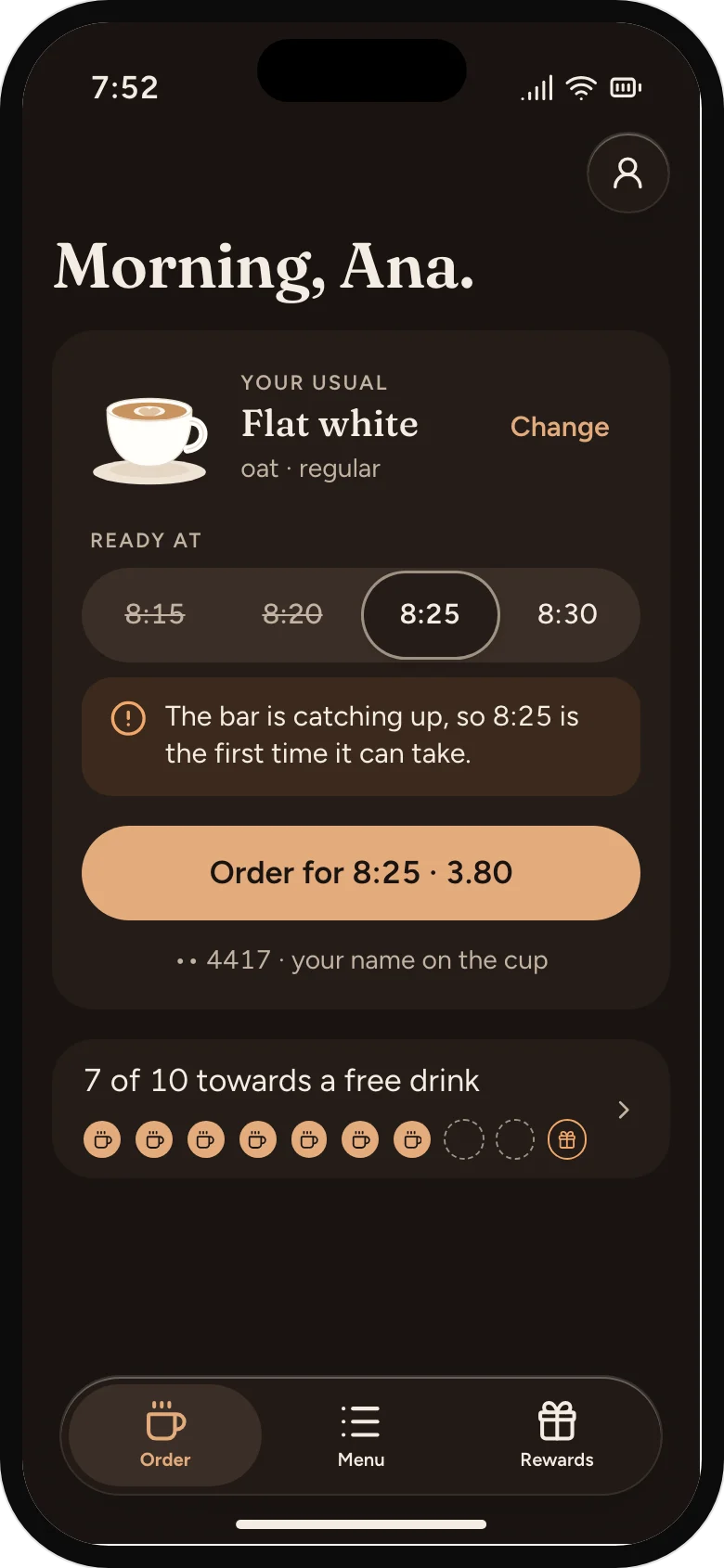
The bar is catching up
A pause on the bar shows here as a later first time and the reason, never a silent delay.
Out today, before paying
The bar marked oat milk out, so the usual asks for another milk before anyone pays.
It filled while you paid
The time went while the sheet was open. Nothing was charged, and the next one is picked.
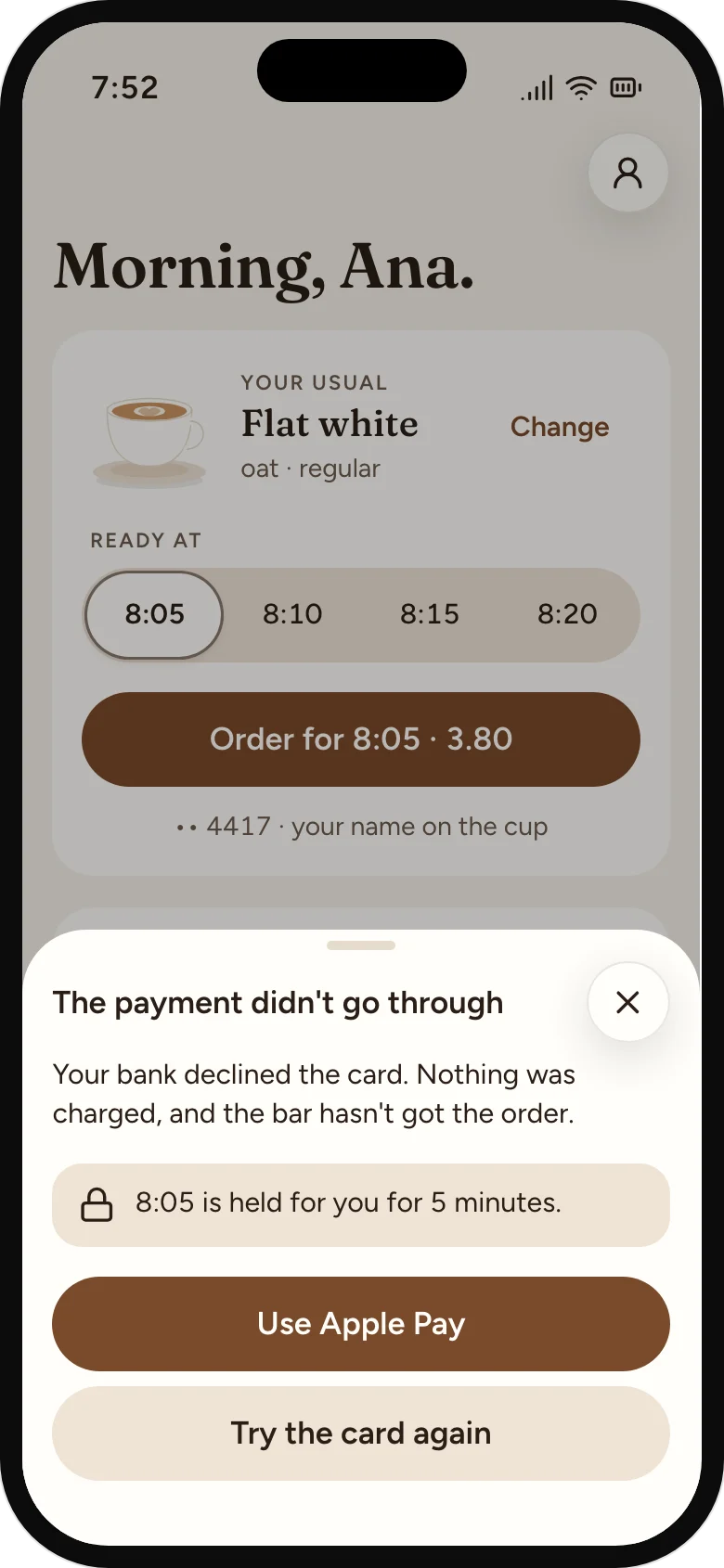
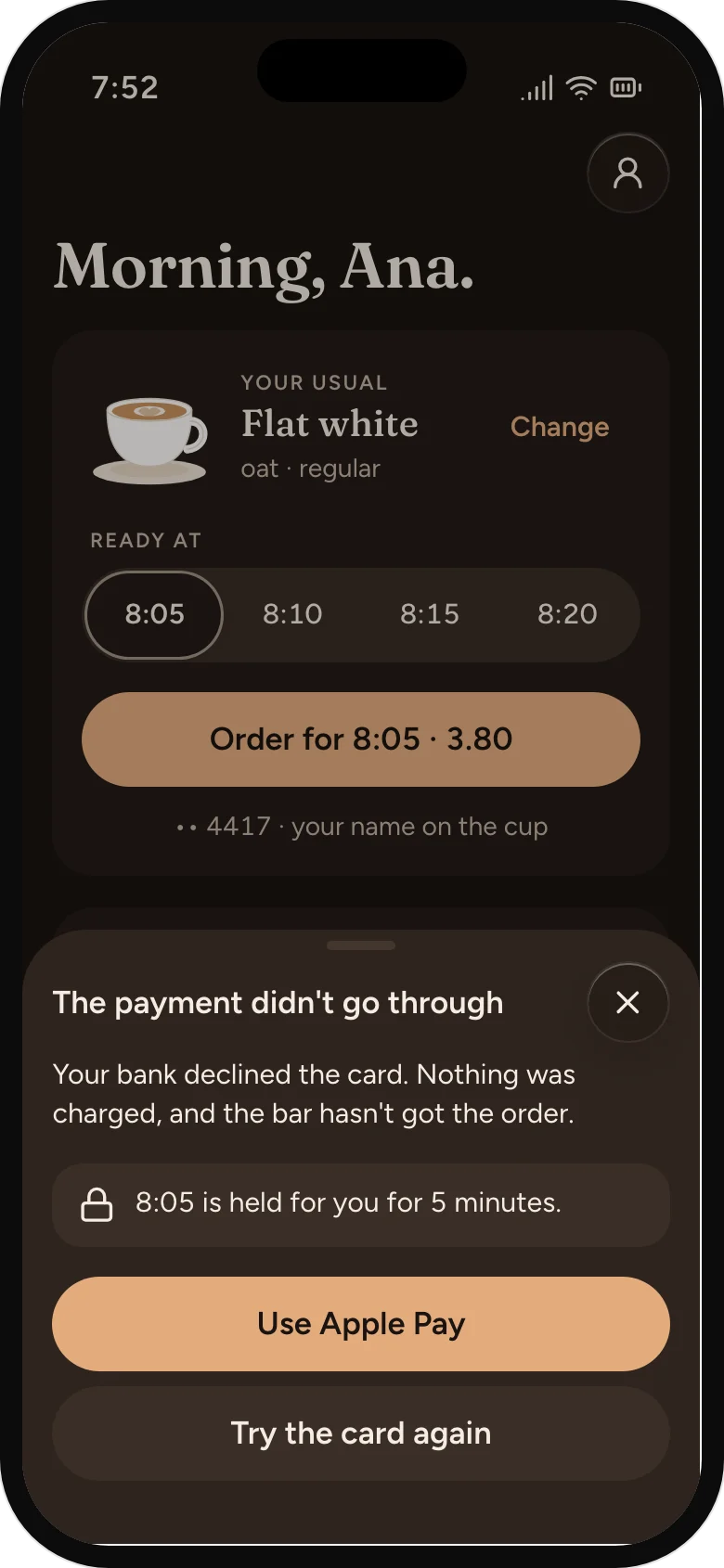
A failed payment, explained
Nothing charged, nothing sent, the time held, and another way to pay.
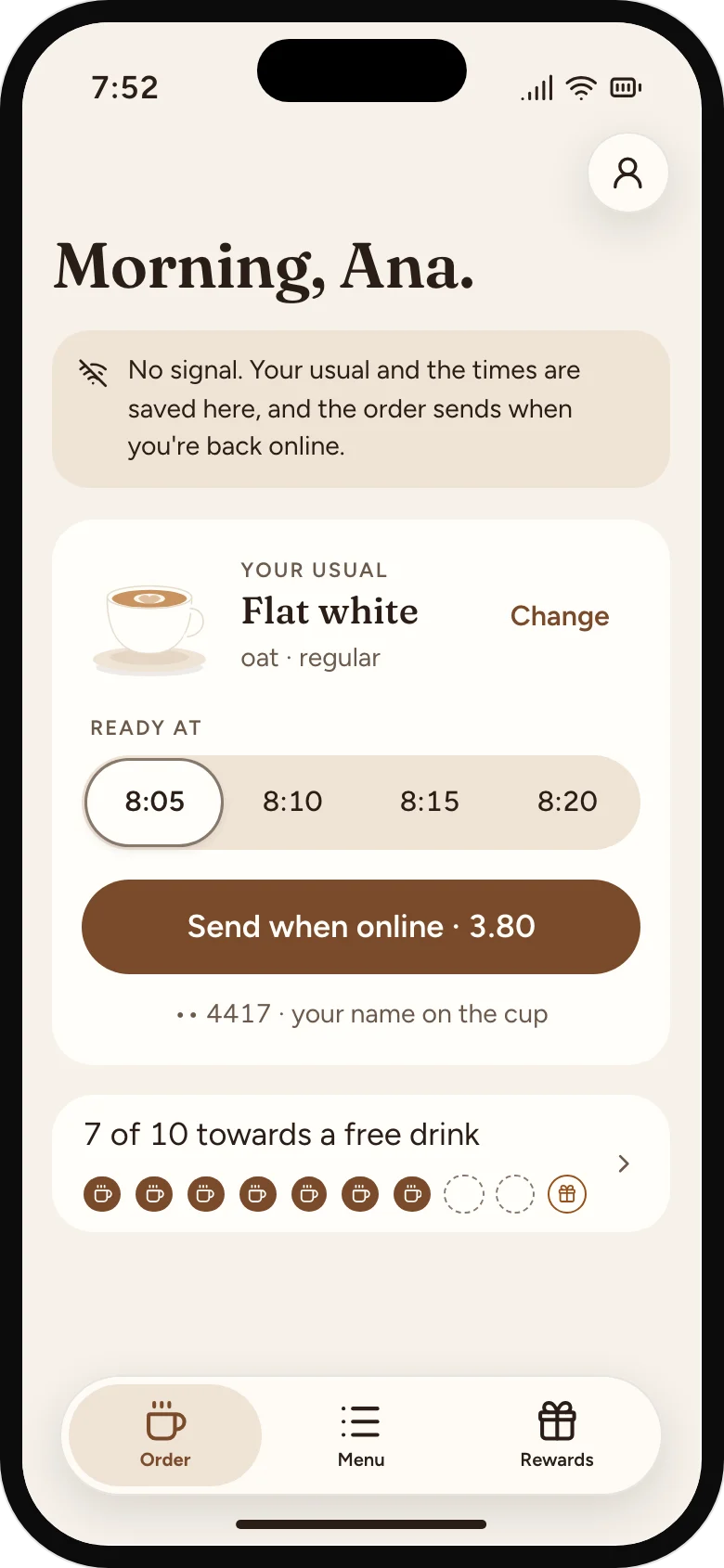
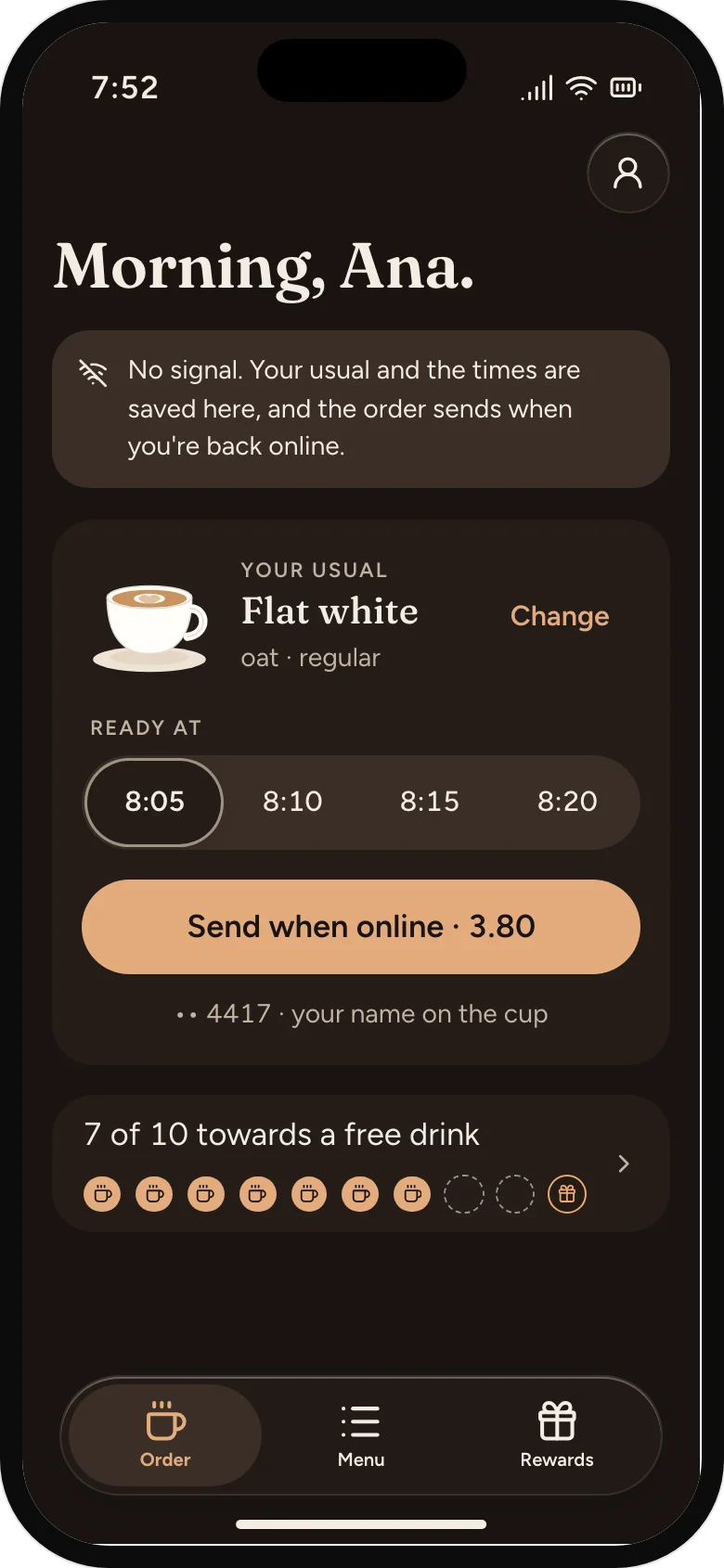
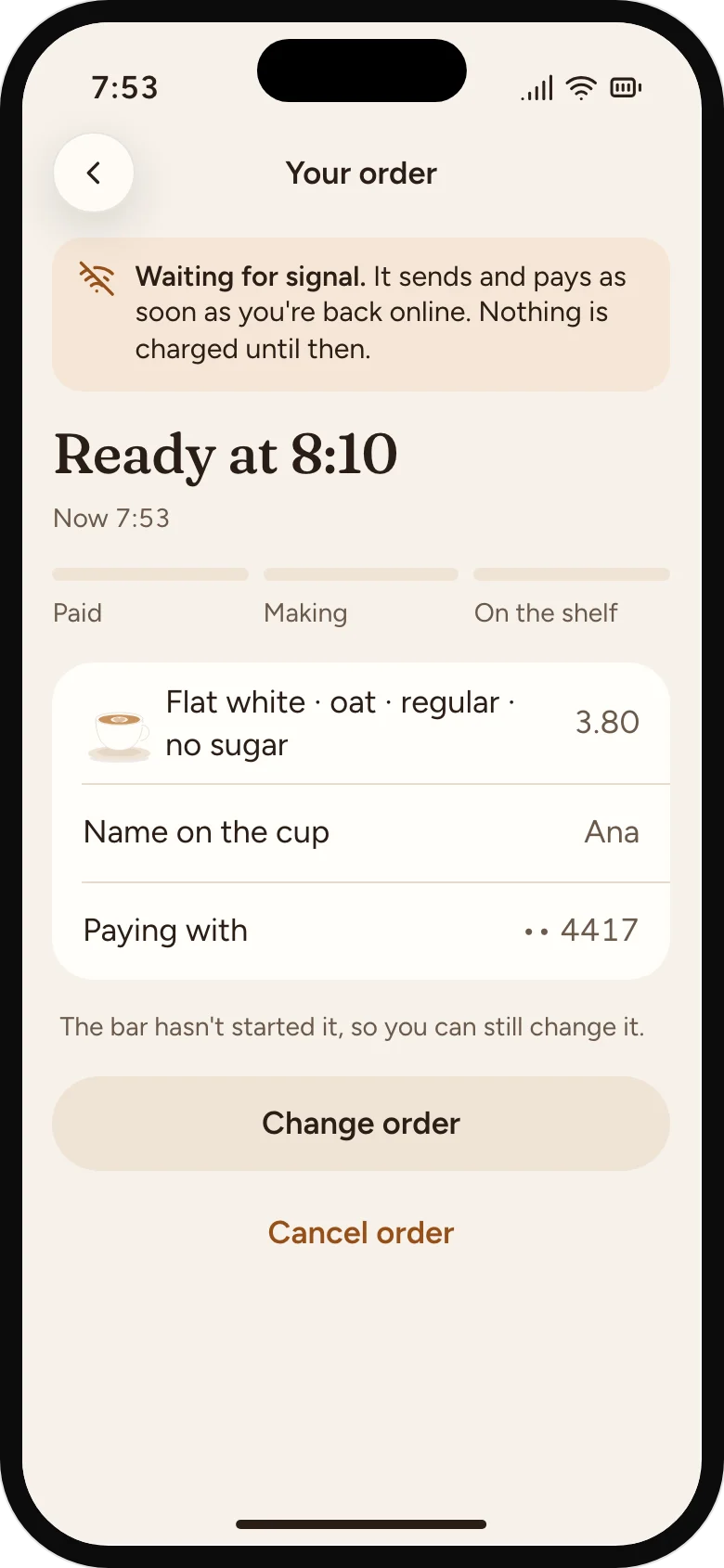
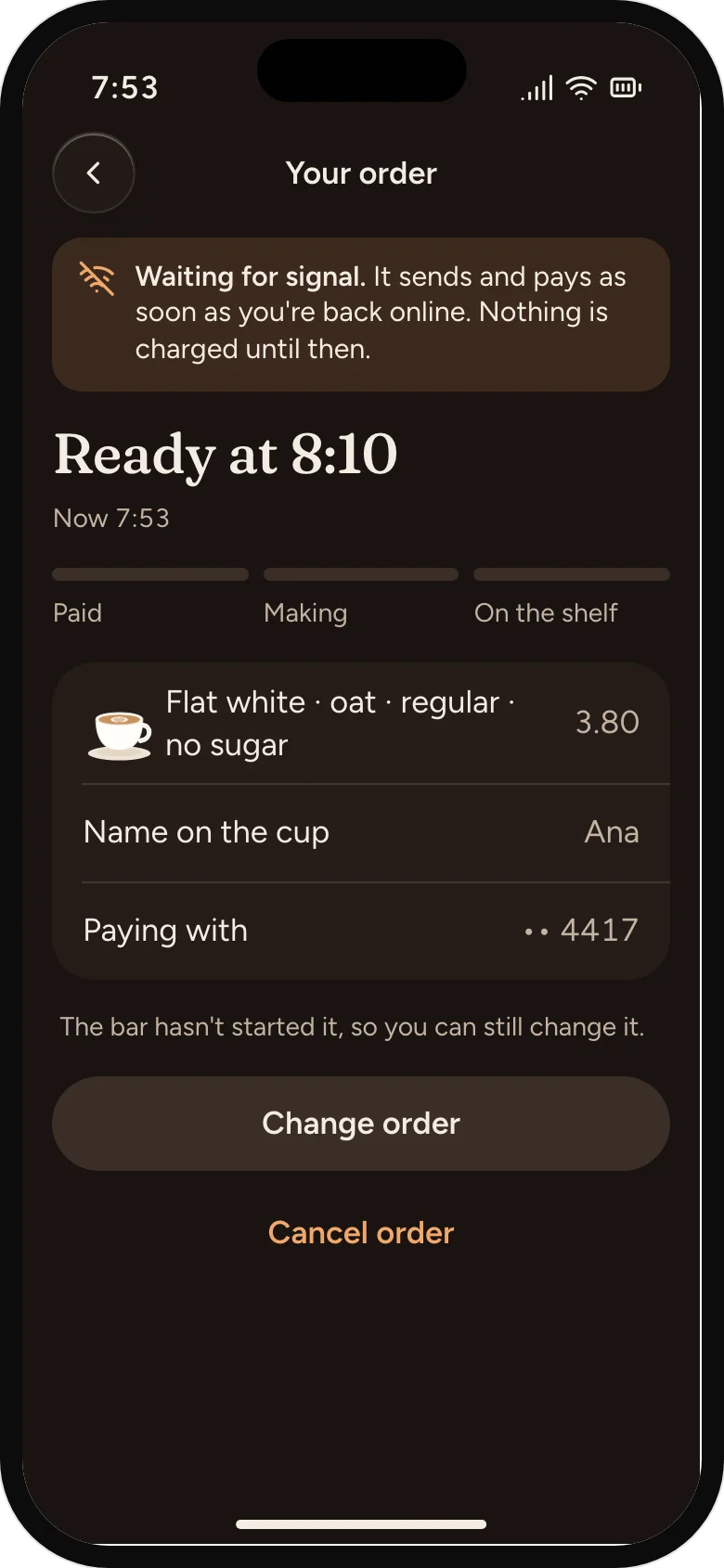
No signal on the tram
The usual and the times are kept on the phone, and the order sends when the signal returns.
06
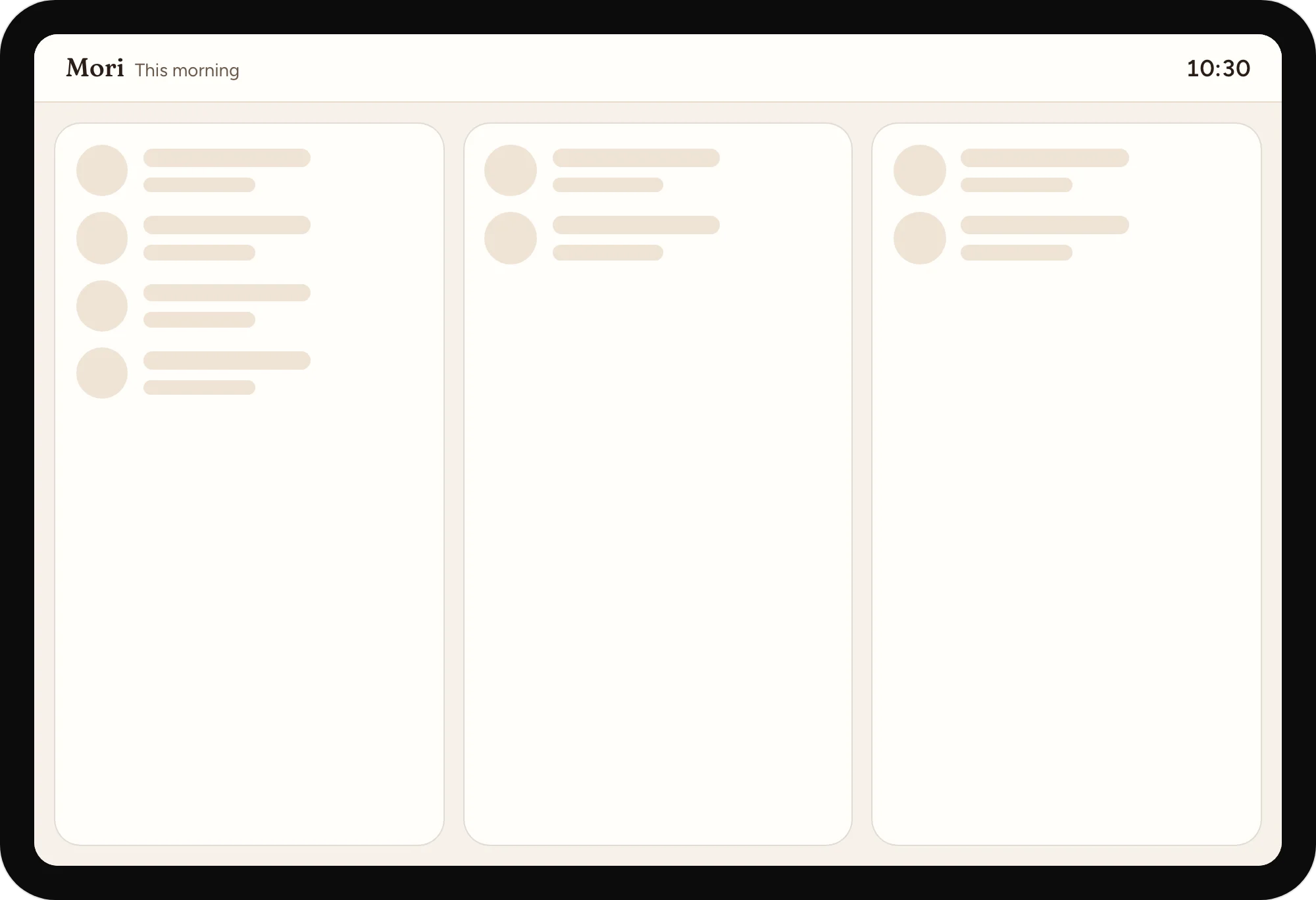
Each screen has a shape while it loads, words when there's nothing yet, and what still works when it fails.
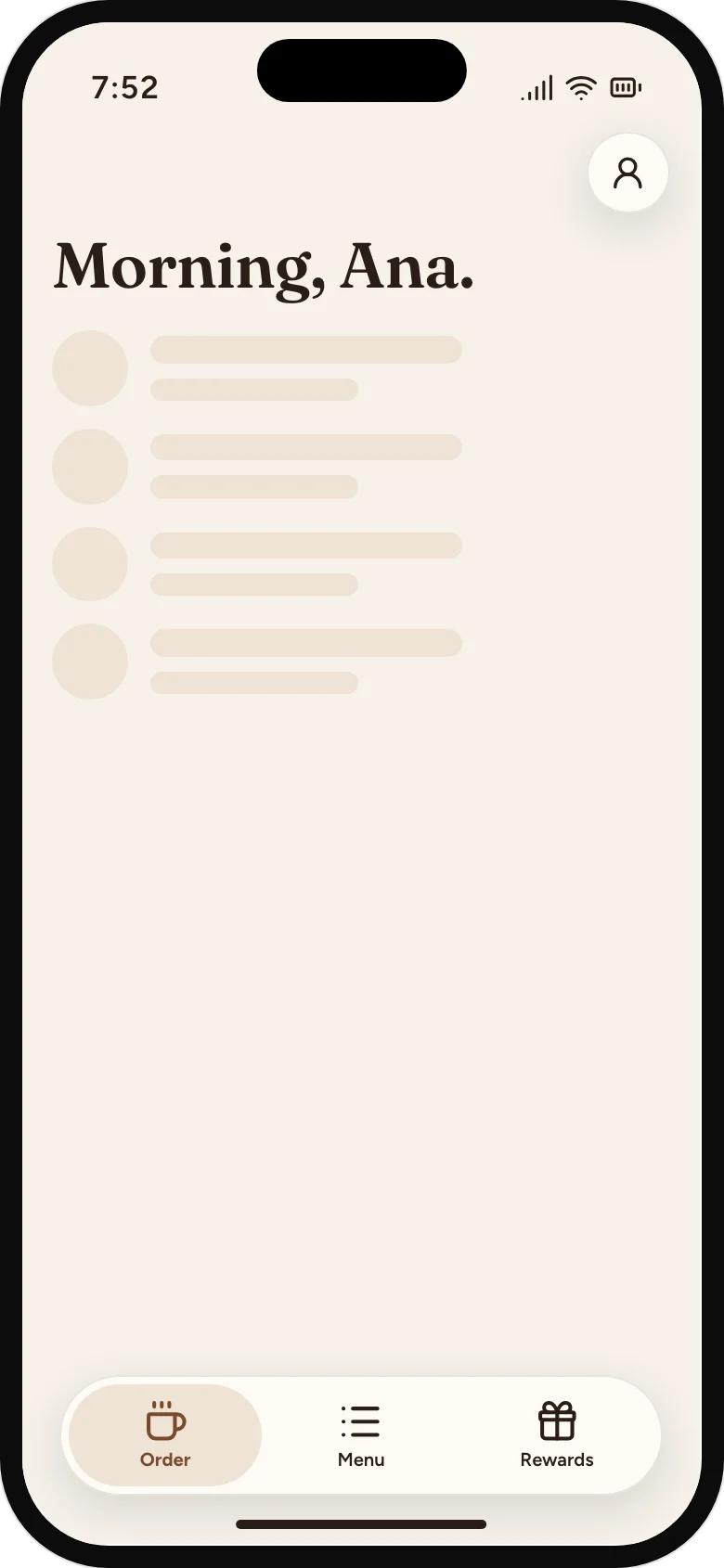
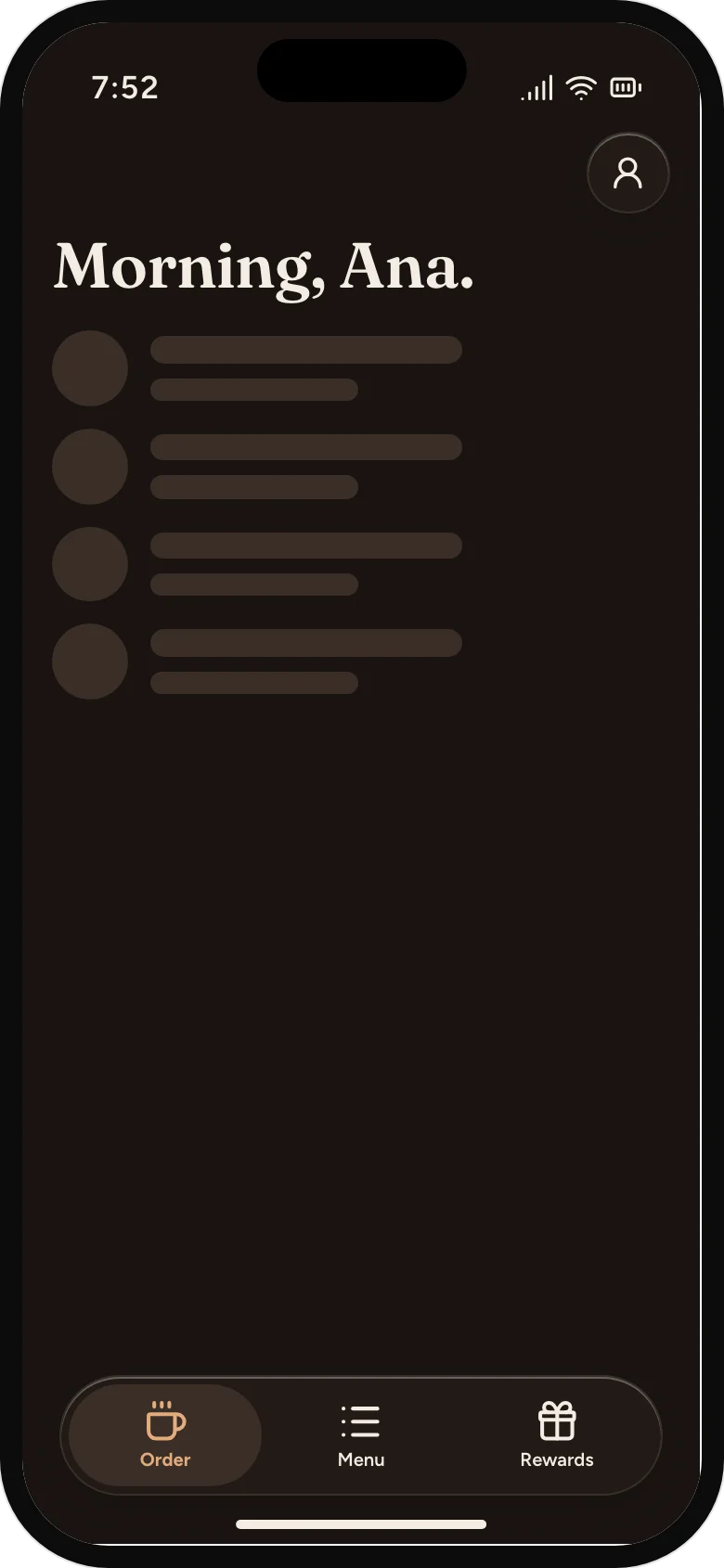
Loading, in the shape of the usual
The rows that are coming hold their place, so nothing jumps.
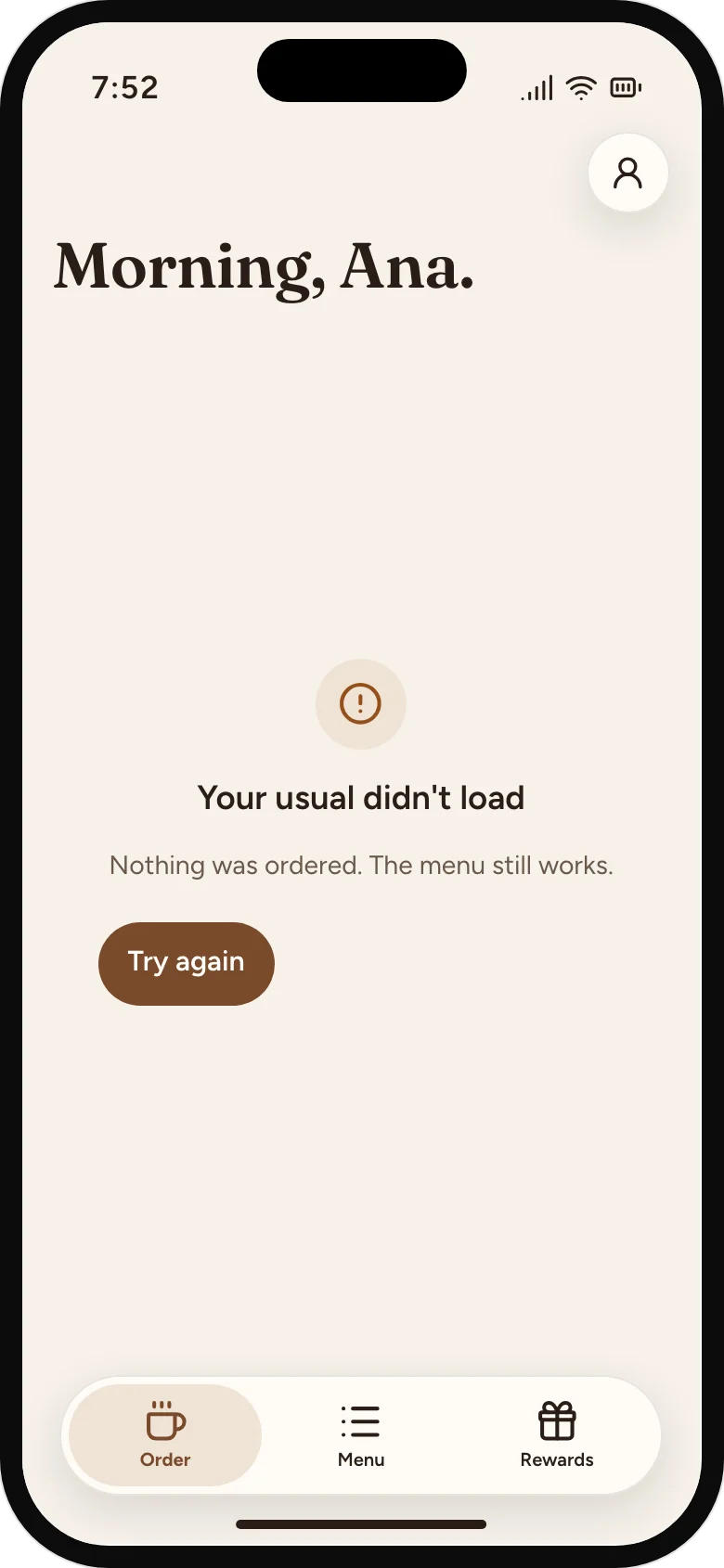
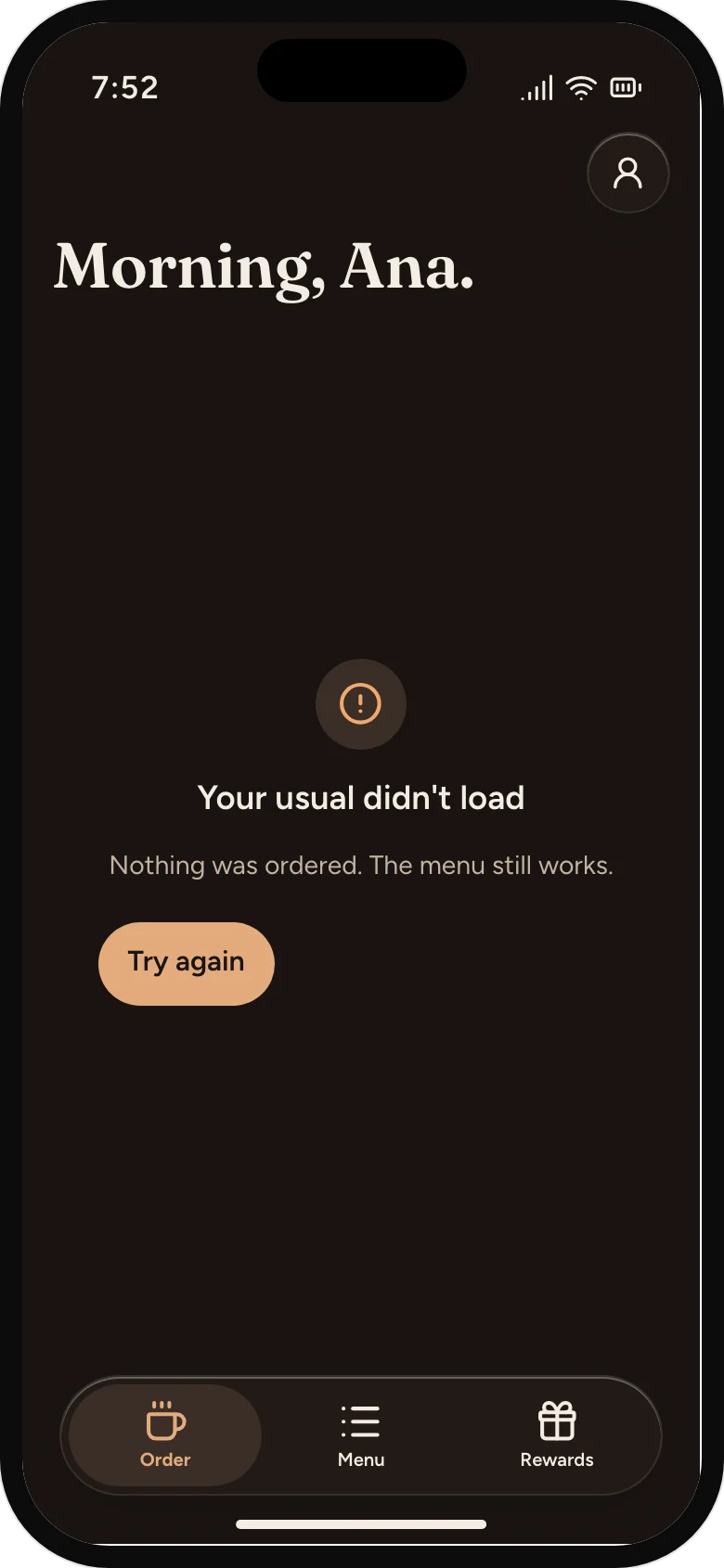
A usual that didn't load
Says nothing was ordered, and that the menu still works.
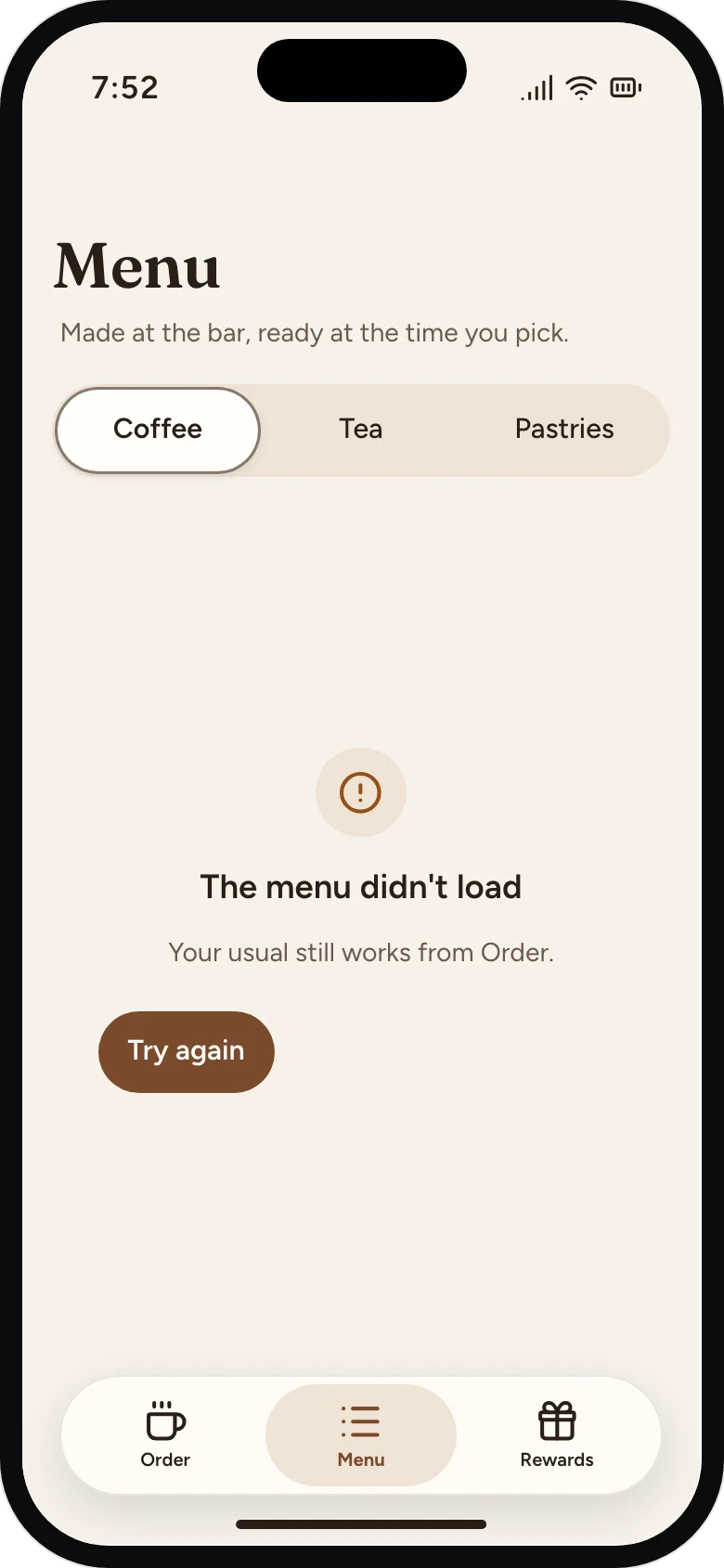
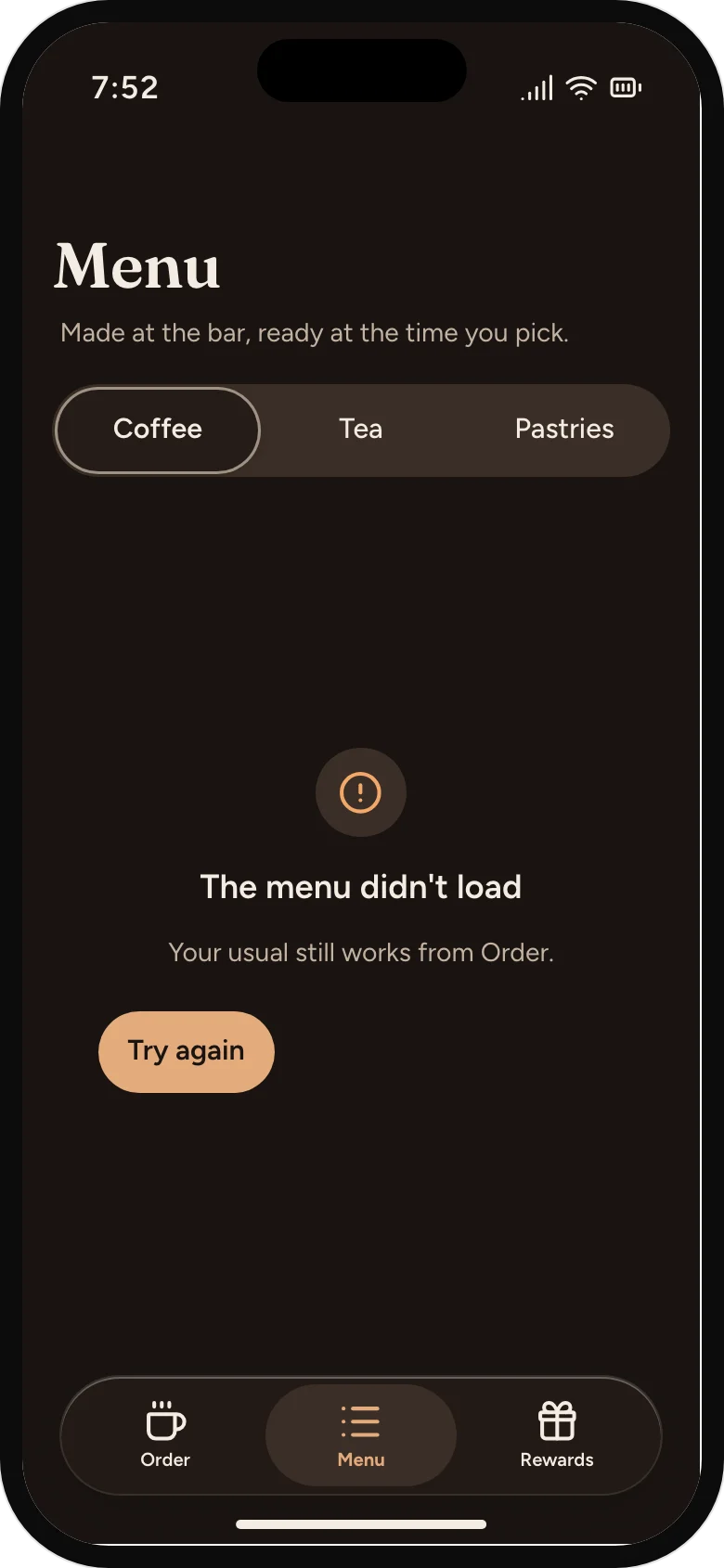
A menu that didn't load
The usual still works, so the error says where to find it.
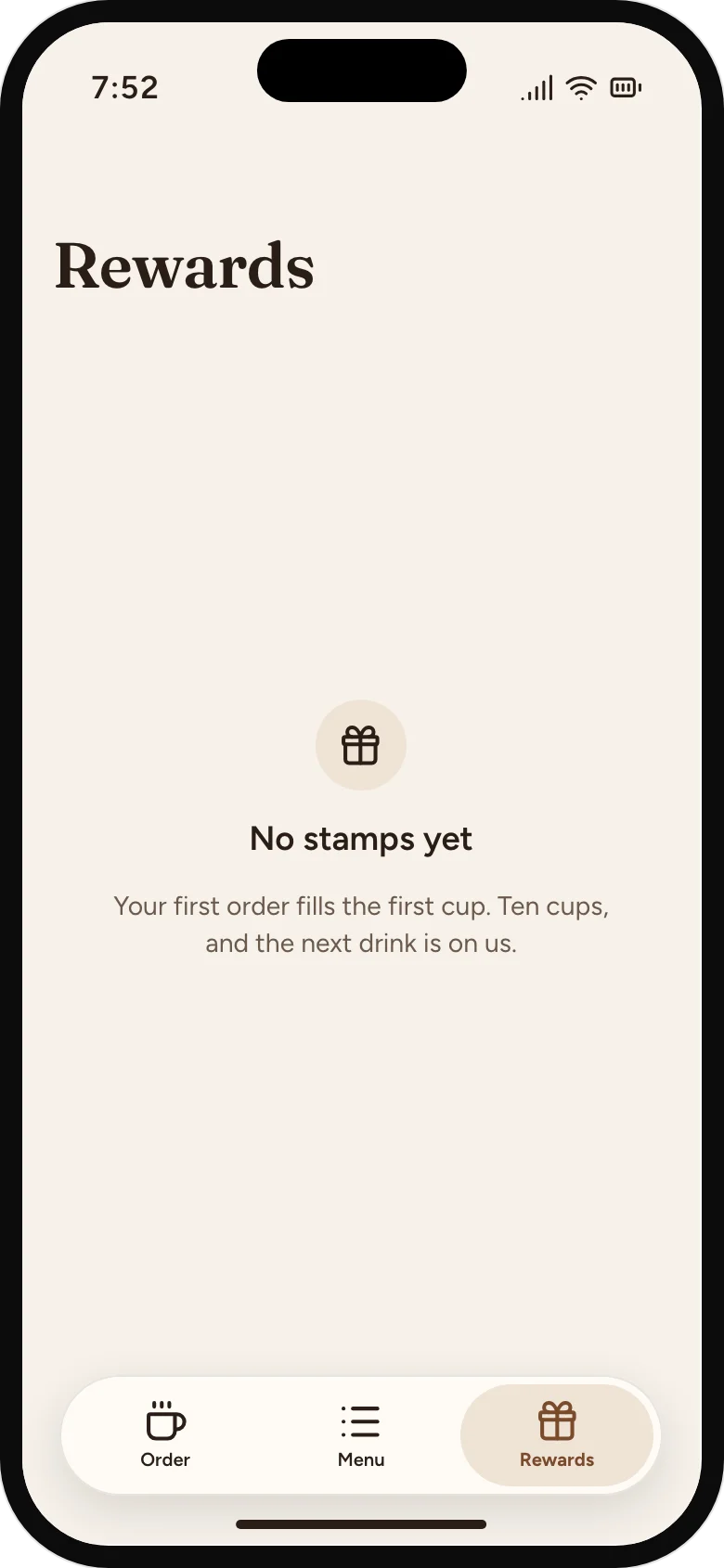
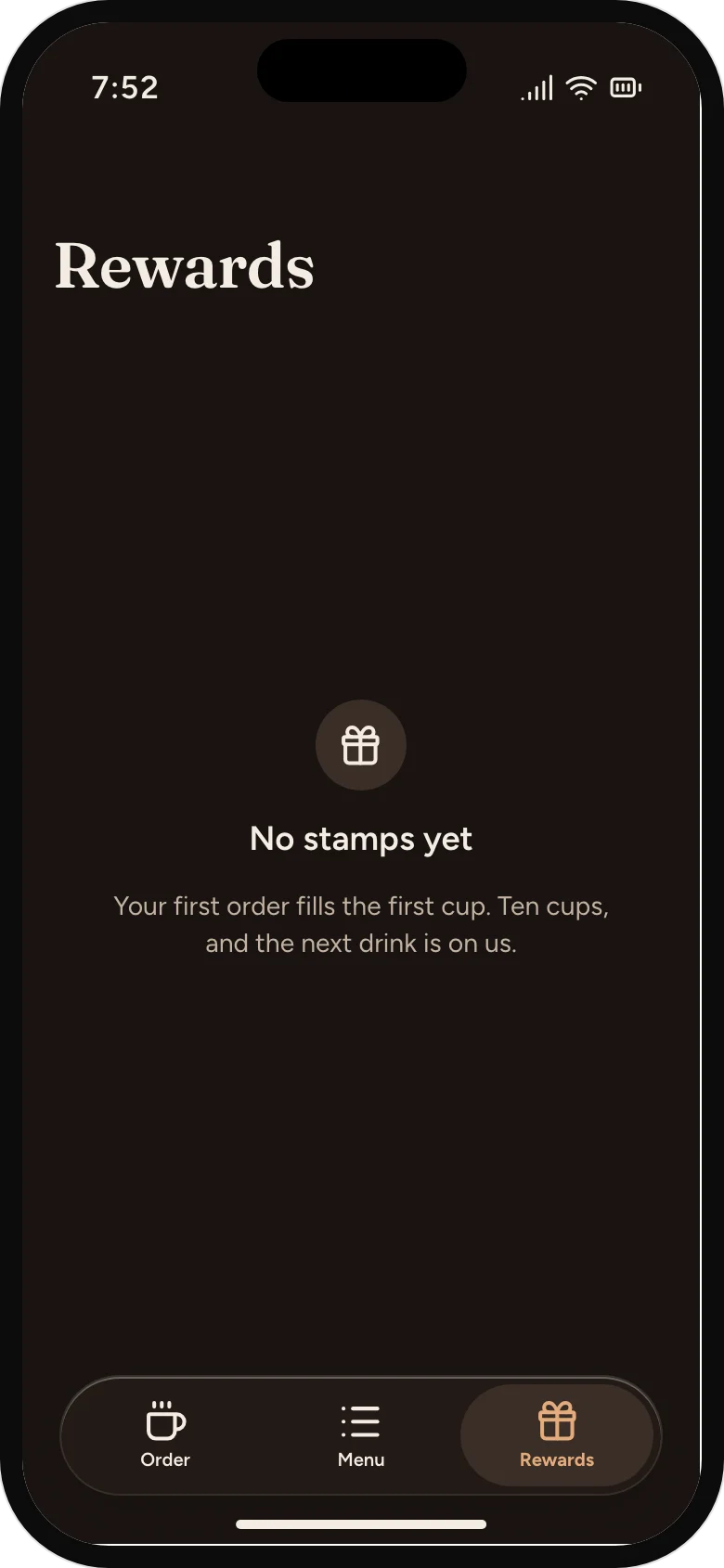
No stamps yet
An empty card says how it fills.
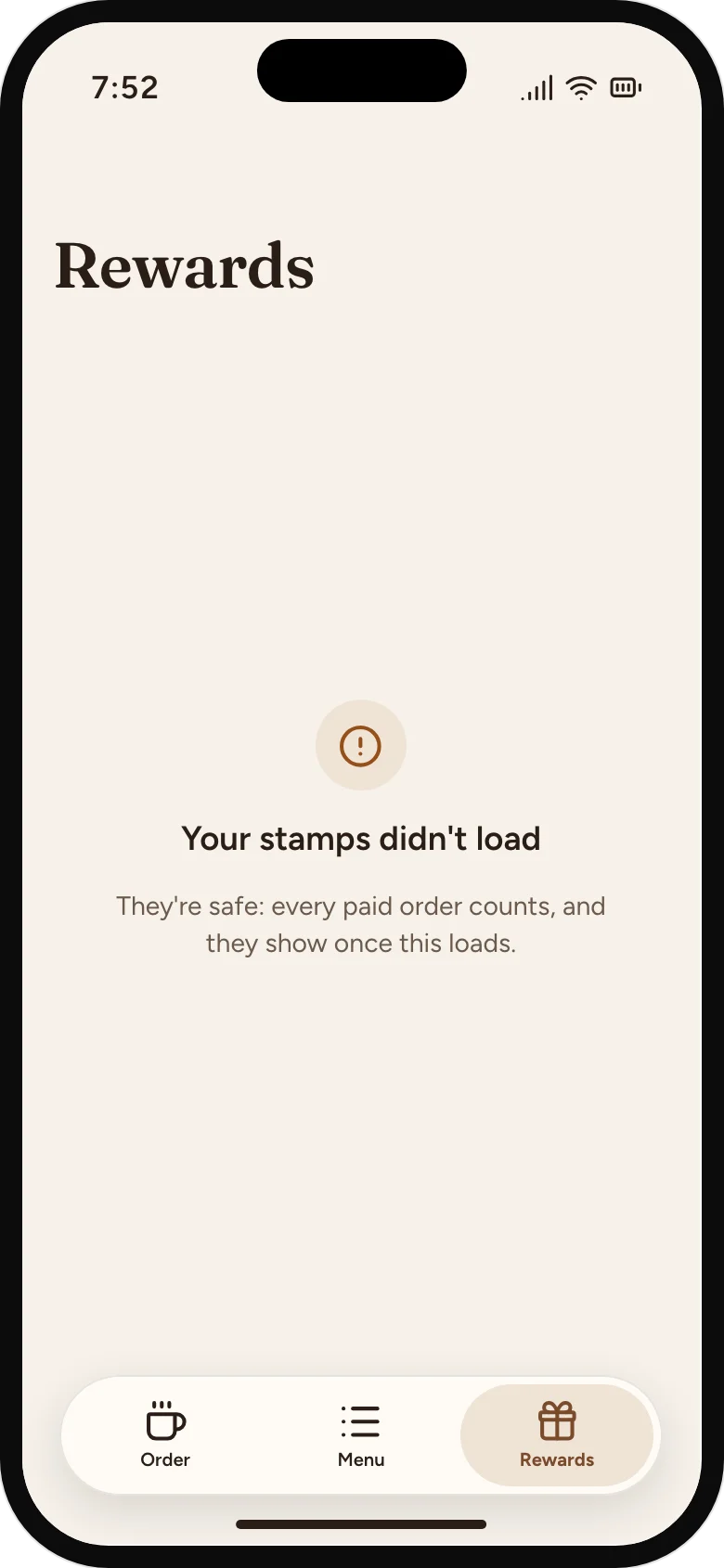
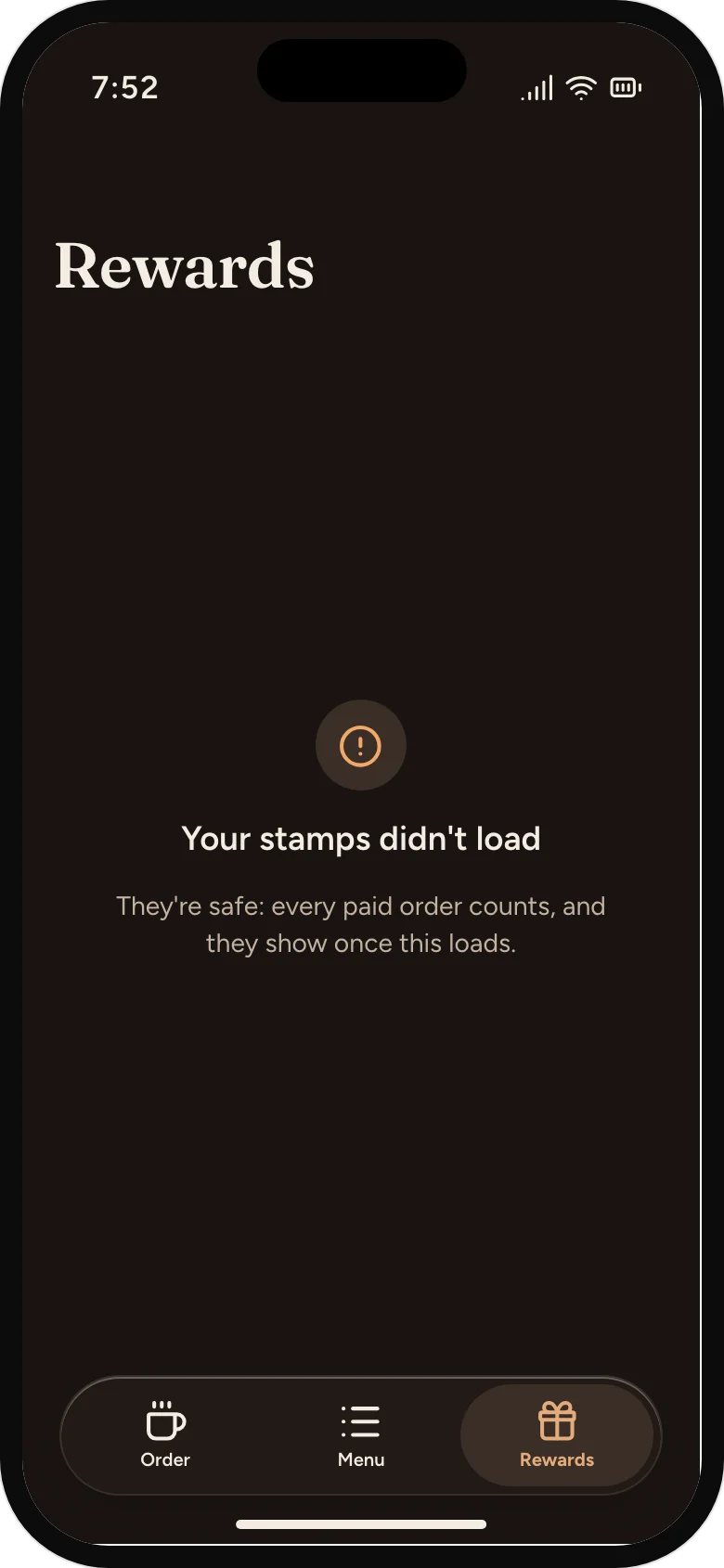
Stamps that didn't load
Says the stamps are safe, so nobody thinks they've lost a free drink.
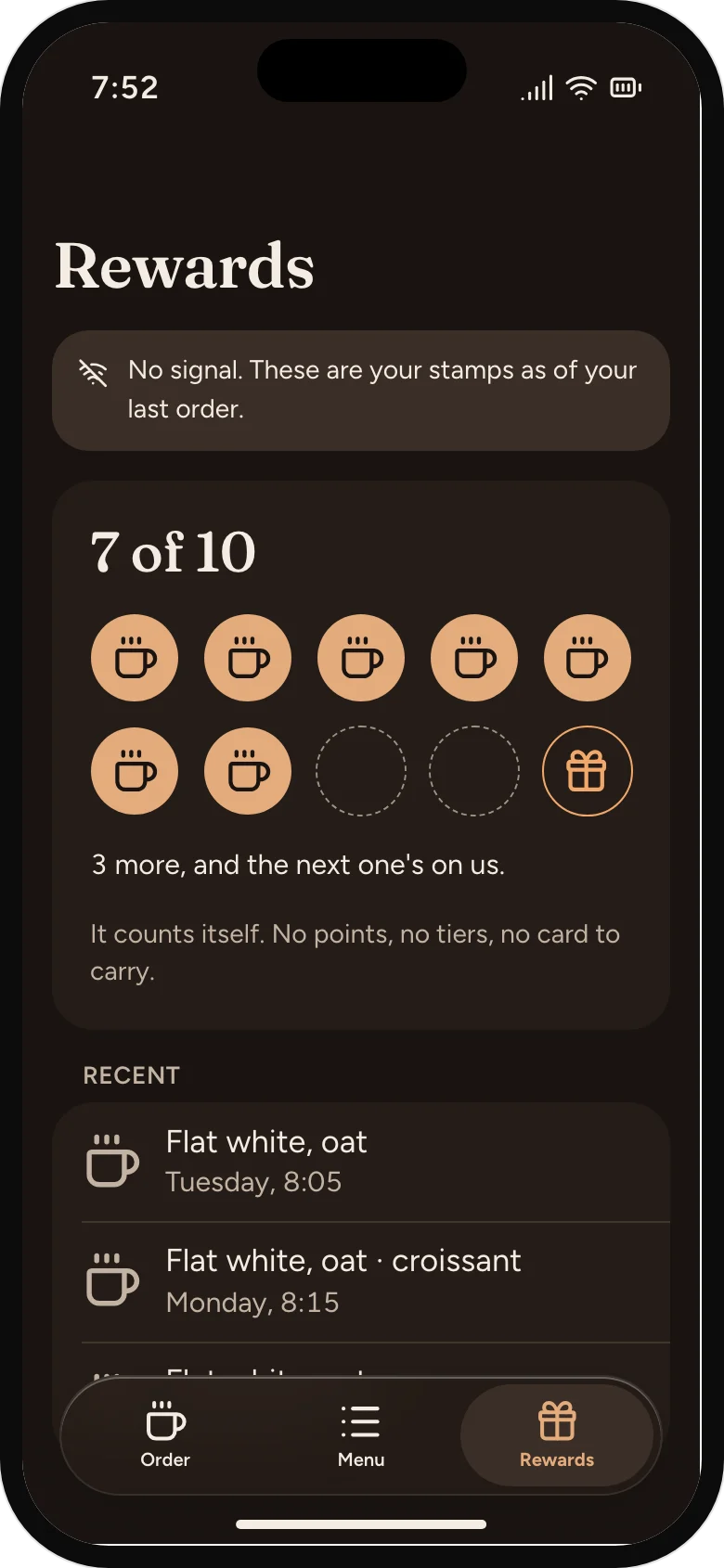
Stamps without signal
Shows the card as of the last order, and says so.
Cancel, with what it costs
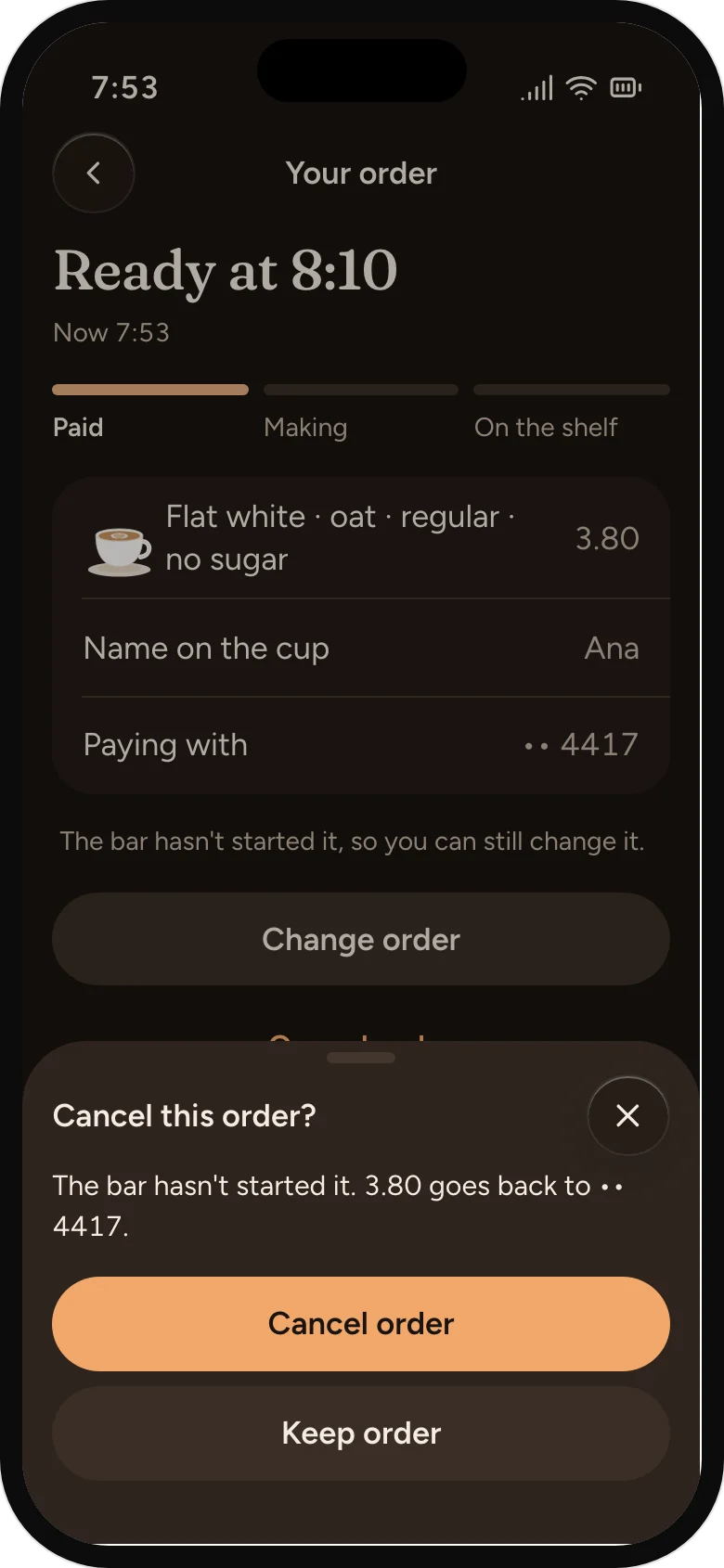
The bar hasn't started, so the money goes back to the card.
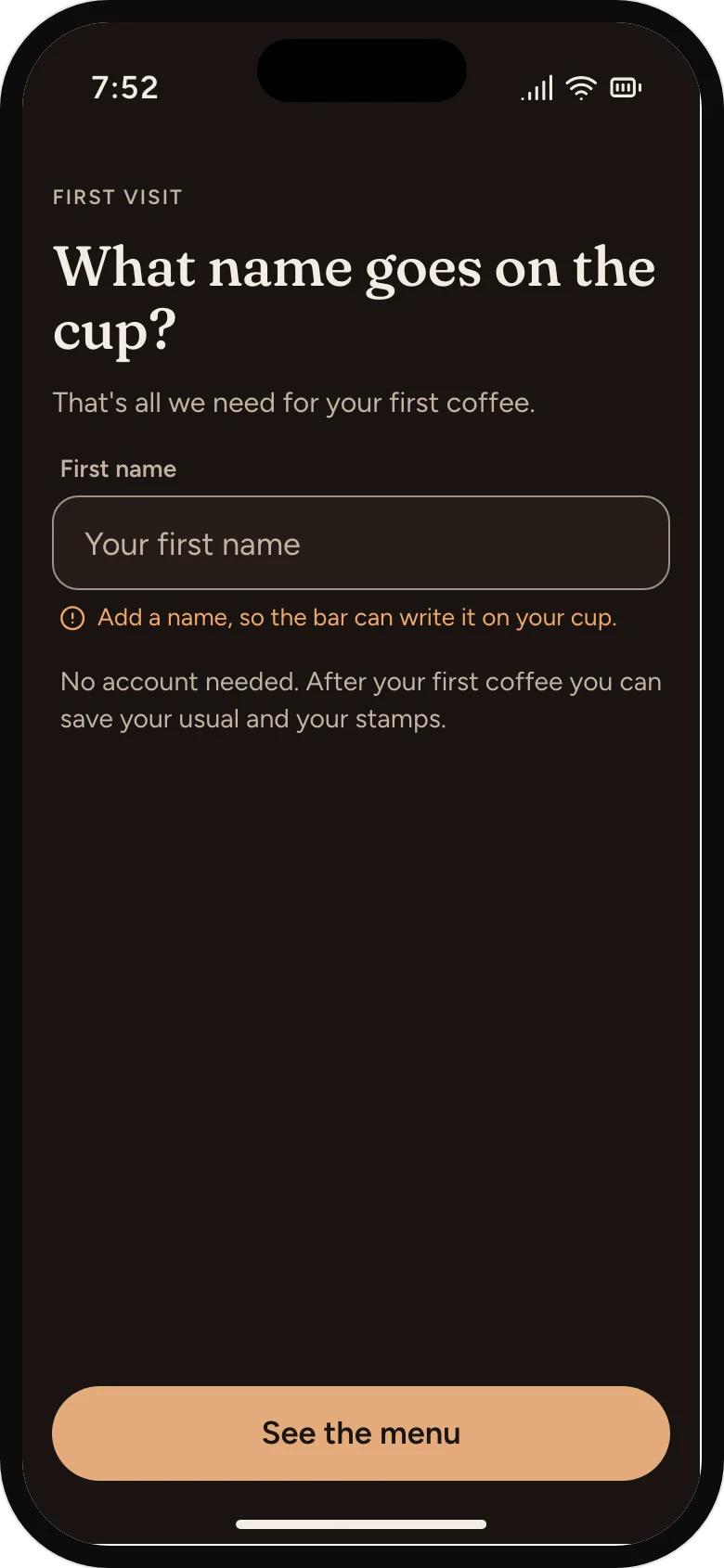
A name is still needed
The field says why it needs the name, in words the bar would use.
Waiting to send
Saved on the phone, not charged, and sent the moment there's signal.
07
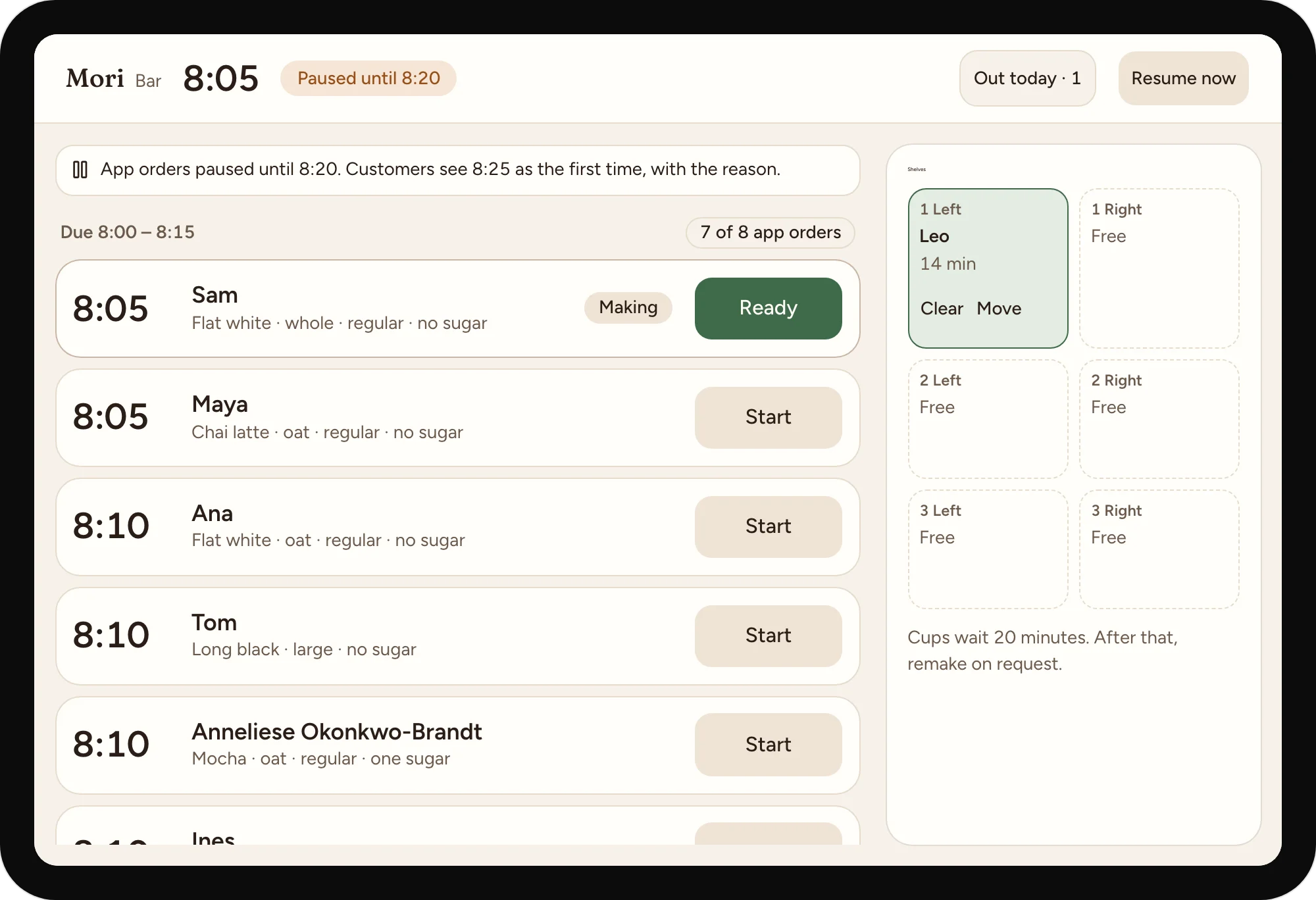
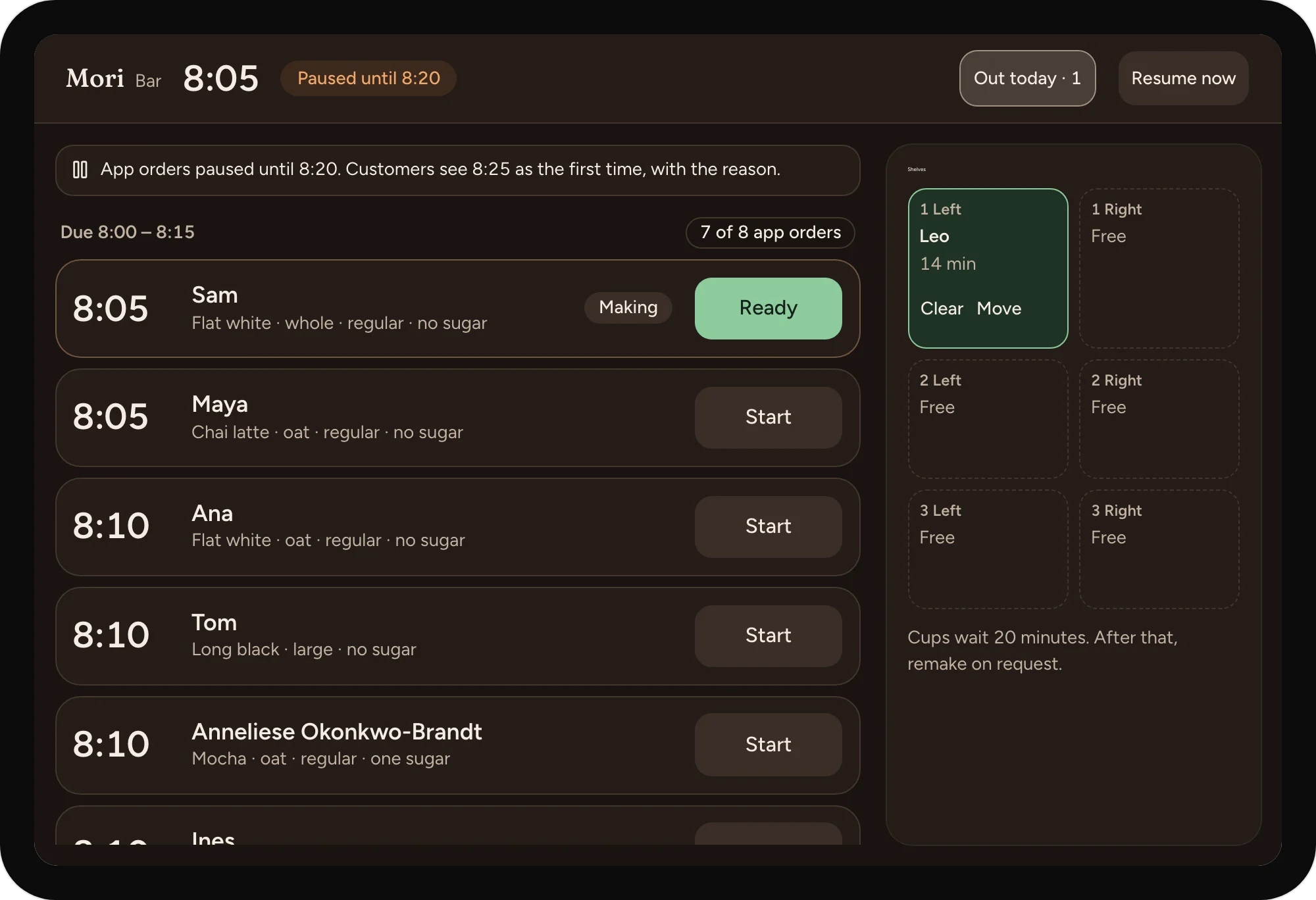
A tablet at the counter, read from two metres.
In pickup order, with a limit
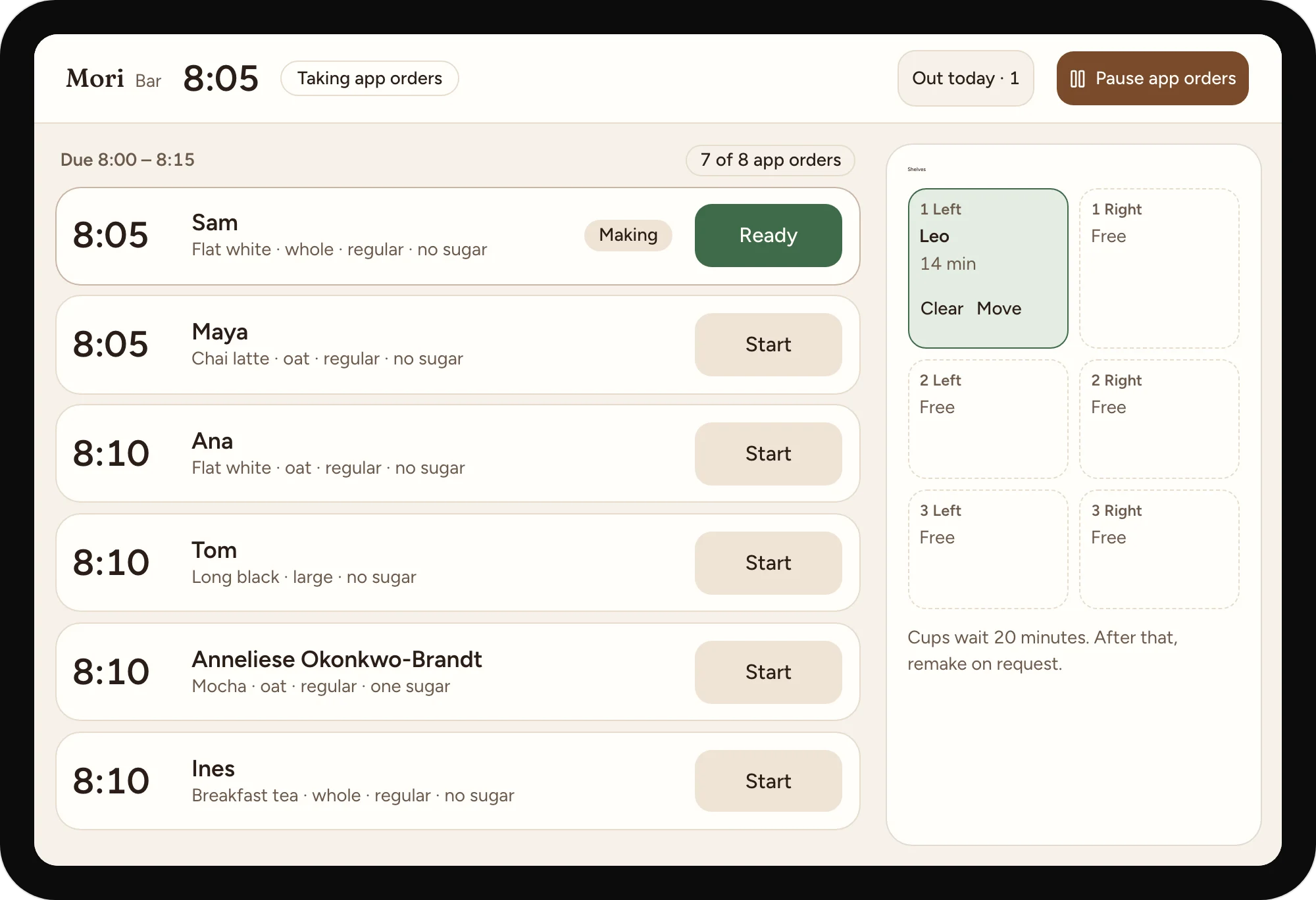
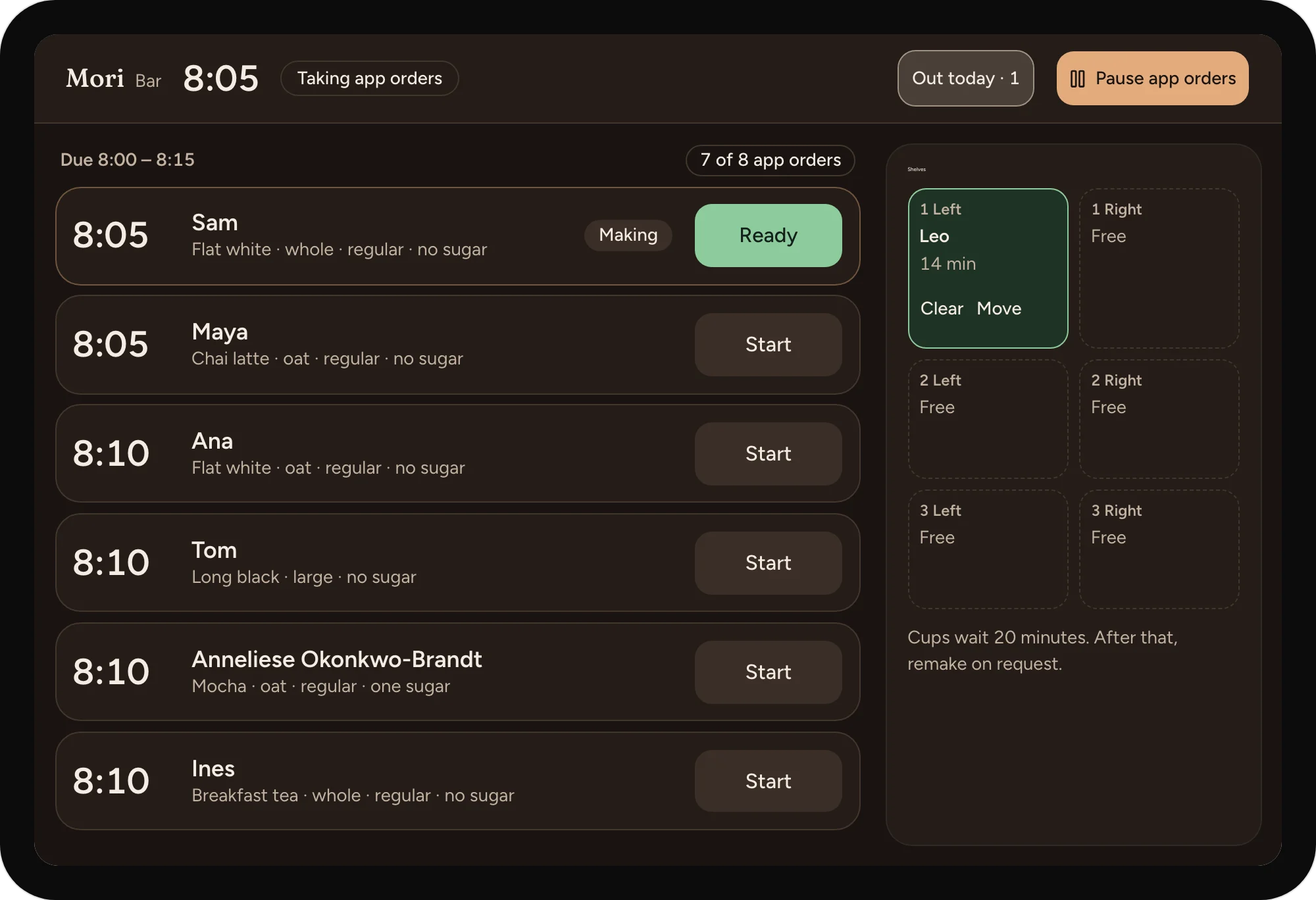
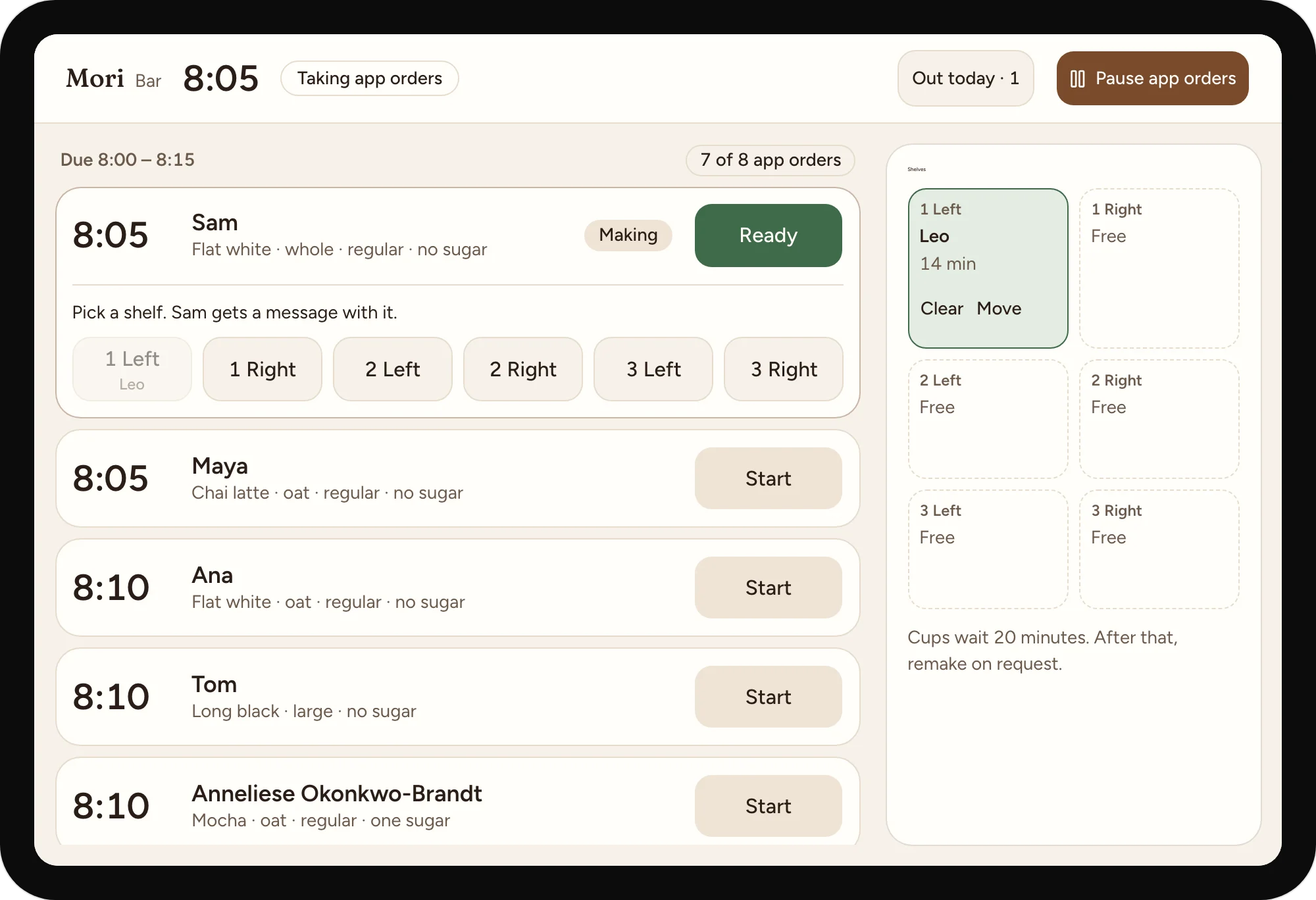
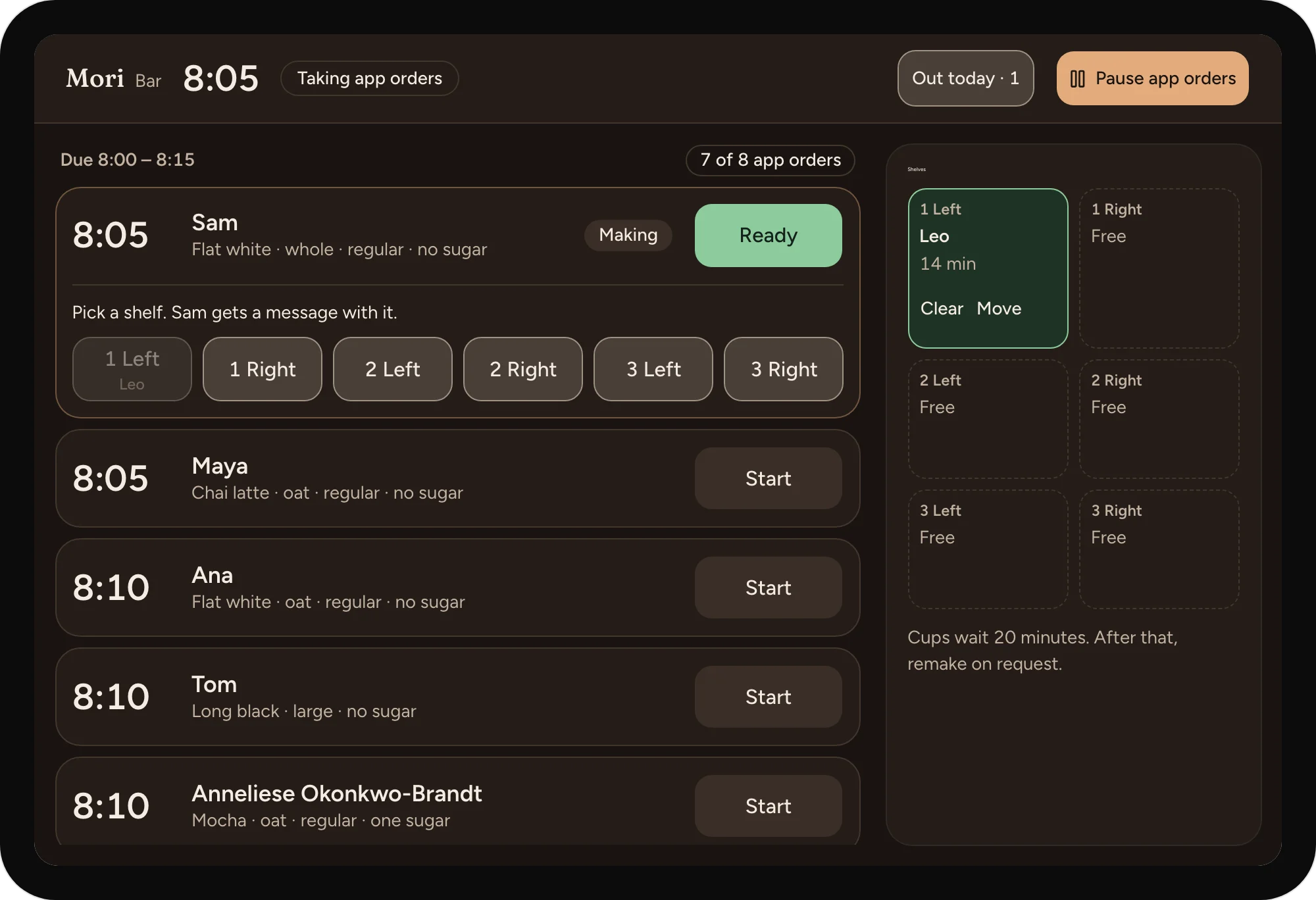
Each quarter-hour holds as many app orders as the bar sets. Times are the largest thing on screen.
Ready asks for the shelf
One tap on a shelf marks the cup ready and tells the customer where it is.
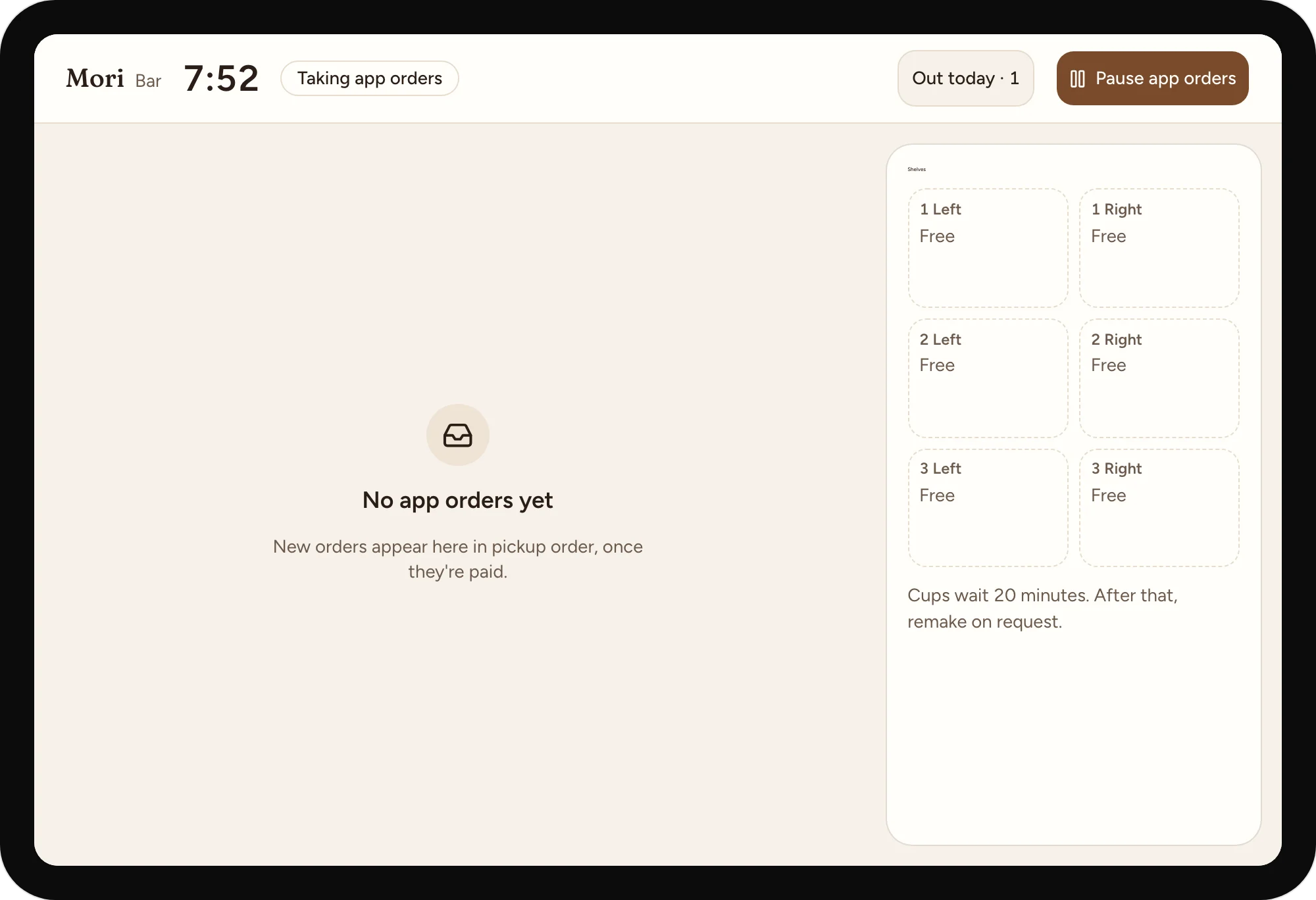
The bar can pause the app
15 or 30 minutes, ending by itself. Orders already in stay in.
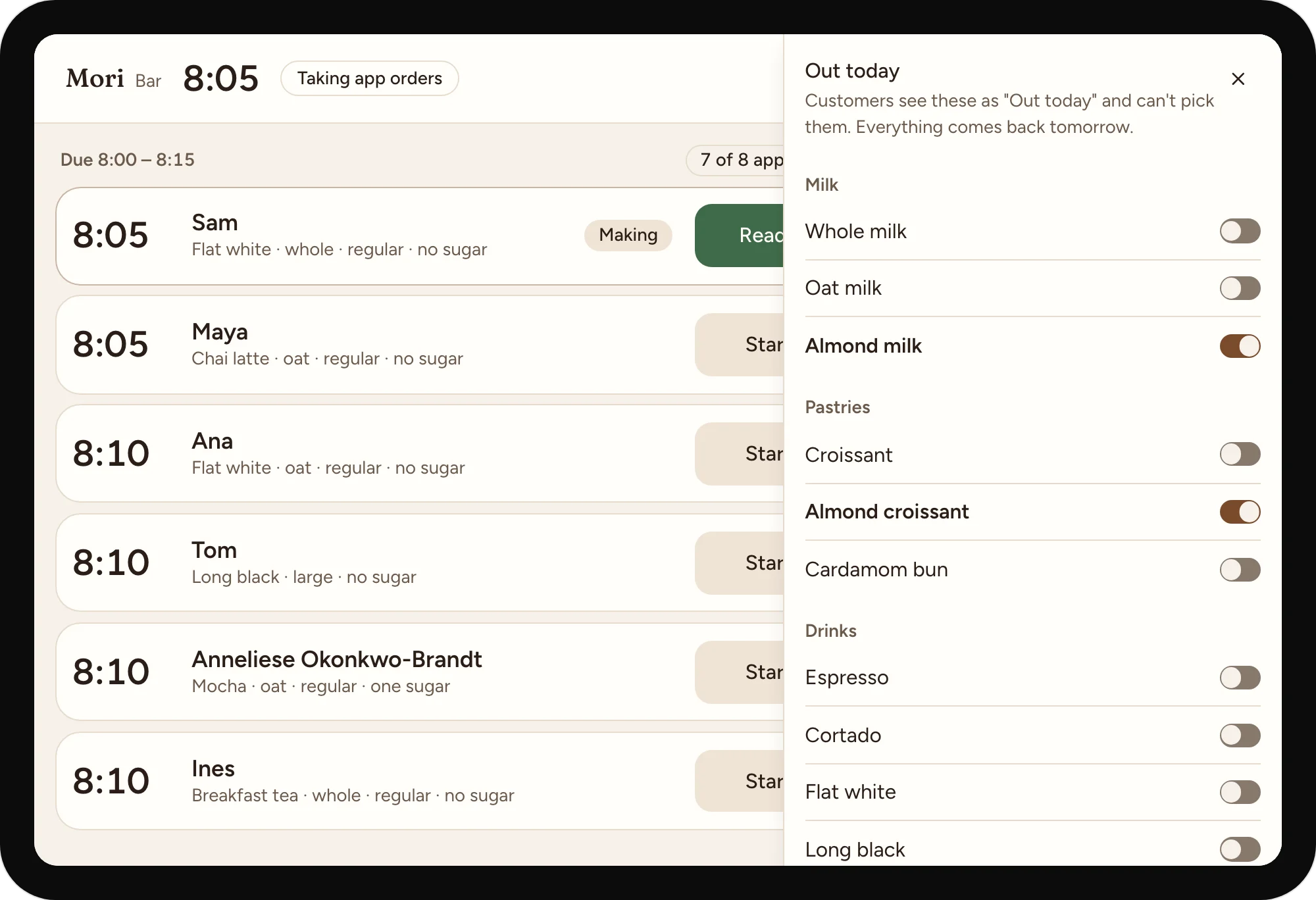
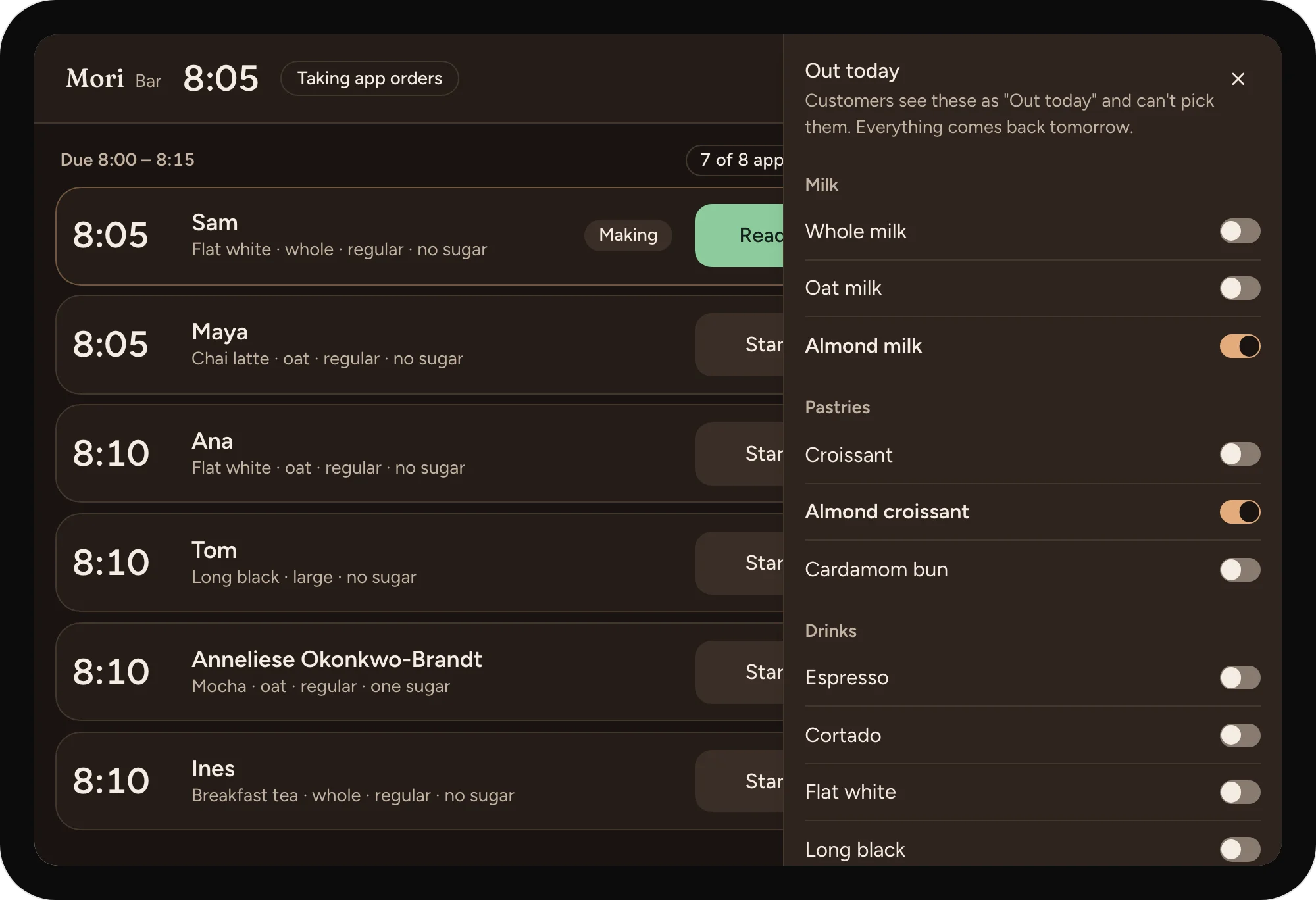
Out today, one switch each
The phone stops offering the item the moment it's switched off.
08
Offline, empty, loading and failed, each with what still works.
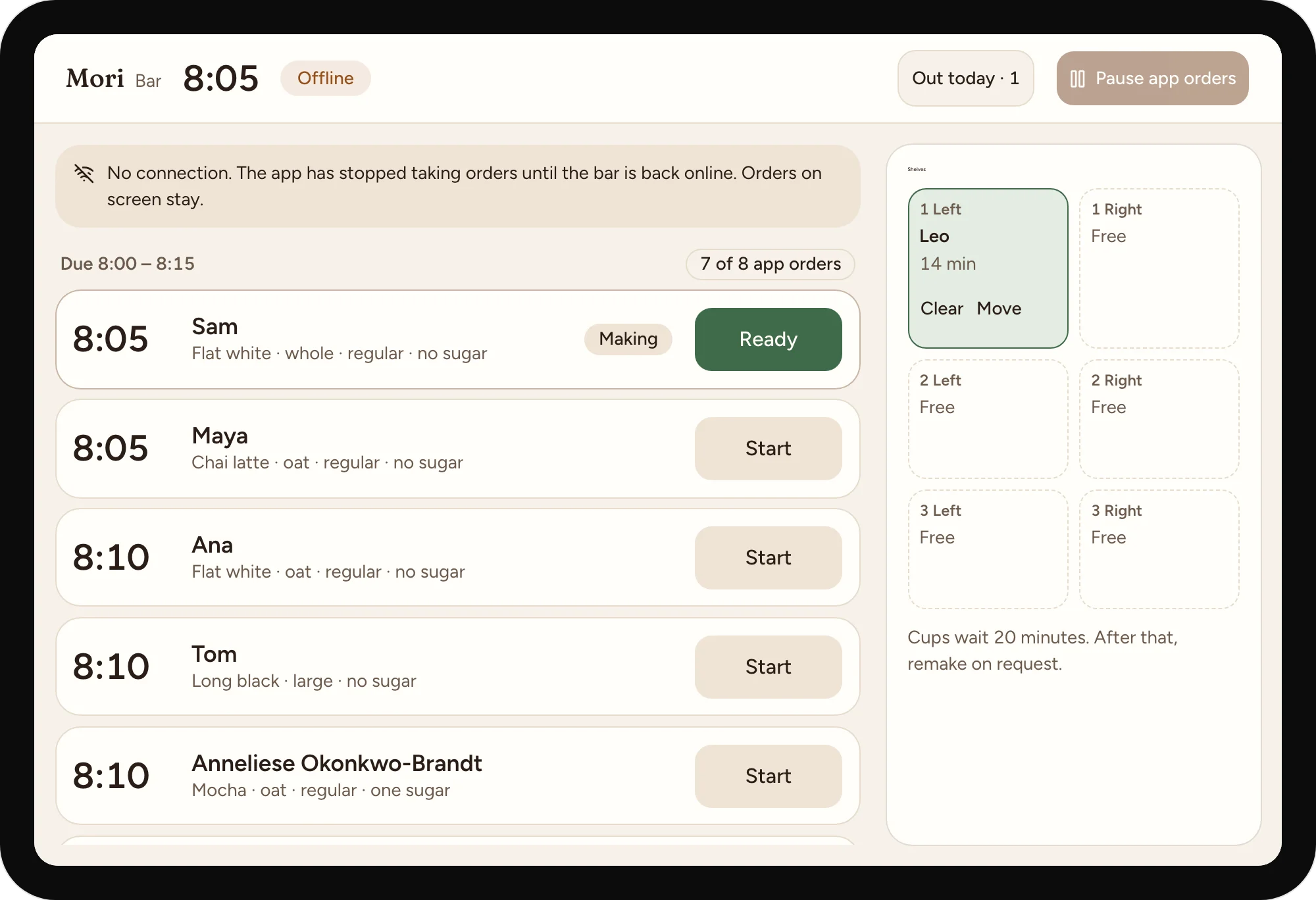
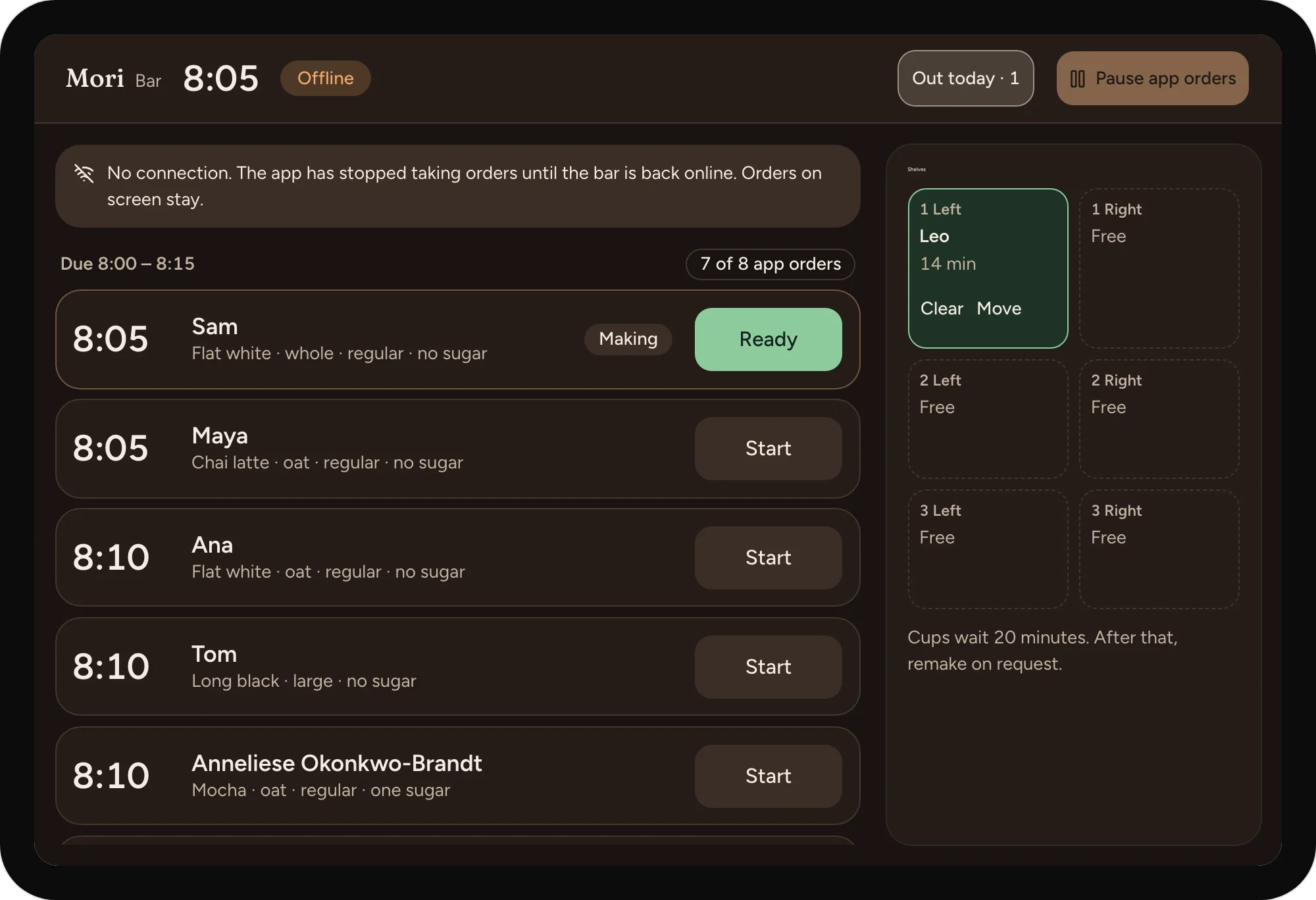
Offline at the bar
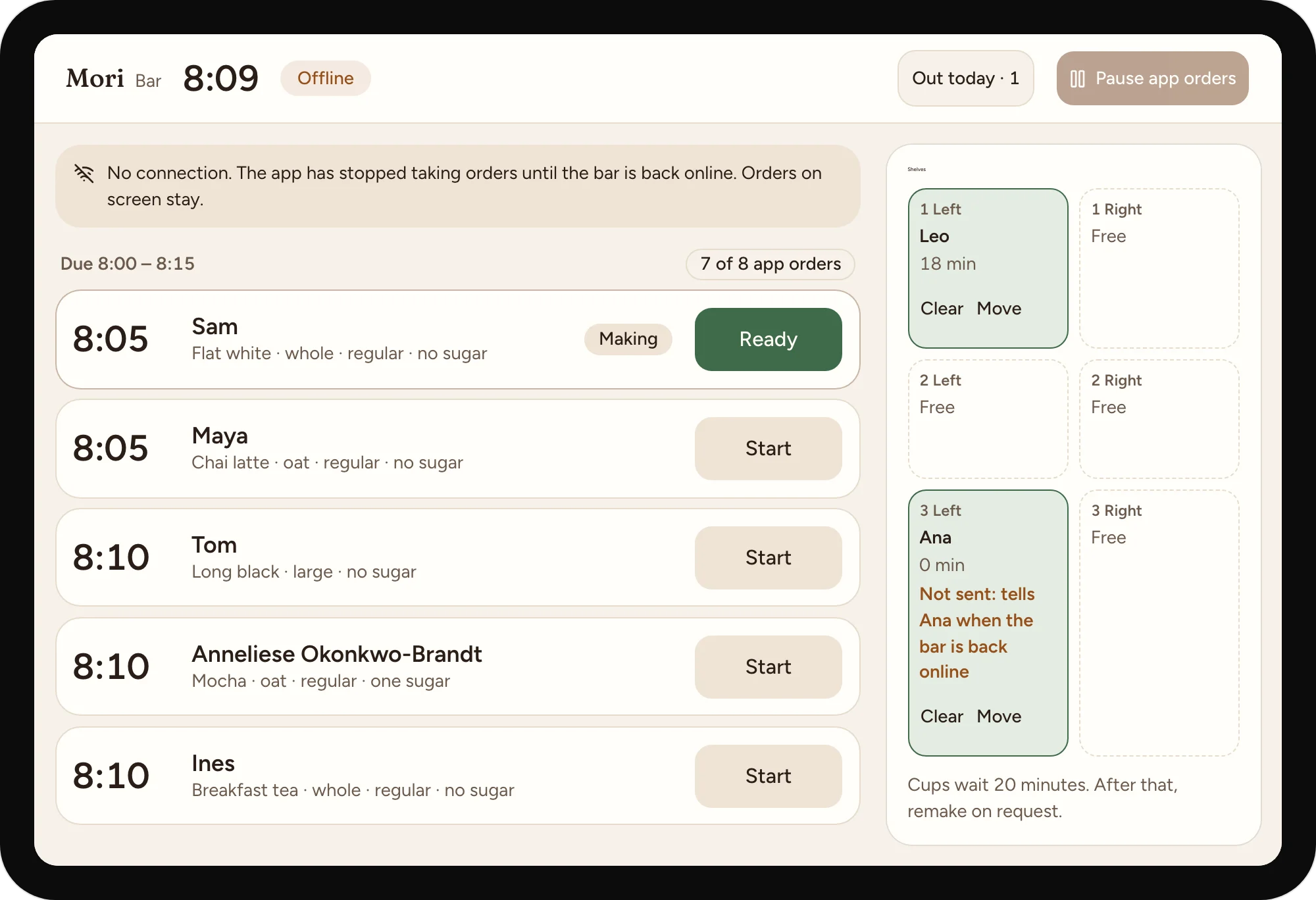
The app stops taking orders until the bar is back, so no order waits unseen.
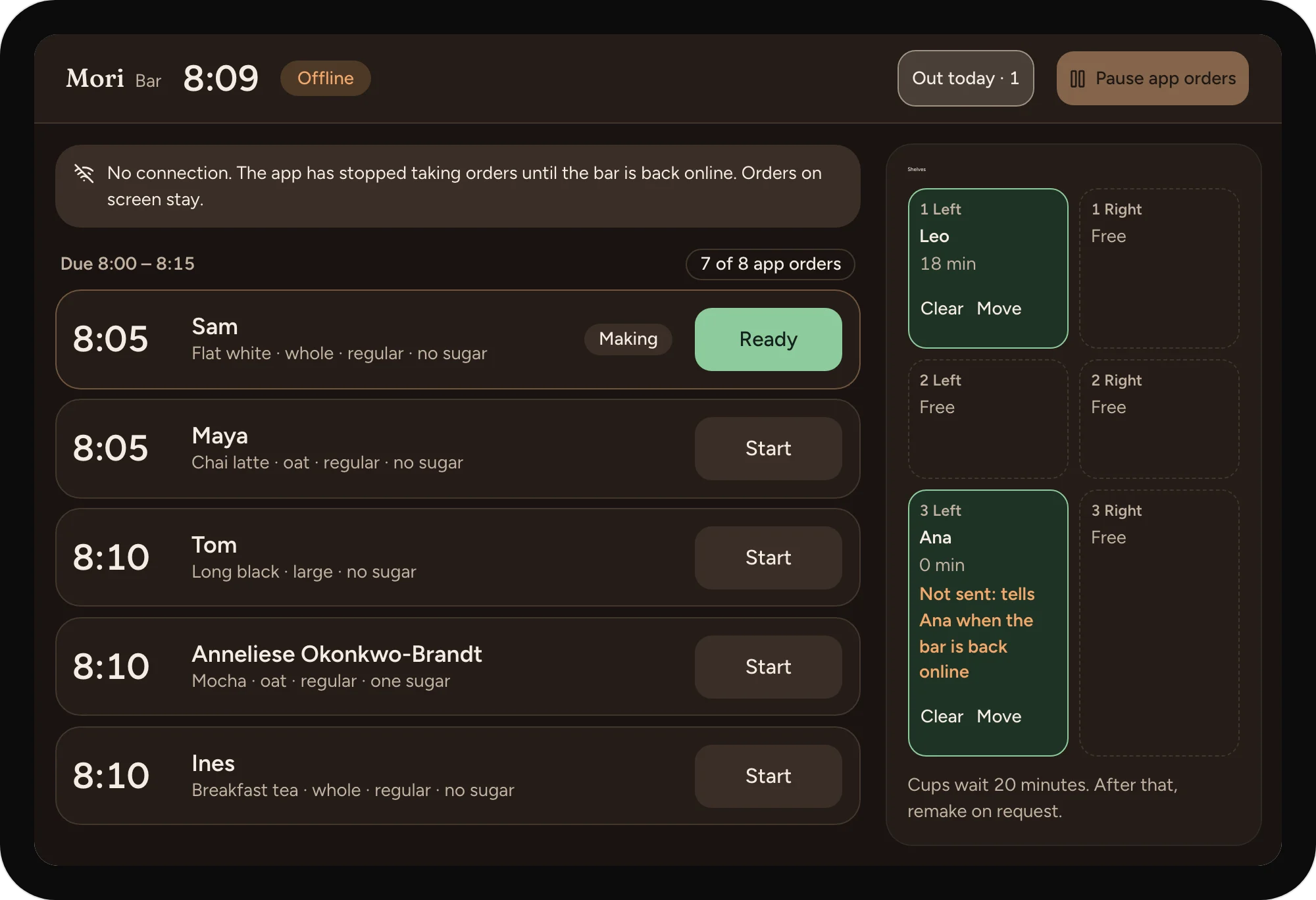
Ready, waiting to send
Offline, a cup can still go on the shelf. The message waits, and the tile says so.
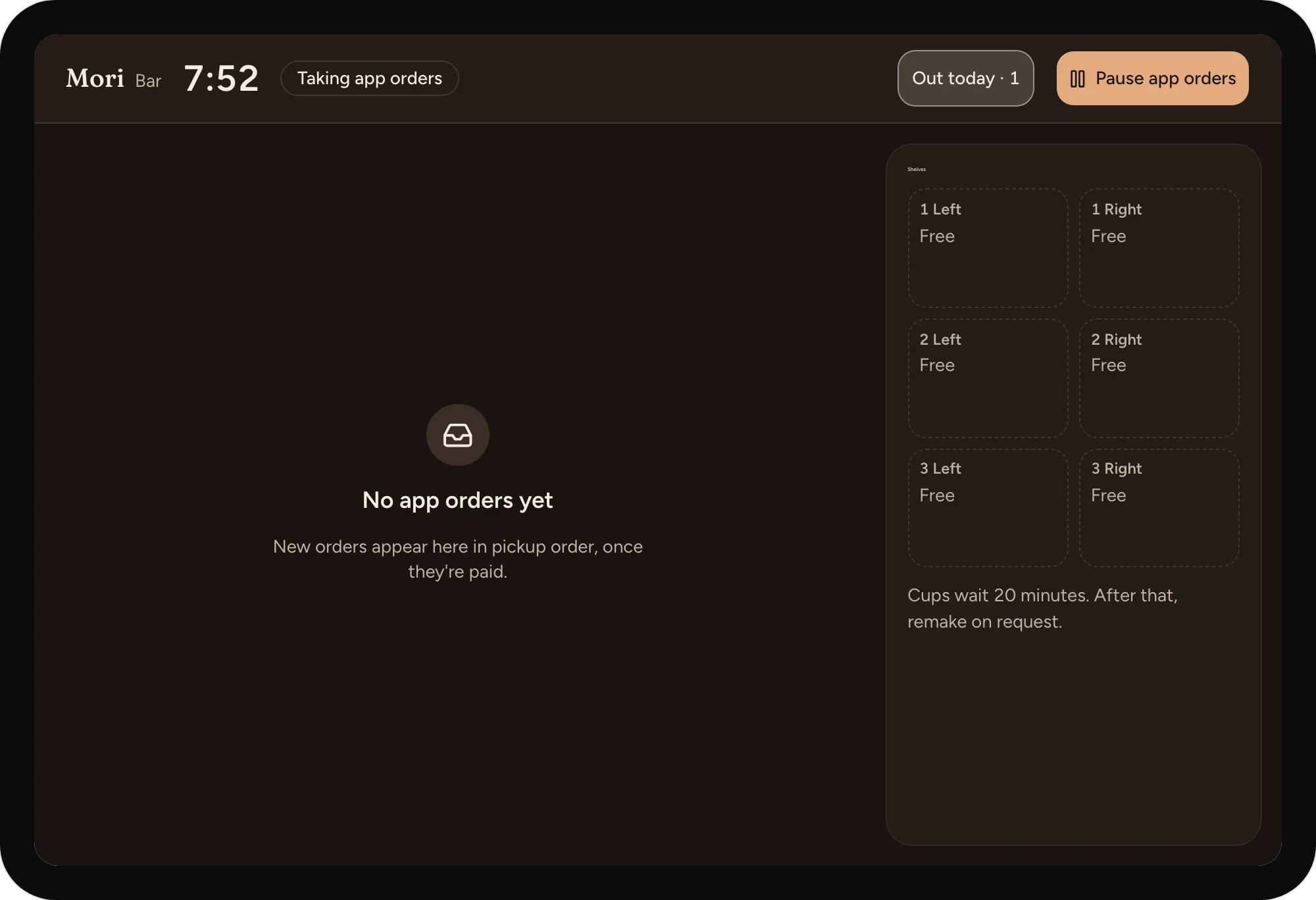
Before the first order
Says where new orders will appear.
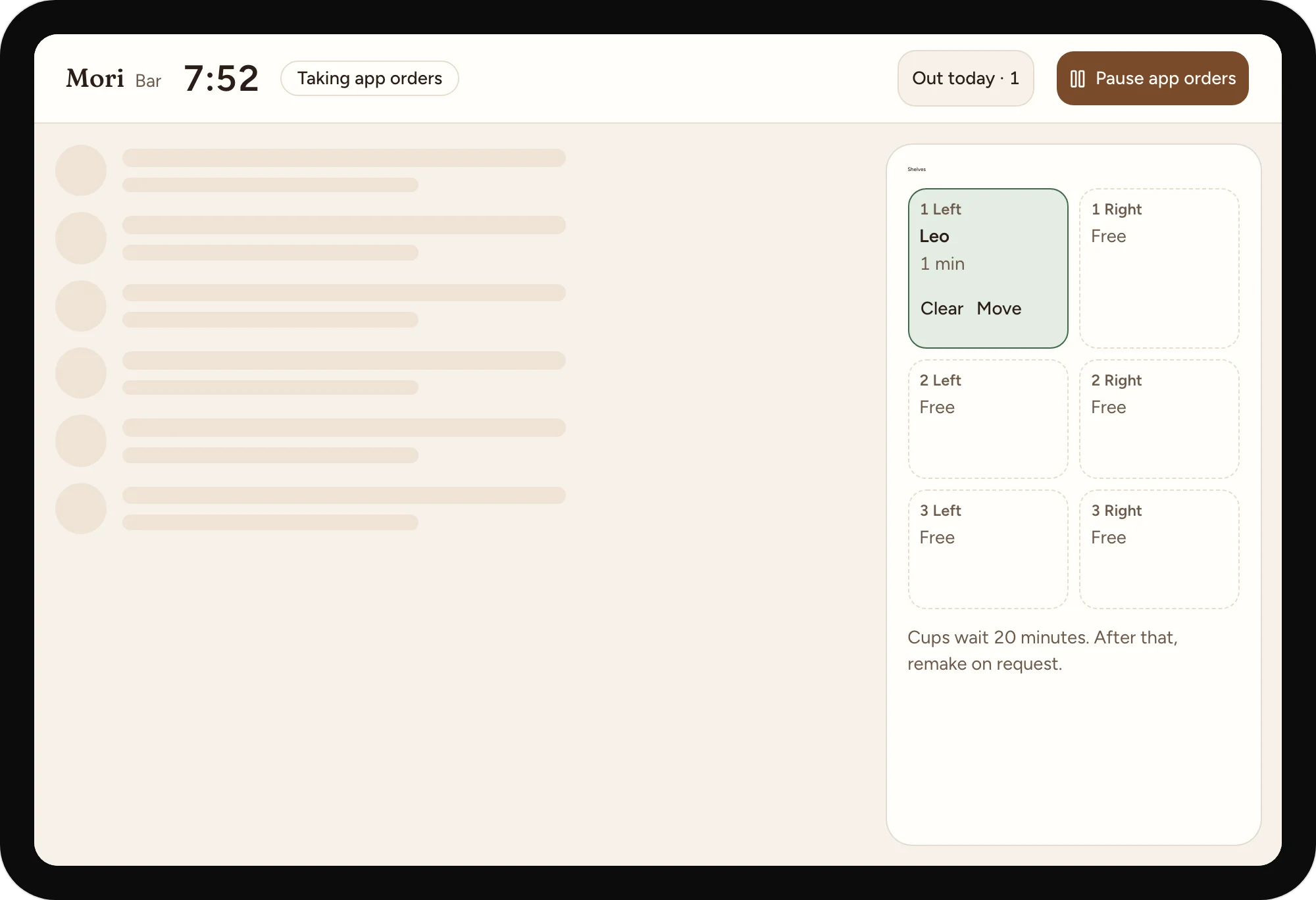
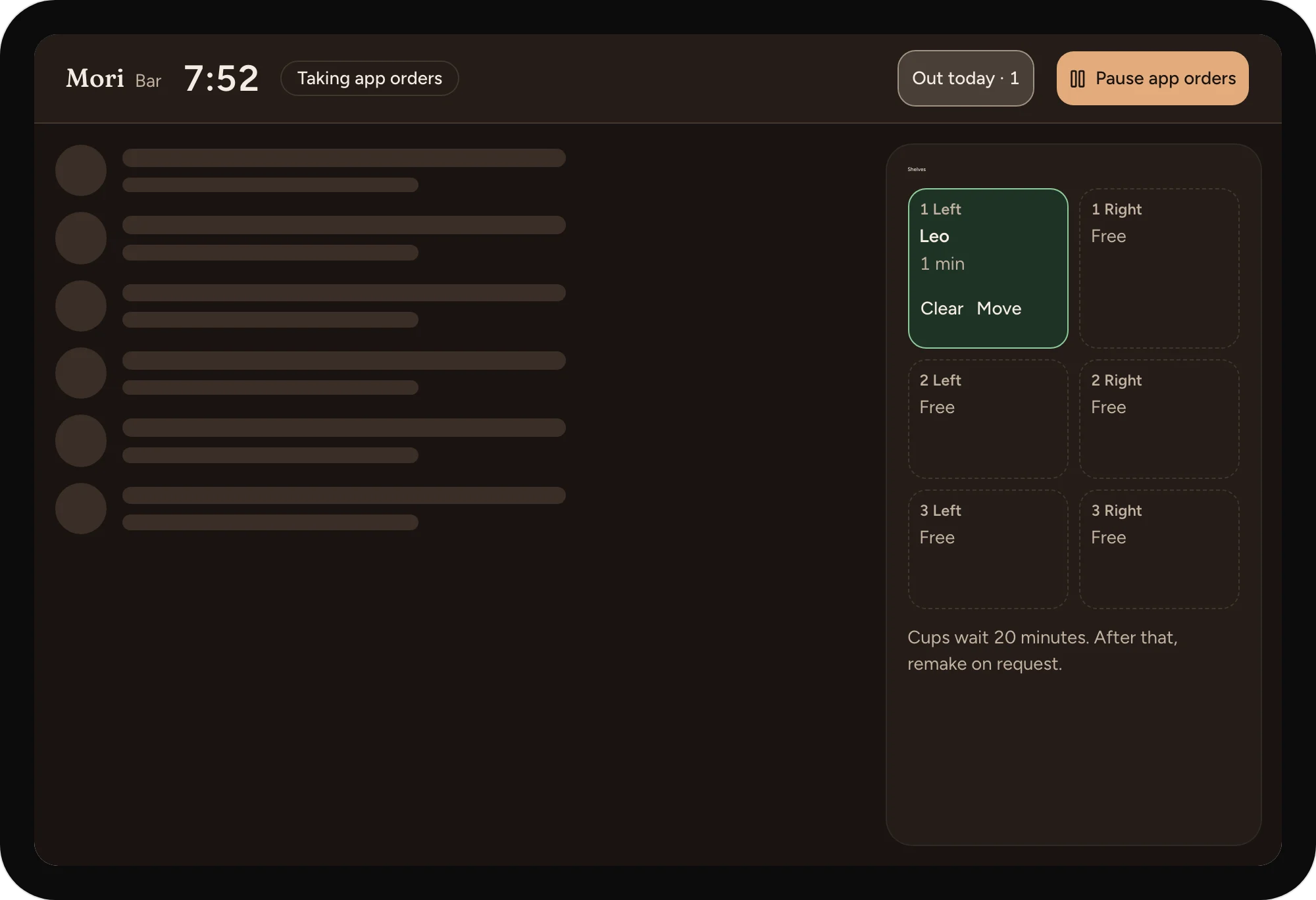
Loading the queue
The rows hold their place while the orders load.
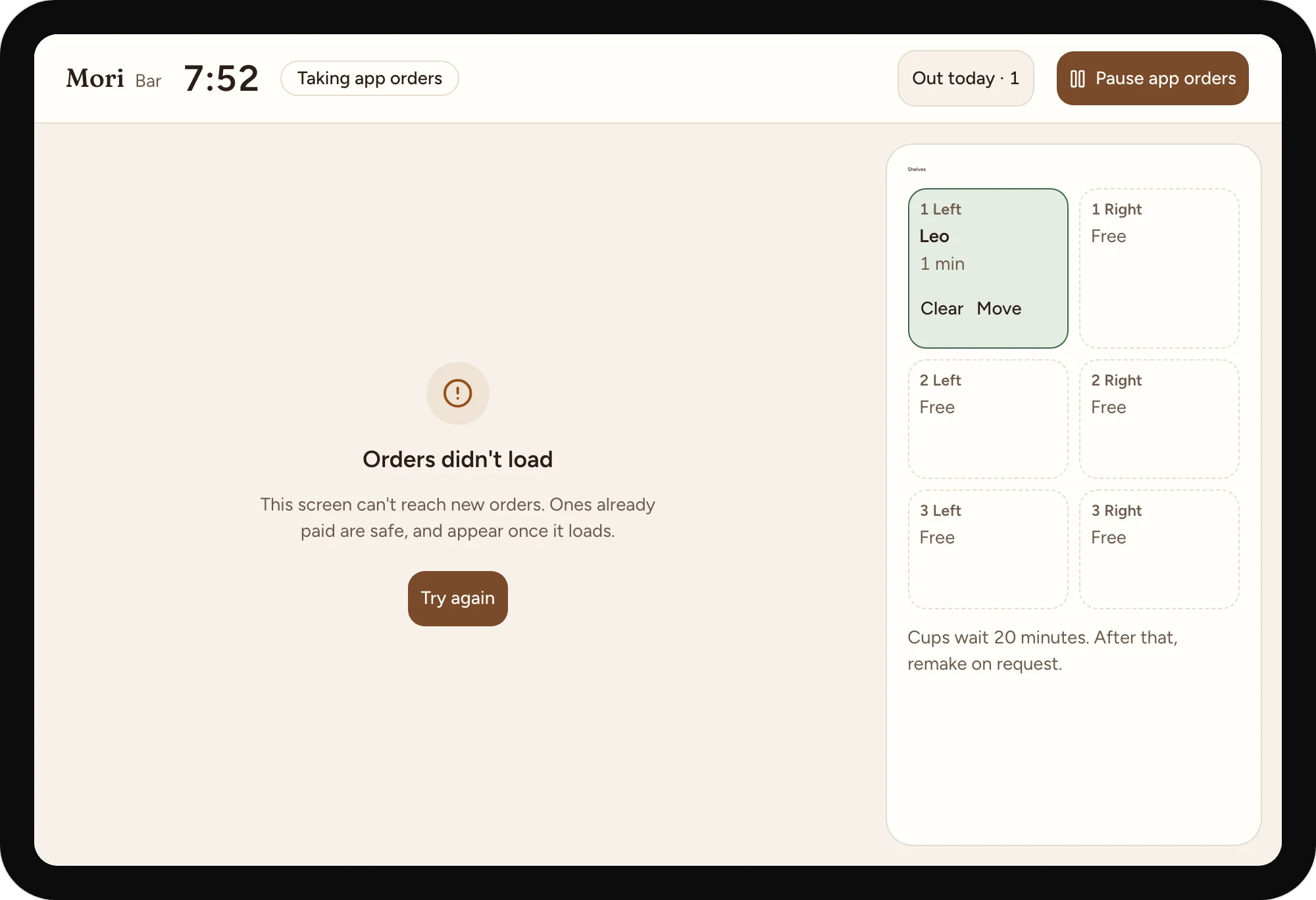
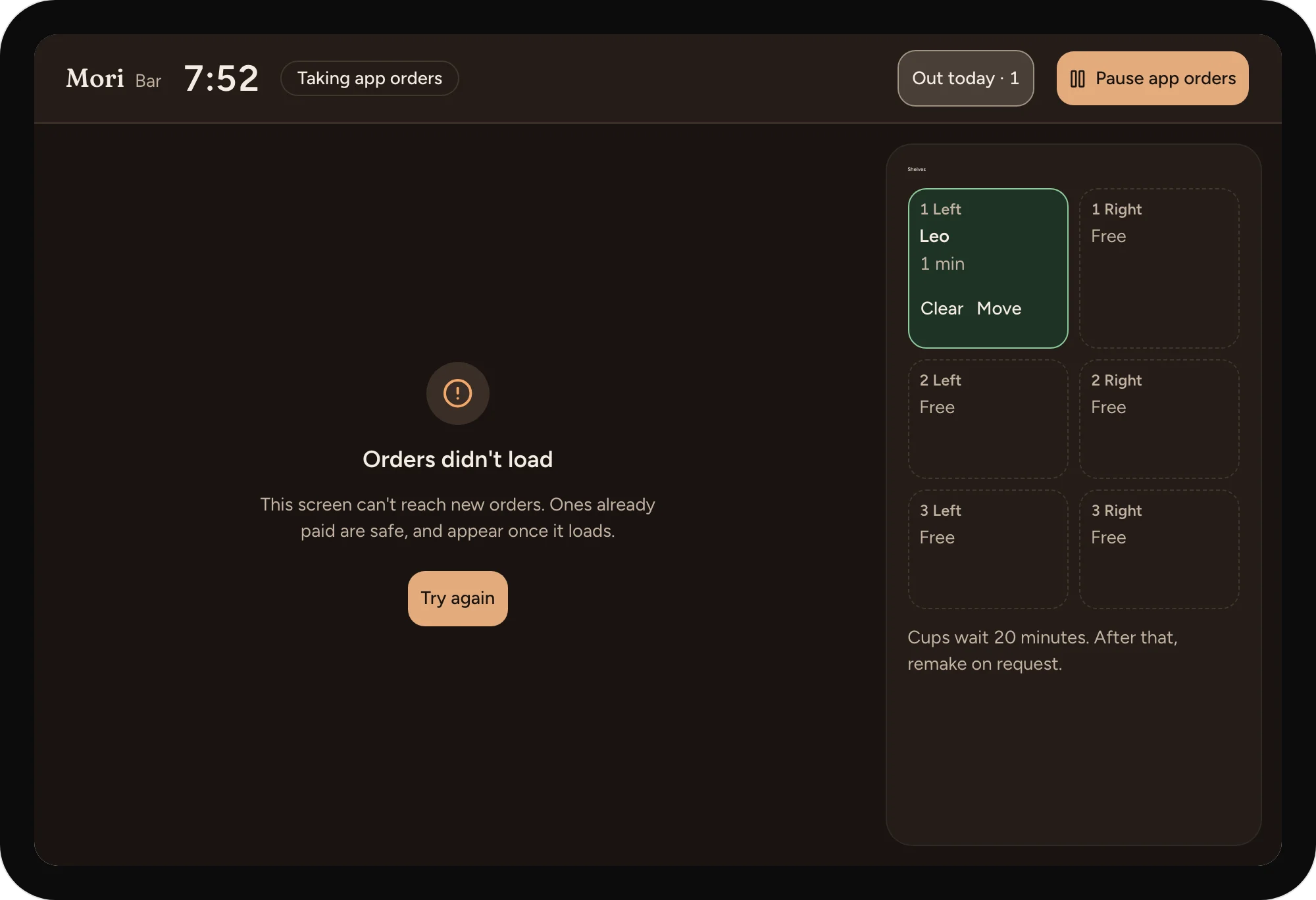
A queue that can't load
Says what's safe, and what to tap.
09
After the rush, and the evening before.
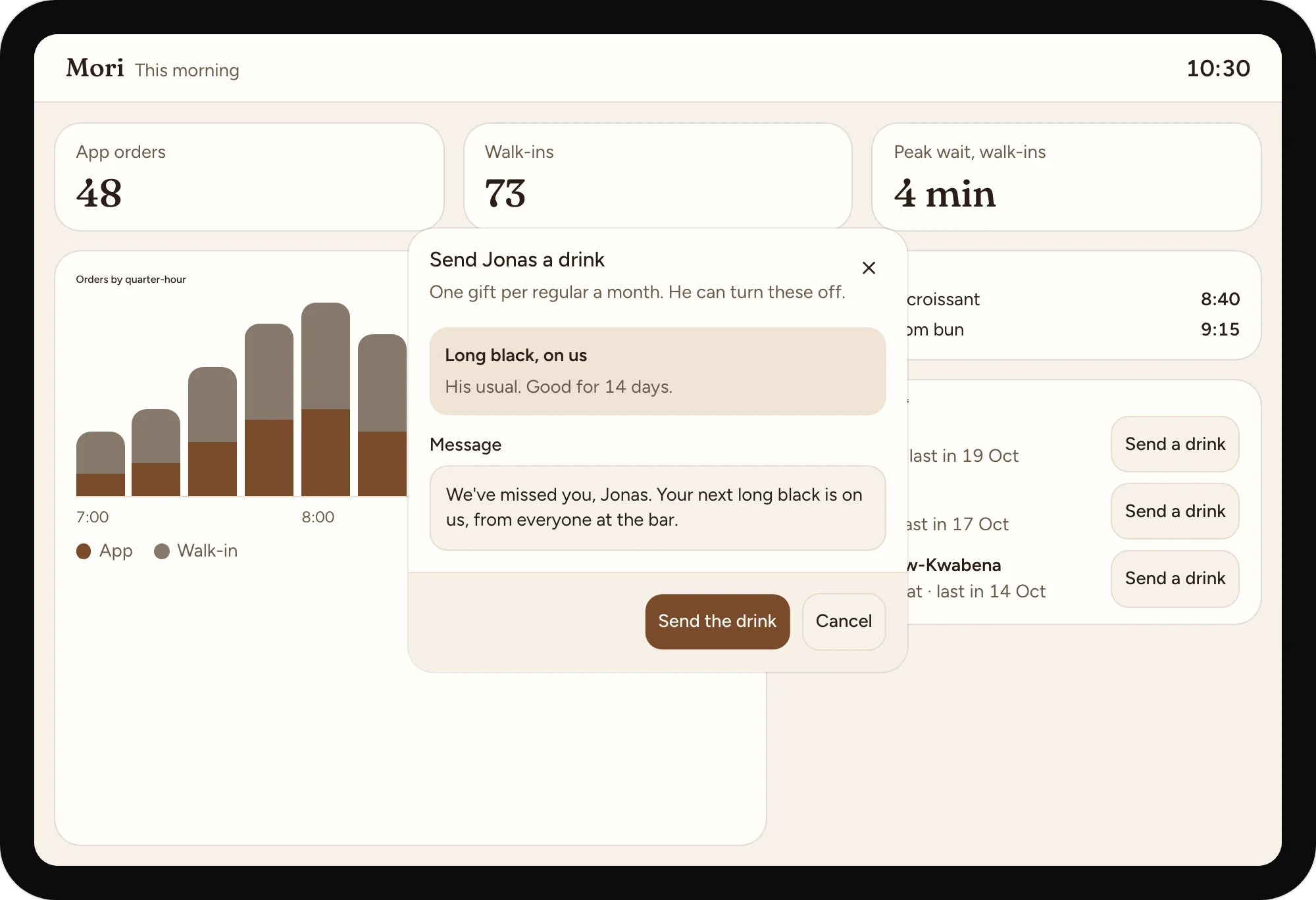
The morning, by quarter-hour
App and walk-in orders, what ran out and when, and the walk-in wait the app must not raise.
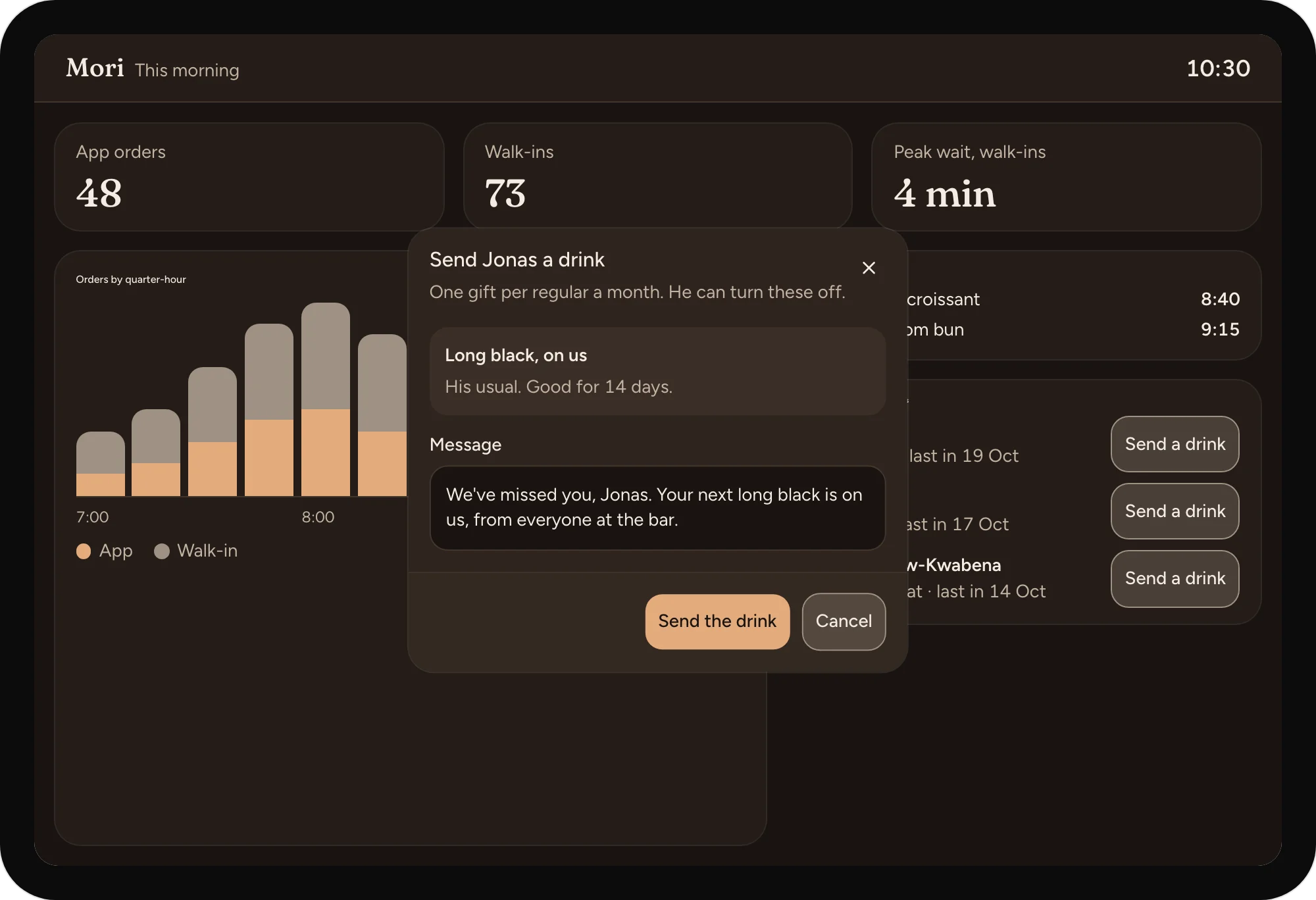
A drink for a regular who drifted
The owner sends the regular's own usual with a message, and caps it at one a month.
A suggestion, with its reason
The forecast proposes. The owner changes a number and approves.
10
Loading, a morning with no orders yet, and a board that can't load.
The board, loading
The cards keep their places while the numbers come in.
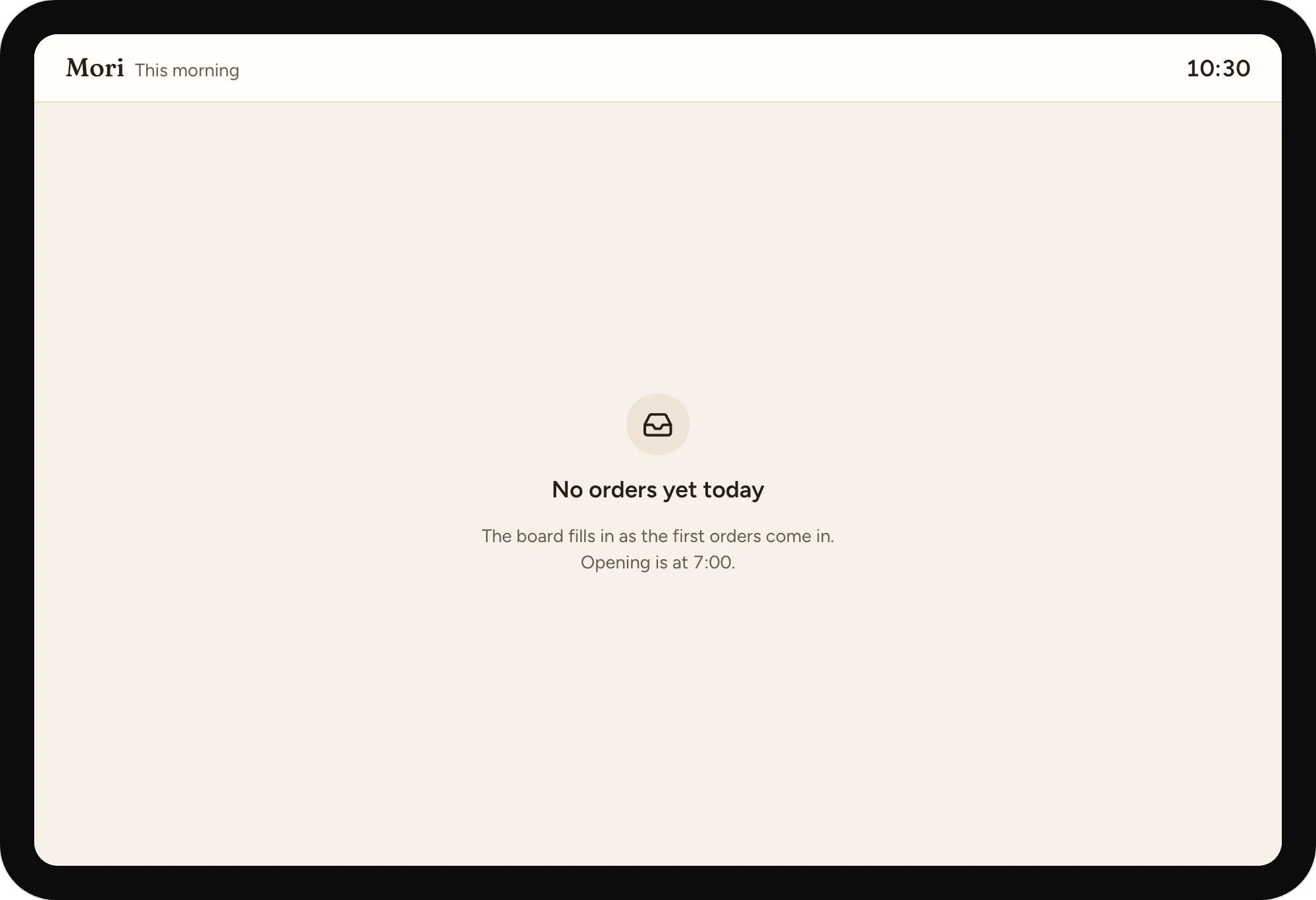
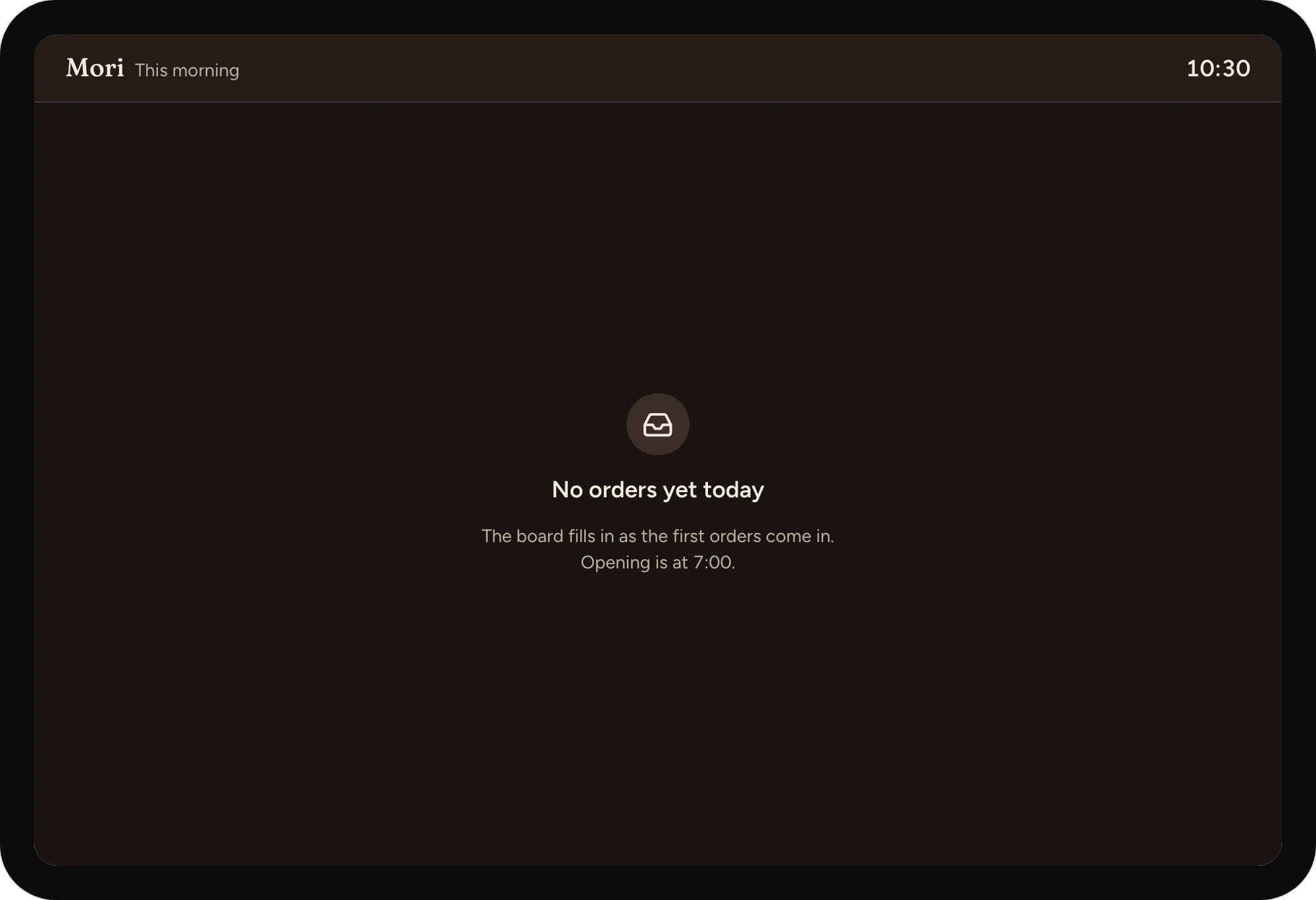
A morning with no orders yet
Says when it fills in.
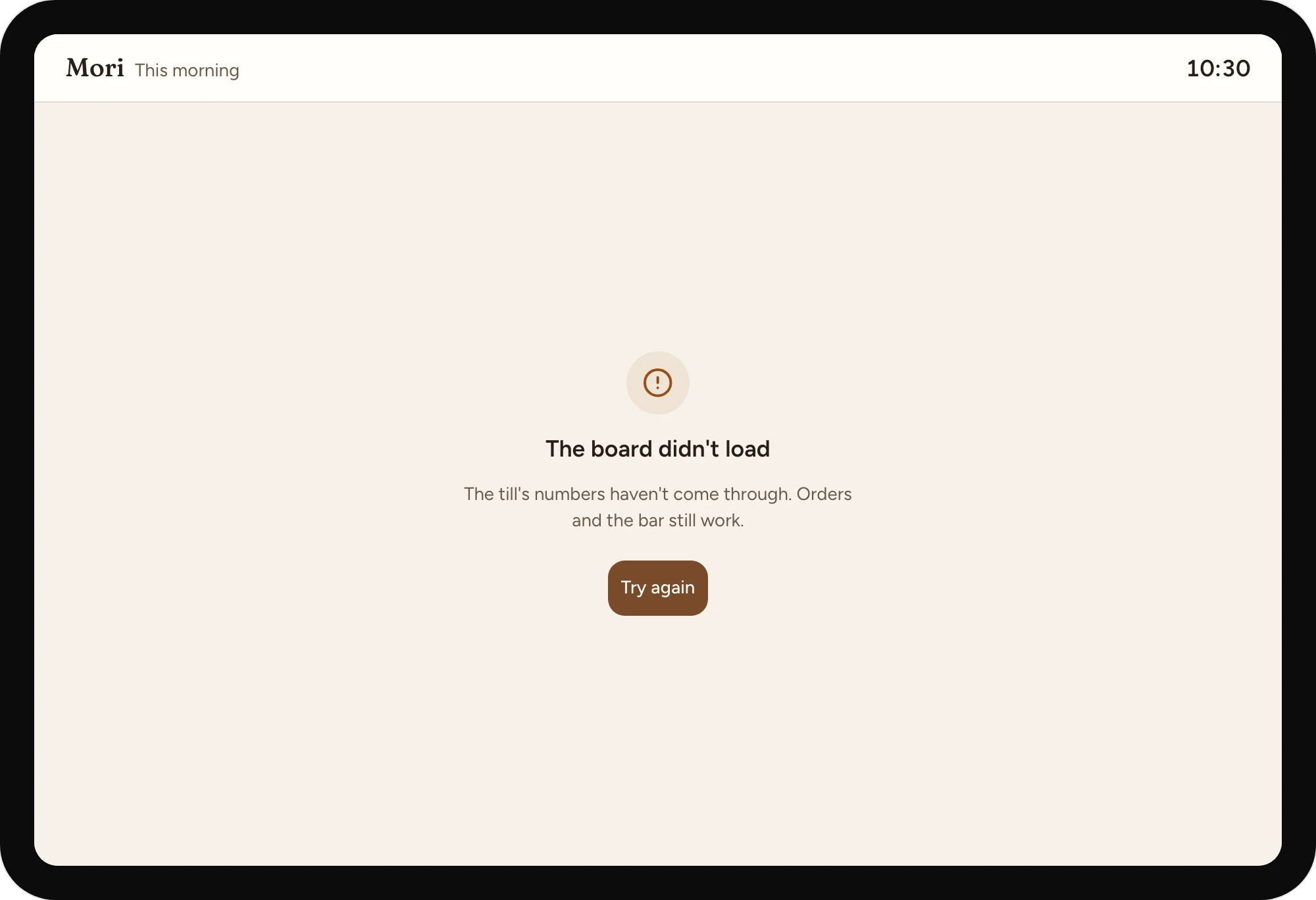
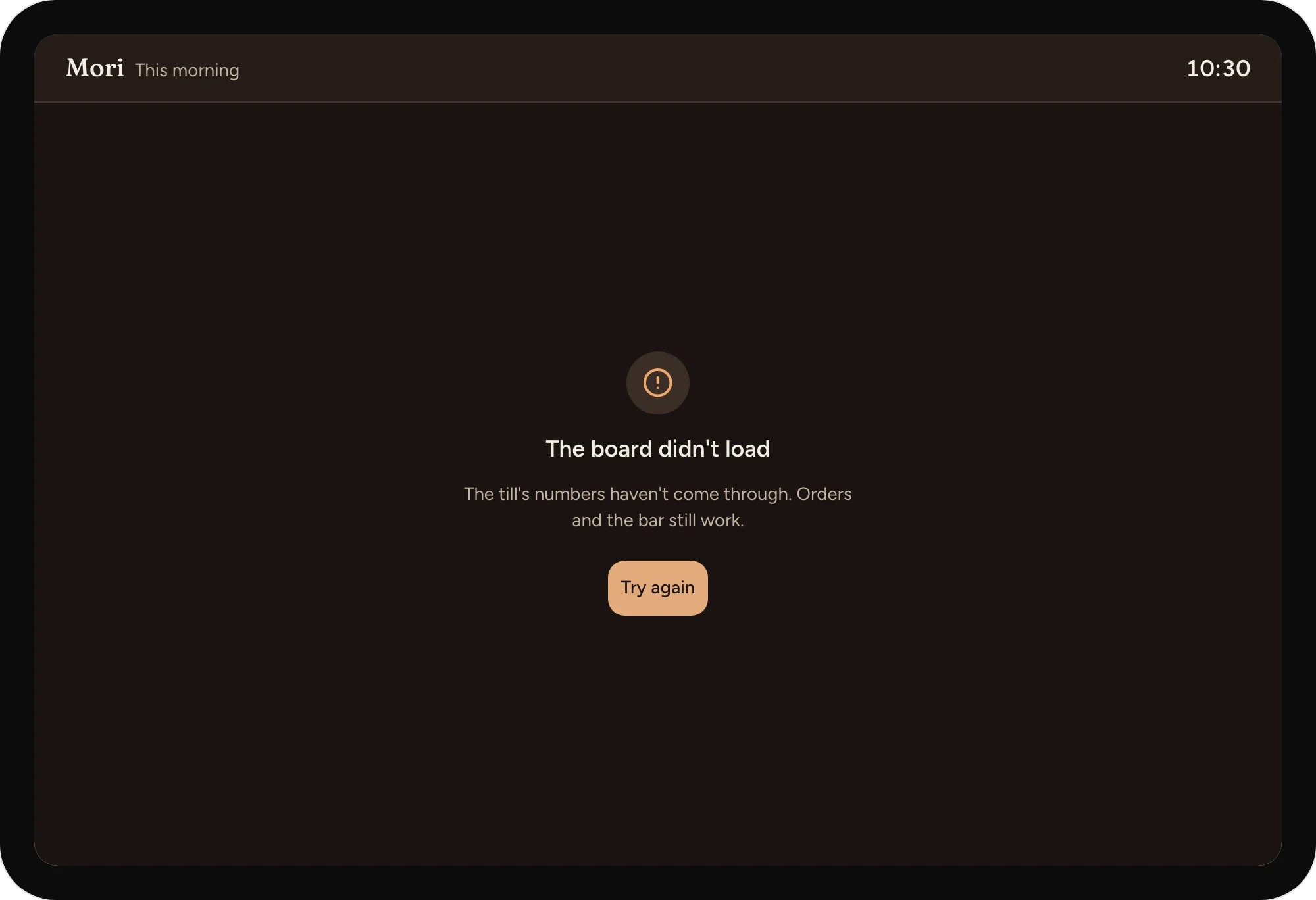
Numbers that didn't come through
Says what still works while the board is down.
A day with it
Each step happens on one side: the customer's phone or the team's screen. Here is the day, in order.
Skip the dayCustomer01 / 05
On the tram, a regular opens the app. It's already on their usual, an oat flat white, so they choose "ready at 8:10" and tap once.
Team02 / 05
The bar screen slots the order into 8:00 to 8:15 with five others, in pickup order. Walk-ins keep their place at the till.
Team03 / 05
A barista writes the name on the cup and sets it on shelf 3, left. One tap on Ready tells the customer.
Customer04 / 05
The phone says "Shelf 3, left". The regular picks up their cup, says hello on the way out, and is one drink closer to a free one.
Team05 / 05
In the evening, the owner sees tomorrow's suggestion, with its reason: rain is forecast, so more pastries and the second barista in at 7:15. They change one number and approve.
The full time is shown but can't be picked, with the reason, and the next free slot is chosen for you.
It shows as "Out today" on the drink's sheet before anyone pays; nothing is charged for a drink the bar can't make.
One tap on the bar screen pauses new app orders until the rush clears; the app offers the first time after it, and orders already in stay in.
The cup waits on its shelf for 20 minutes, and the app says until when. After that the bar remakes it on request.
The order isn't sent to the bar until the payment goes through; the app says nothing was charged, holds the slot for five minutes, and offers another way to pay.
The usual and the last pickup time are kept on the phone, so the app opens on them and sends the order when the signal returns.
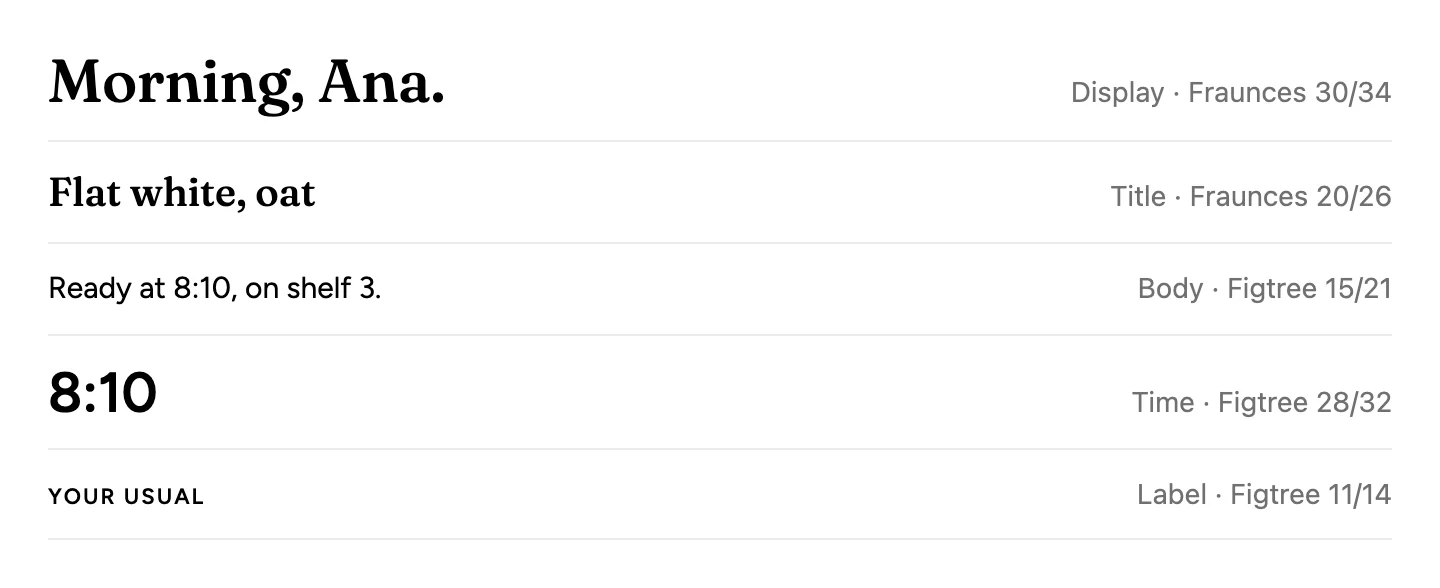
Warm paper, roasted brown and one green for "ready". Fraunces for drink names and the shop's voice, Figtree for everything you tap. Every target is at least 44 points, every text colour passes 4.5:1, and the bar screen reads from two metres. - **Platforms.** The customer app is iOS, on Apple's Human Interface Guidelines, with Liquid Glass on the tab bar and bar buttons only. No source says which phones Mori's customers carry, so iOS is an untested assumption (`RS-0003` limitations). The bar and owner tablets use shadcn/ui on the case kit (DR-0054). - **Built from.** `projects/cases/mori-coffee/` (DR-0055): tokens in light and dark, every screen and state, and the living prototype with the phone and the bar synced. - **Why it looks this way.** Full and paused times stay on screen with their reason, and the next free time is picked (`IN-0008`). Only the barista's Ready tap tells the customer, and it always names the shelf (`IN-0009`, `IN-0004`). Rewards are ten cups that start at one, paid per order with no stored balance (`IN-0003`, `IN-0010`). A first order asks for a first name only (`IN-0002`). App orders are capped per quarter-hour so walk-ins keep their place (`IN-0001`). - **Departures from the platform.** None on iOS. Orders carry one item; a basket is left for later (see the study's limitations).
Colour
Light
Dark
Type
Parts
Rules
Before designing screens: two mornings behind the bar counting queue length and walk-aways every 15 minutes, five short interviews with regulars, and a month of till data.
Before any screen was designed.
Week 1 · Research
Two mornings behind the bar at peak, the interviews and the till data.
Week 2 · Design
The flow tested on paper with regulars, then the screens and a prototype at the counter.
Week 3 · Build
The app, the bar screen and the board, released to twenty regulars on Friday.
Week 4 · Launch
Fixes from the first week, then open to everyone, with the paper cards honoured in the app.
From us: a product designer, a researcher and two engineers. From Mori: the owner and both morning baristas, who tested every screen at the bar.
First
My usual, pickup timing, the shelf, rewards.
Next
The morning board, pastry forecasting, gift drinks.
Reservations and daily sales
Receipts to books
Departures and profit per trip
Book a free call to talk it through, or start with a free check of your website.